

Today, I will be playing Grand Theft Auto: Vice City Stories on my Redmi Note 10 Pro. The best part about this game is that it is a highly compressed version, coming in at just 60MB to 80MB depending on the version you choose to download. This specific PSP file has been compressed down from its original 1.5 GB size.
To run it, I’ll be using the latest version of the PPSSPP emulator, which you can download directly from the Google Play Store. Testing this on my Redmi Note 10 Pro—a reliable mid-range device powered by the Snapdragon 732G and an Adreno 618 GPU—will give us a great baseline. If it runs smoothly here, I can confidently say this game will work on almost any Android device.
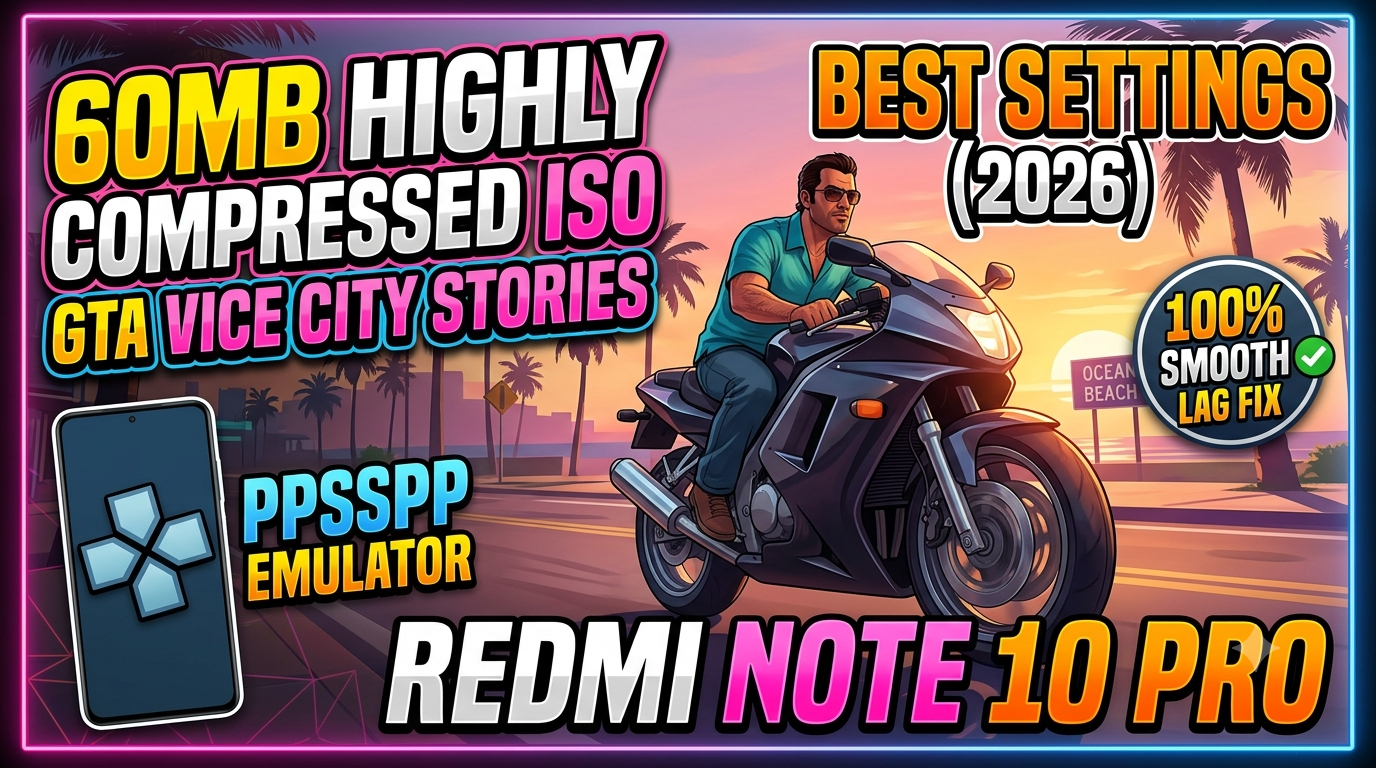
Grand Theft Auto: Vice City Stories is an open-world, third-person developed by Rockstar North (alongside Rockstar Leeds) and originally published by Rockstar Games on October 31, 2006, for the PlayStation Portable.
Looking to relive the neon-lit 1980s on your phone? You can play Grand Theft Auto: Vice City Stories (VCS) on your Android device or PC using the PPSSPP emulator. While the original uncompressed game takes up over 1.5 GB, highly compressed versions can compress the data down significantly, making it incredibly easy to download and install.
Check out the Video Gameplay/Testing i made for this blog post on our Channel:
Below is the complete, updated guide on how to get the game running smoothly, along with the absolute best settings to fix lag and audio stuttering.
What is GTA: Vice City Stories?
There is a common mix-up among gamers: GTA: Vice City (released in 2002 for PS2 starring Tommy Vercetti) is a different game from GTA: Vice City Stories (released in 2006 for the PSP).
Vice City Stories serves as a prequel set in 1986, following the story of Victor Vance, a soldier trying to build a criminal empire to support his family. Because it was built specifically for the PlayStation Portable (PSP), it is the perfect title to run flawlessly on the mobile PPSSPP emulator.
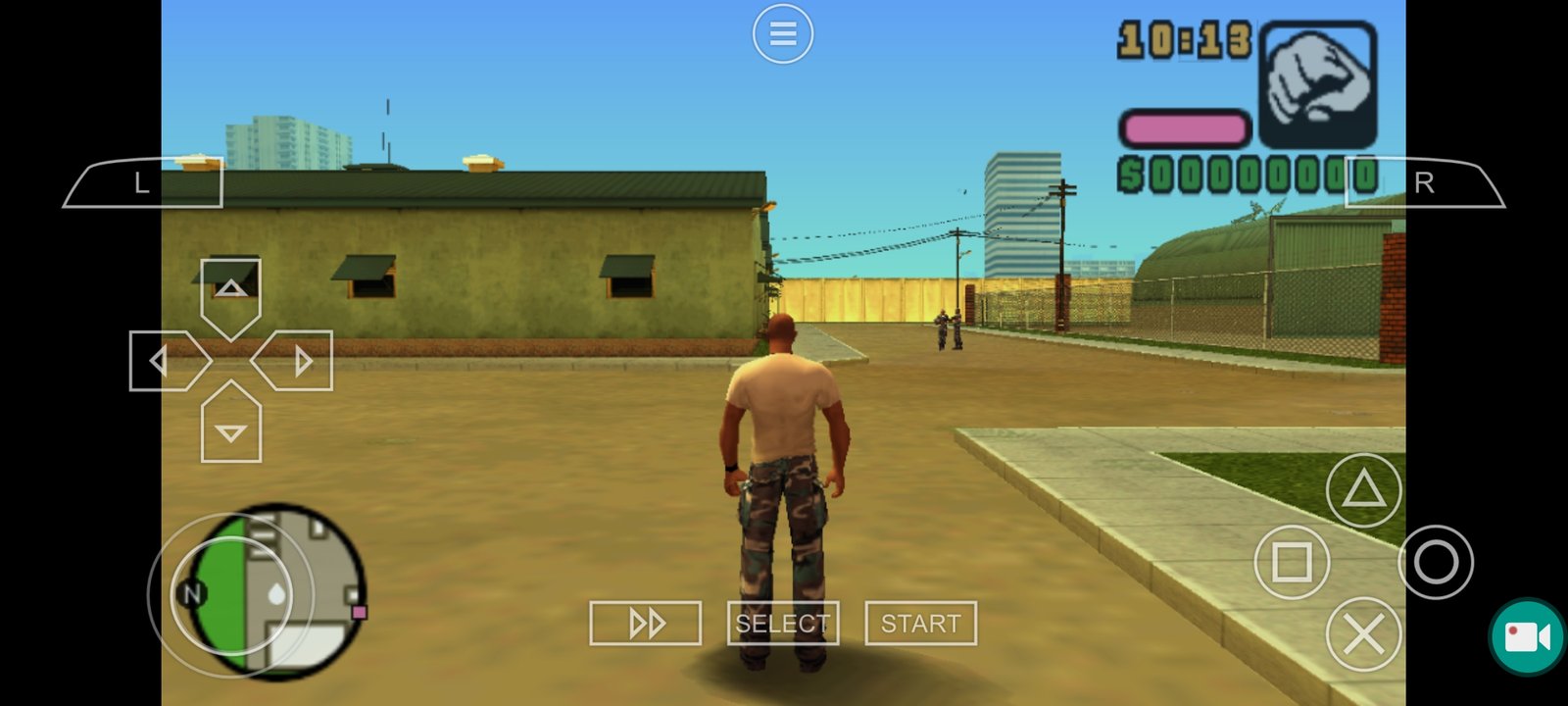
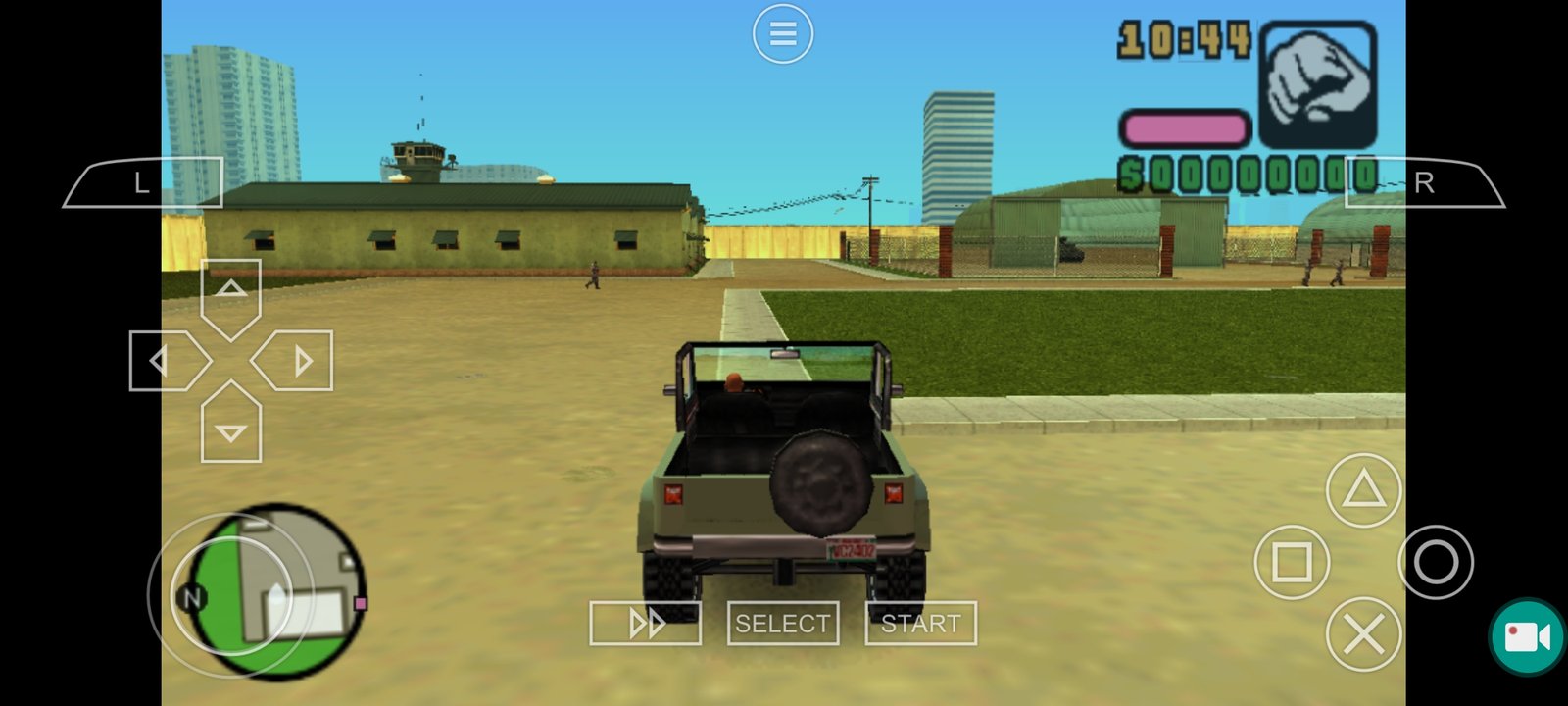
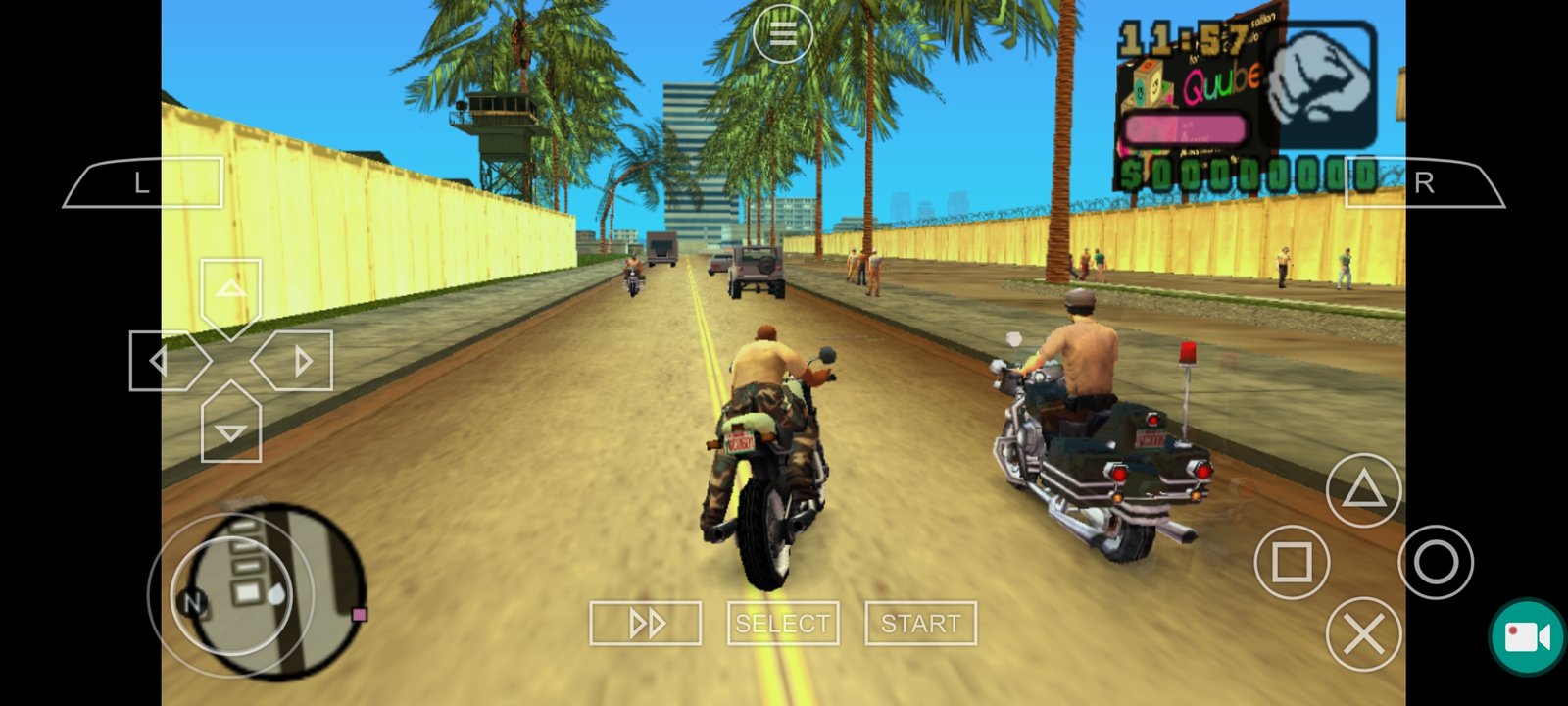
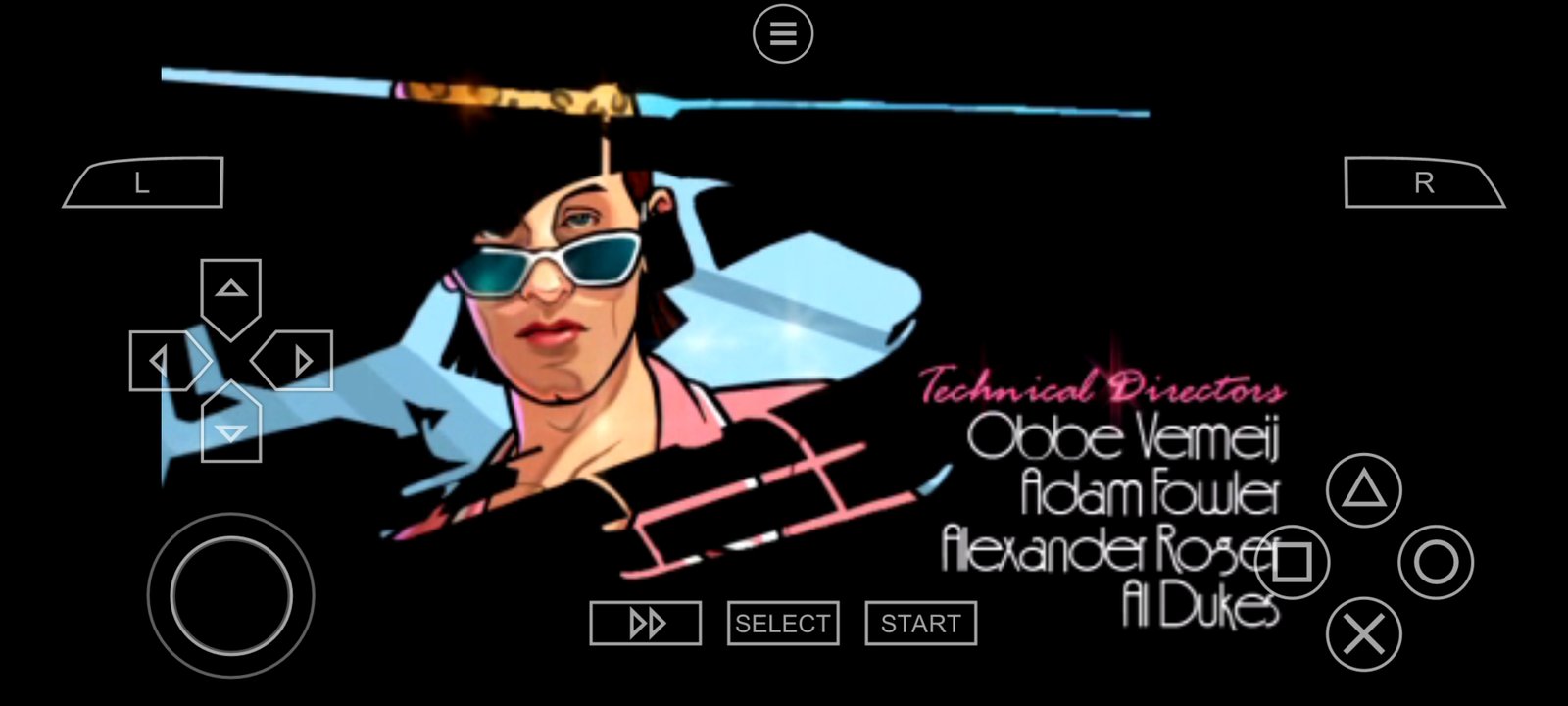
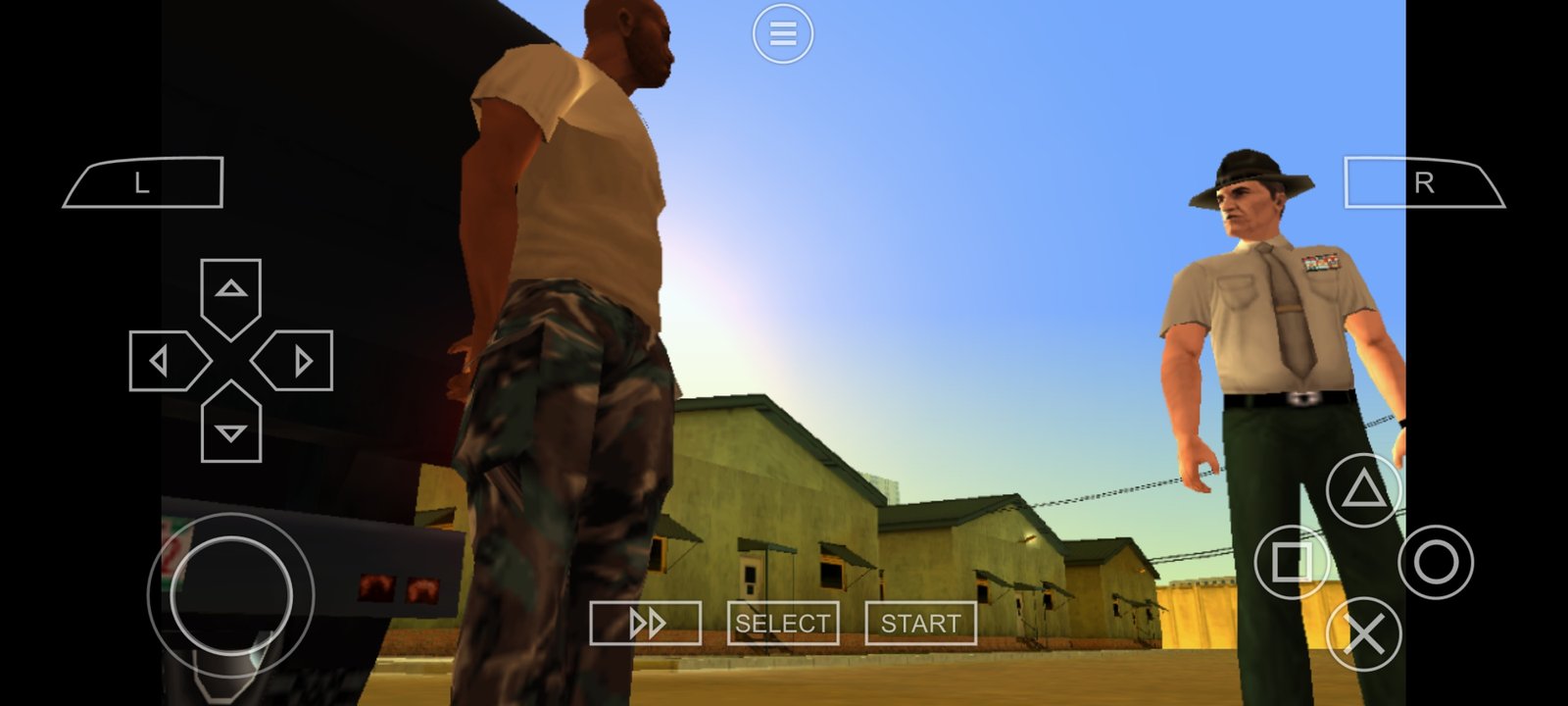
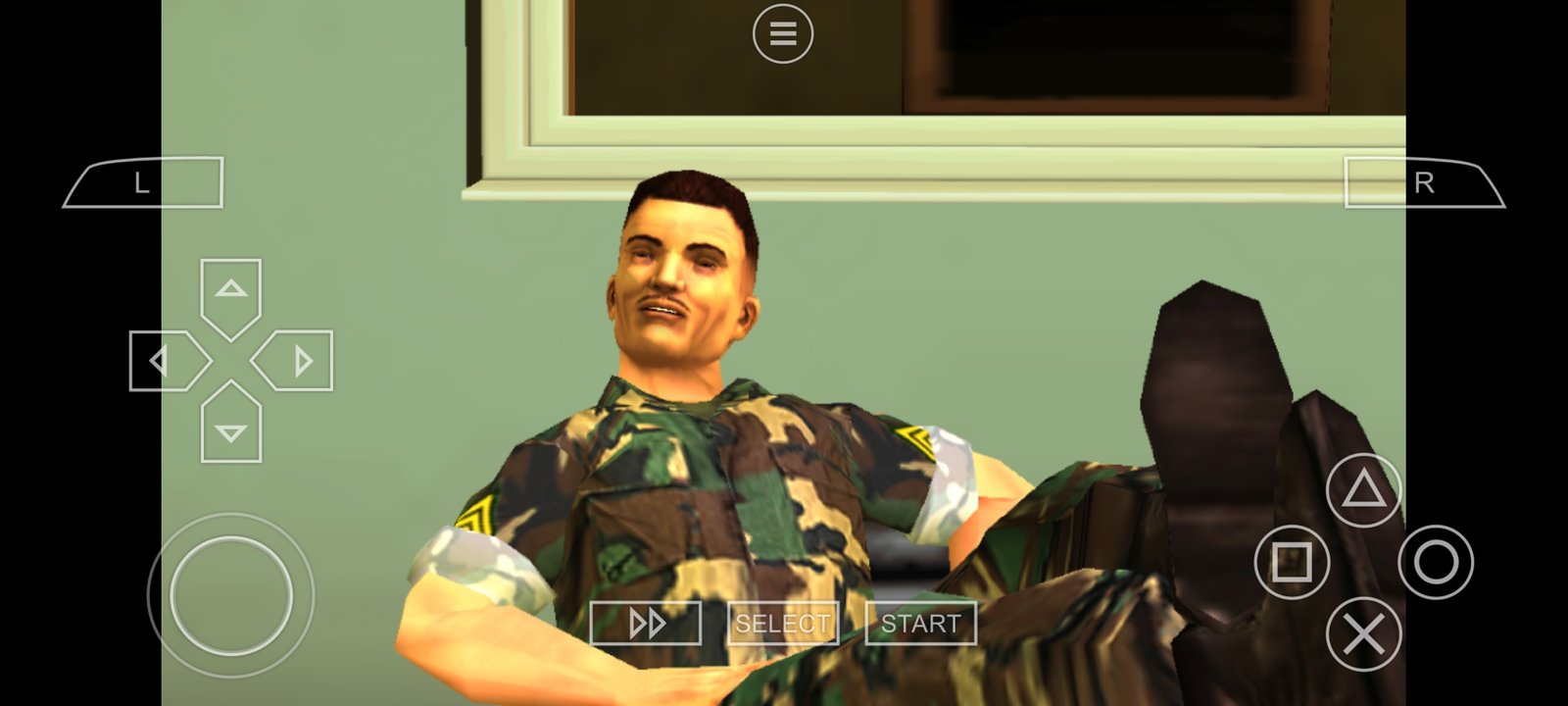
Screenshots and Images from my Redmi Note 10 Pro:
Minimum Hardware Requirements
Modern smartphones can emulate PSP games easily, but to get full speed ($60\text{ fps}$) without overheating your device, aim for these baselines:
| Component | Minimum Requirement | Recommended |
| OS | Android 5.0+ or Windows 10/11 | Android 10.0+ |
| RAM | 2 GB | 4 GB or higher |
| Processor | Quad-Core ($1.5\text{ GHz}$) | Octa-Core (Snapdragon / MediaTek) |
| Graphics | Vulkan Backend Support | Vulkan Backend Support |
Different versions and sizes available for download
Before downloading the ISO file, it’s worth noting that there are different versions and sizes available. The size of the file will determine how much space it will take up on your device. Additionally, there may be different versions of the game, such as the standard edition or a special edition with extra features.
When searching for the ISO file, make sure to read the descriptions carefully to ensure you are downloading the version and size that you want.
Right now, you might see multiple files available, ranging from 60 MB up to 500 MB. While their download sizes are vastly different, you only need one file to actually play the game. However, how they perform depends entirely on which version you choose:
| Download Size | Extracted Size (ISO) | Features & Performance |
| 60 MB | ~549 MB | Highly Compressed: Missing game audio, radio, and cutscenes. Includes minor gameplay glitches. |
| 140 MB / 350 MB | ~851 MB | Partially Compressed: Medium size, some audio or assets may still be missing. |
| 500 MB | ~1.5 GB | Full Version: Most complete version. Includes all original audio, voiceovers, radio, and full story cutscenes. |
⚠️ Important Note: If you download the 70 MB version to save space on your phone, you will not get the full experience. The sound and most of the cutscenes have been removed by the creators to shrink it down. If you want the complete nostalgic experience with full audio, go for the 500 MB file.
Game File Details
File Name: Gta vice city.iso
Format: ISO / CSO (Highly Compressed)
Available Compressed Sizes: 70MB (Ultra) | 140MB | 350MB | 500MB (Standard)
Publisher: Rockstar Games
Download Links:
DOWNLOAD GTA Vice City Stories PSP PPSSPP ISO ROM COMPRESSED(140MB)(Mediafire Link)
Download GTA Vice City Stories PSP PPSSPP ISO ROM Highly Compressed (60 Mb) (Zippyshare Link)
Download GTA Vice City Stories PSP PPSSPP ISO ROM Highly Compressed (350 Mb) (Mediafire Link)
Download GTA Vice City Stories PSP PPSSPP ISO ROM Highly Compressed (500 Mb) (Google Drive Link) Extraction Password: NOBITA2022
Use this password when extracting: NOBITA2022How to Extract the Game Files
When you first download the game onto your phone, it will be in a compressed .7z (7-Zip) format. The PPSSPP emulator cannot run this directly; you must extract it into an .ISO format.
To do this, you will need a file manager on your phone. You can use the EX File Explorer or ES File Explorer/Manager. I highly recommend using ES File Manager because it is incredibly user-friendly, and it’s what I am using for this demonstration.
Step-by-Step Extraction Guide:
Open your File Manager and locate your downloaded
.7zfile.Long-press on the file to select it.
Tap on More (usually three dots) in the bottom corner.
Click on Extract to.
Select Current path and press OK.
🔐 Extracting the 500 MB Version (Password Required)
Unlike the smaller versions, the highest quality 500 MB file is password-protected. When prompted during extraction, type the password exactly as shown below:
Password: NOBITA2022
Note: Make sure there are no accidental spaces at the beginning or the end of the text!
How to Install and Play on your Smartphone:
Follow these steps carefully to extract and load your game without hitting a “black screen” error.
Best PPSSPP Settings for 100% Game Speed
If you experience choppy audio or lagging frames, it usually means your graphics settings are pushed too high. Use these updated configurations to stabilize your performance:
Graphics Settings
Backend: Vulkan (Switch to OpenGL if your device doesn’t support Vulkan, but Vulkan is vastly faster on modern phones)
Mode: Buffered Rendering (Skip Buffer Effects can sometimes cause missing textures in GTA)
Frame Skipping: Off (Set to
1orAutoonly if your device is severely lagging)Alternative Speed: Unlimited
Rendering Resolution:
2x PSP(Drop to1x PSPfor budget phones; increase to3xor4xfor high-end flagship devices)
Performance & Speed Settings
Hardware Transform: On
Software Skinning: On
Lazy Texture Caching: On (Massive speed booster for open-world games)
Disable Culling: On
Skip GPU Readbacks: Skip
Activating Cheats (cheat.db)
Want infinite health, armor, or a spawned tank? You can activate standard PSP gameshark codes by utilizing a database file.
Download a reliable, community-sourced
cheat.dbfile.Connect your phone to a PC or use ZArchiver to navigate to your system’s main storage directory:
PSP » SYSTEM.Drop the
cheat.dbfile directly into the SYSTEM folder.Launch PPSSPP, open the game pause menu, go to Settings » System, scroll down to Enable Cheats, and check the box. A new “Cheats” menu option will now appear whenever you pause your game.
Conclusion
If you are tight on storage, the highly compressed 70 MB version will let you play through the core missions, but you’ll miss out on the atmosphere. If you want the full story with all the dialogue, music, and cutscenes intact, definitely spend the extra data on the 500 MB version.
If you need my assistance with setting this up, or if you run into any issues, make sure to leave a comment or send me a direct message across our social media platforms or on YouTube.
Thank you so much, God bless you, and see you in the next one!