
Table of Contents
Hello welcome back! My name is Abiodun, and today we are looking at the essential, “must-install” Homebrew applications for the PS Vita. It is 2026, and the PS Vita isn’t just surviving—it’s thriving. Despite Sony moving on years ago, the “little handheld that could” has been transformed by a relentless homebrew community into the ultimate portable powerhouse.
psvita-plugins recommendations and installation guide
From playing PC ports like Half-Life and Night in the Woods to playing the original PSP and PS1 games on your Vita with Adrenaline emulator the Vita in 2026 is more capable now than it ever was at launch. Whether you’re looking to push your hardware with overclocking, revive a dying battery, or turn your console into a retro-gaming museum with RetroArch, this definitive guide covers the 15 essential apps and plugins you need to master your Vita today.
If you want to get the most out of your handheld, these are the picks that cannot be missing from your console:
Performance and Visuals
1. VitaGraphics
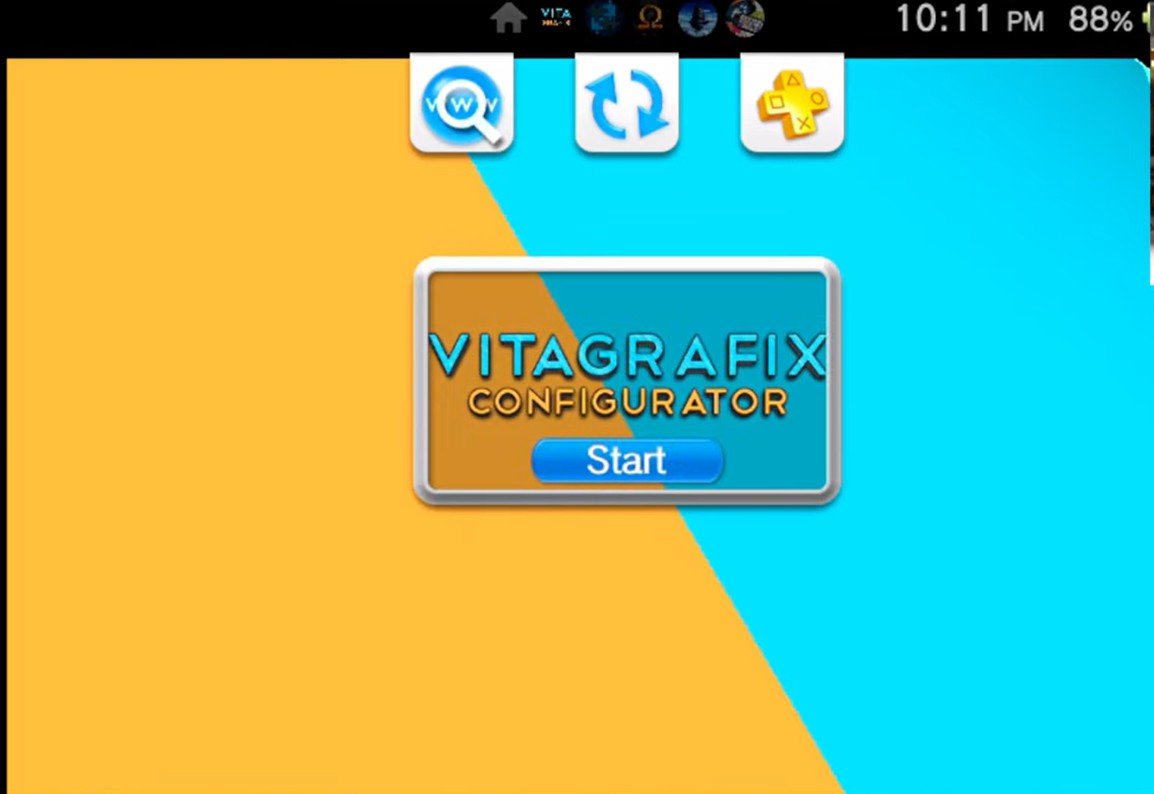
vitagrafix configurator
This is a game-changer. It allows you to change the resolution and FPS cap for native Vita games. Want better visuals or a smoother frame rate?
-
Example: I used this to lower the resolution of Resident Evil Revelations 2 to 640×360. The increase in frame rate was massive, and the visual trade-off was barely noticeable.
-
Compatibility: Not every game is supported, but many are. Check the VitaGraphics GitHub list for details on supported titles.
Read more: VitaGrafix Plugin For PS Vita / PlayStation TV: The Ultimate Graphics and FPS Guide
2. PSVshell (or PSVshell Plus)
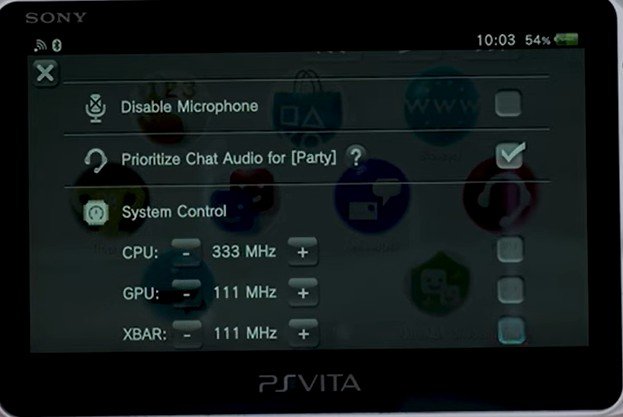
psvshellplus overclocking settings
The Vita is underclocked by default (running at 333 MHz instead of its designed 800 MHz). PSVshell lets you overclock the CPU/GPU up to 500 MHz.
-
Press Select + Up on the D-pad to bring up the menu.
-
Create custom profiles for each game to boost performance where it’s needed most.
Check out my complete guide: PS Vita Overclocking Guide 2026- Unlock Smoother Gameplay with PSVshellPlus Plugin by GrapheneCt
3. LCD Color Saturation (Slim Models Only)
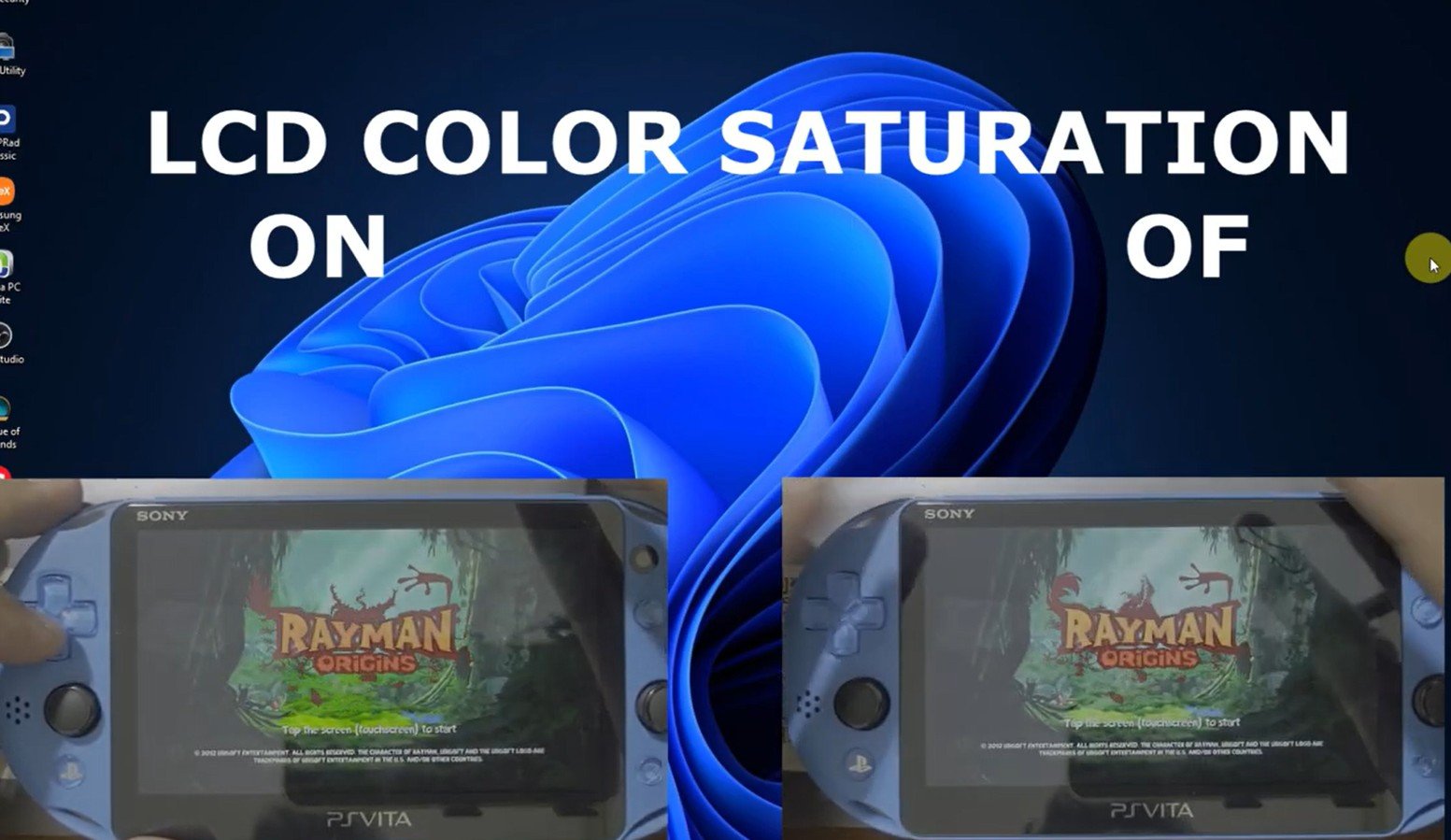
lcd color saturation plugin psvita slim comparison
If you own a PS Vita Slim (2000 series), this is a must-install. It enhances contrast and saturation significantly, making the LCD look much closer to the original OLED’s vibrancy.
Read more: LCD Color Saturation Plugin / VPK : Make Your PS Vita Slim Screen Look Sharper (Registry Editor)
System Utilities and Maintenance
4. Battery Fixer
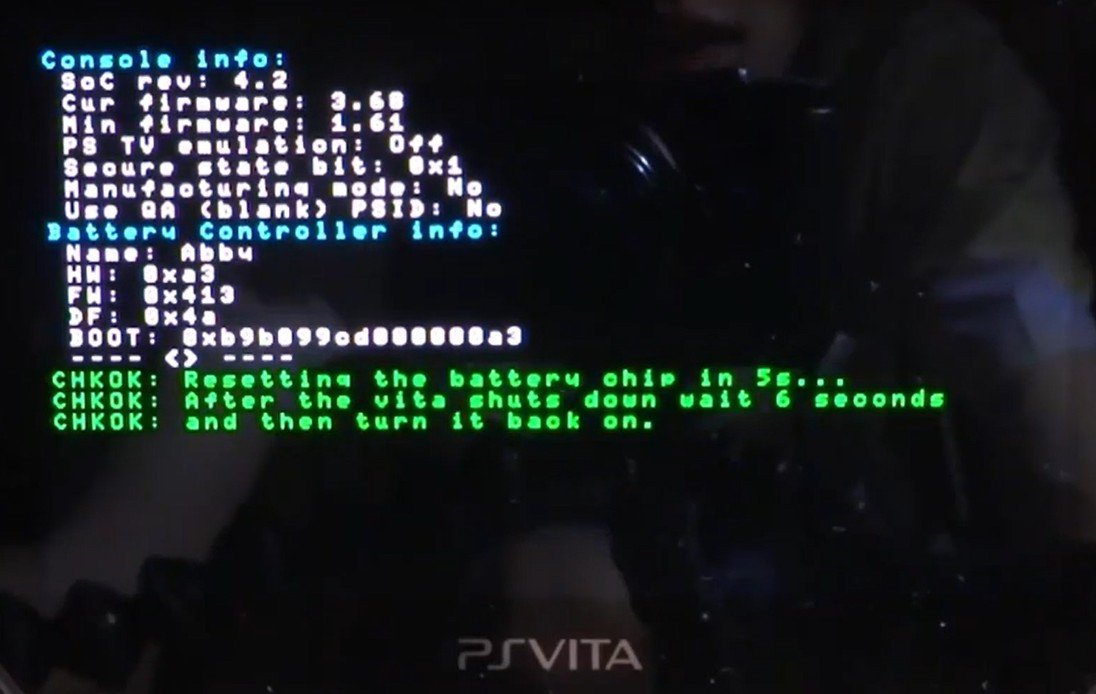
psvita battery fixer vpk plugin 2
Is your battery not charging fully or jumping from 50% to 0%? Battery Fixer resets the battery controller and clears calibration data. Try this before you spend money on a replacement battery. Check out my guide here: Battery Fixer Plugin/VPK: Fix PS Vita Battery Issues Without Opening Your Device
5. iTLS-Enzo
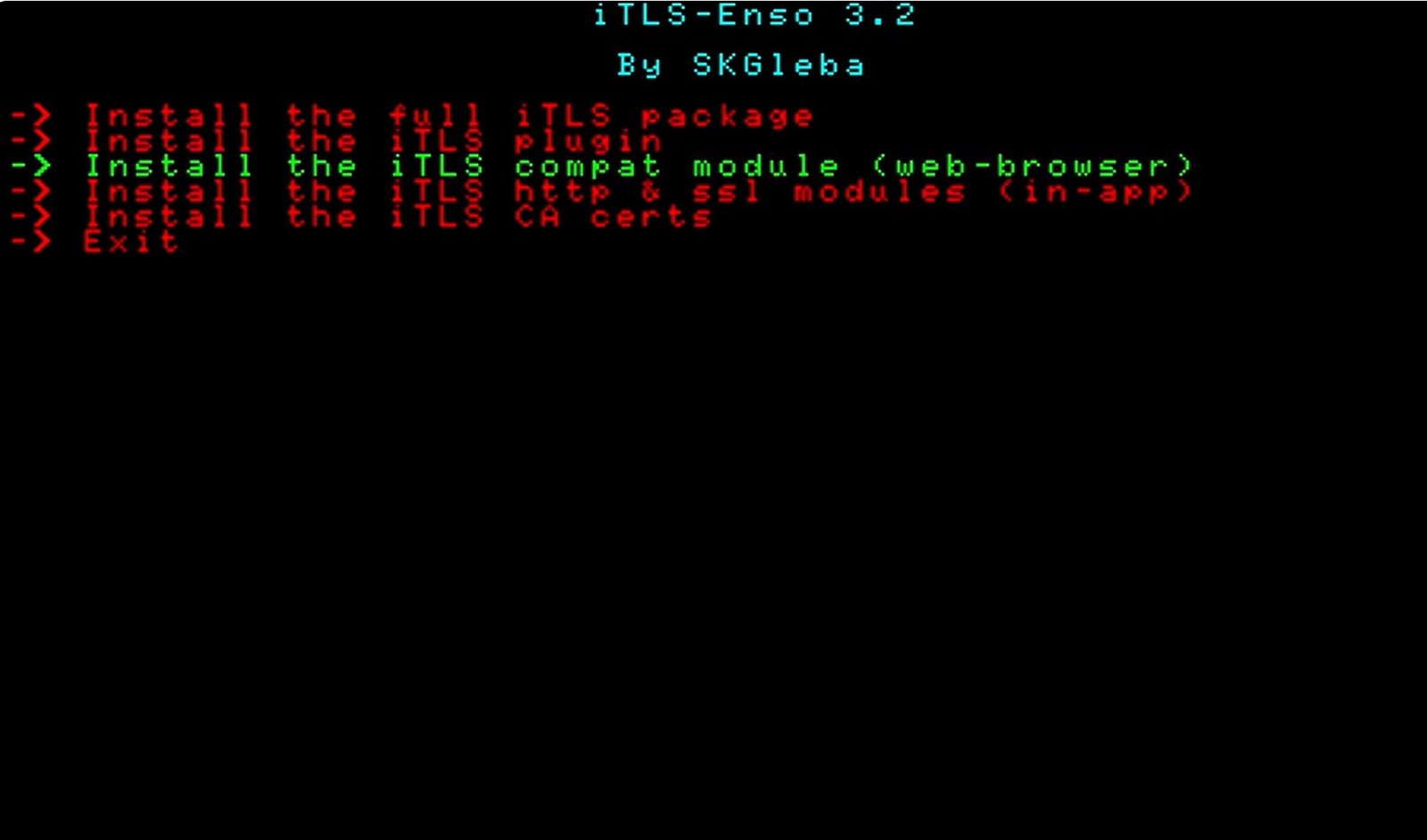 To do anything online in 2025, you need this. It adds modern TLS (Transport Layer Security) encryption to the Vita so you can access the browser and download tools without certificate errors. Read more: iTLS-Enso Plugin / VPK : FIX ERROR SSL C2-14900-4 and NW-8942-3 Error
6. VitaShell
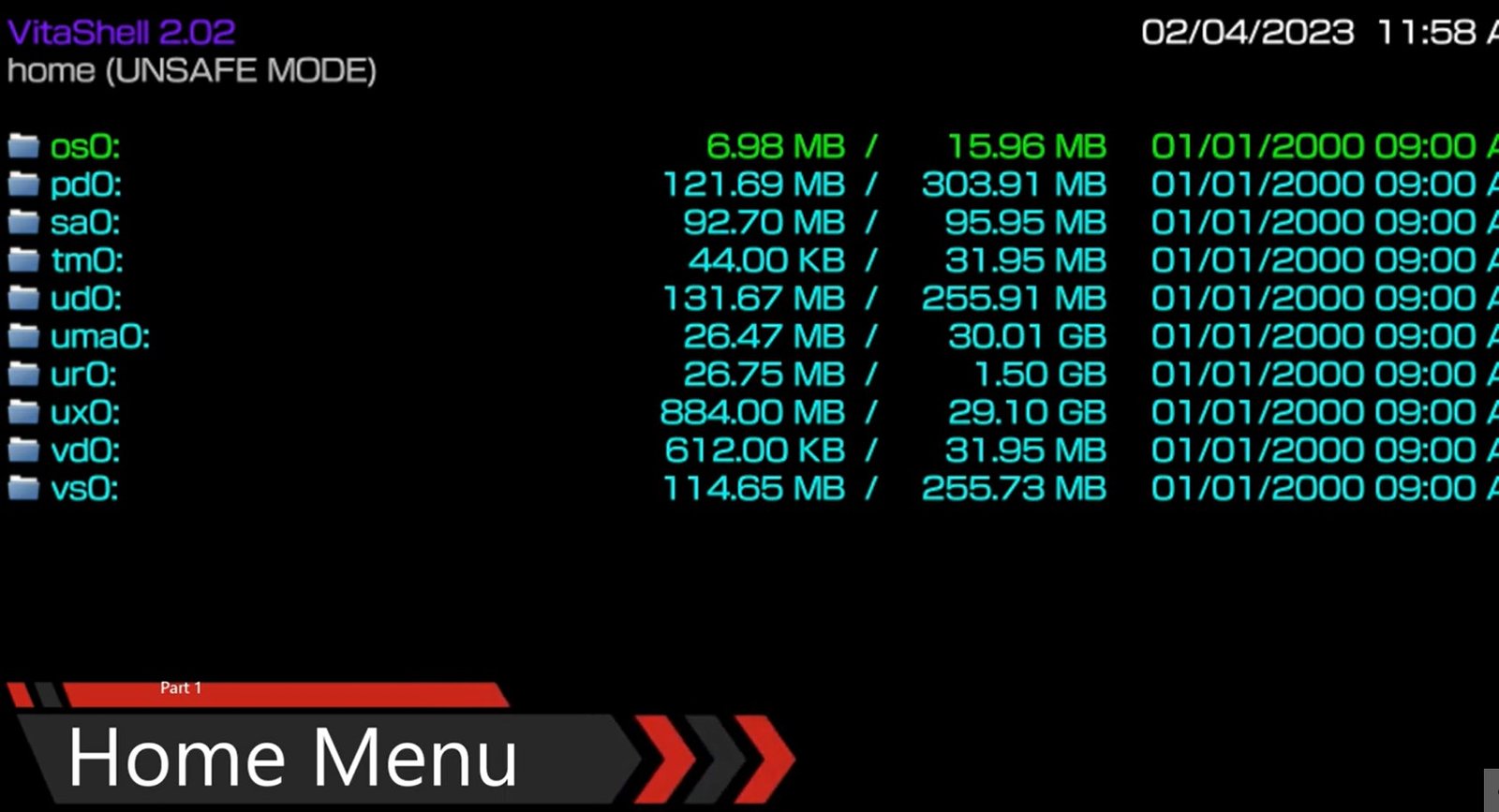
vitashell home menu
The legendary file manager. It’s more than just folders; it lets you:
-
Mount your SD2Vita or Sony Memory Card to a PC via USB.
-
Refresh your “Live Area” to make newly copied games appear.
-
Transfer files via FTP.
Check out my complete guide: VitaShell : PS Vita’s Best File Manager a Guide on Usage and How to Update
7. AutoPlugins 2
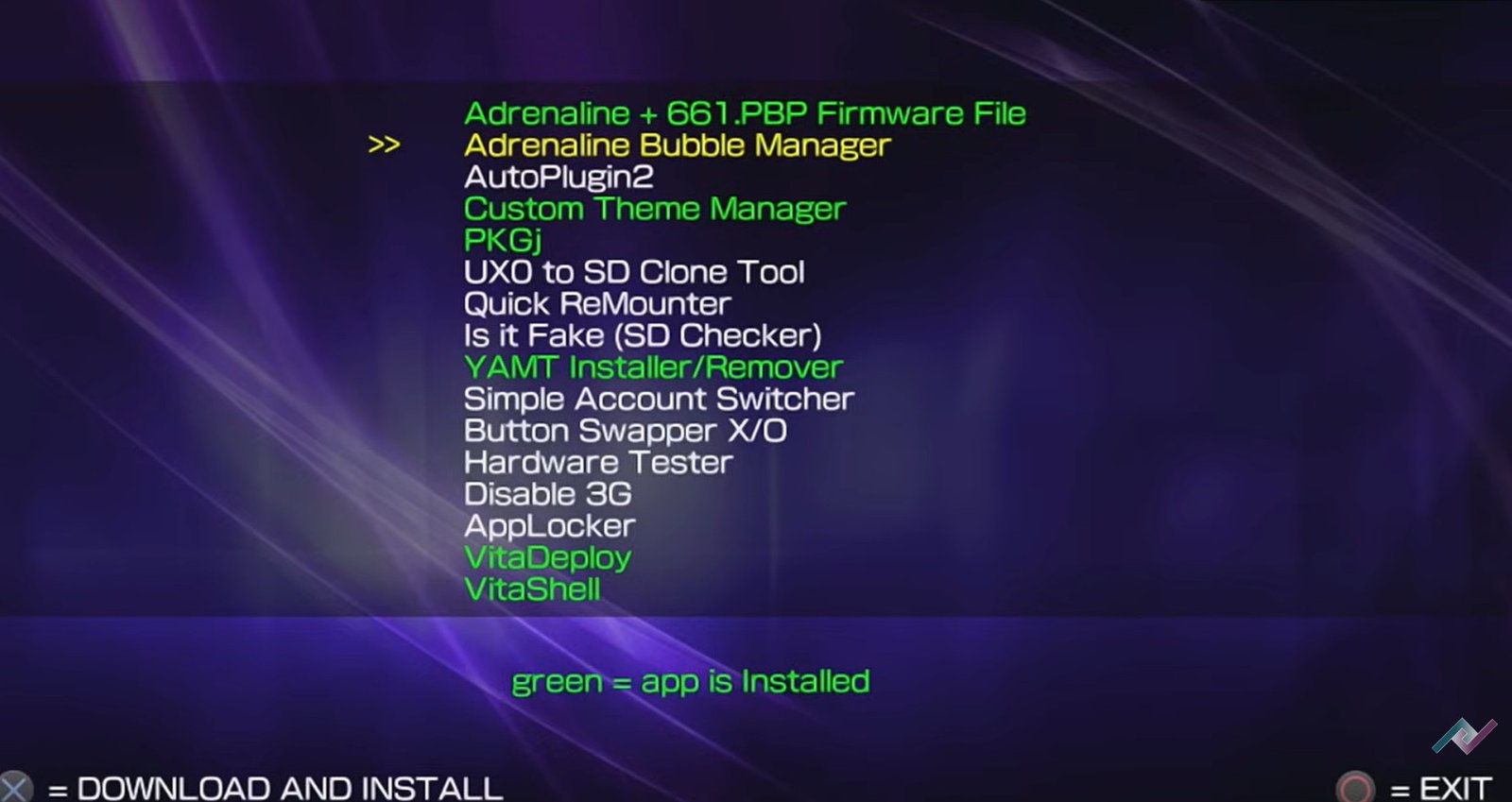
autoplugin 2 download quick app downloader 2
The best way to manage, download, and install plugins on your Vita is through Autoplugin 2. It handles the complex “config.txt” editing for you so you don’t accidentally “soft-brick” your setup by mistyping a file path. Read more: AutoPlugins 2 For PS Vita / PlayStation TV: Ultimate Installation guide No PC required
Gaming and Multi-Platform Support
8. Adrenaline
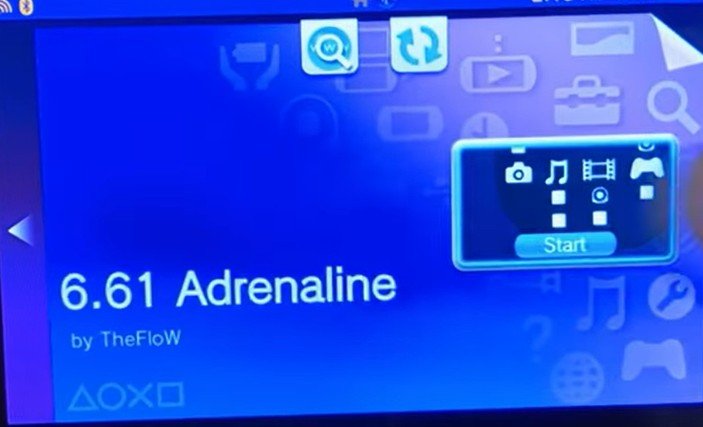
adrenaline launch
The definitive way to play PSP and PS1 games. It turns your Vita into a native PSP.
-
Pro Tip: In the Adrenaline settings, you can assign the right analog stick to act as the PSP buttons/D-pad, finally giving you dual-analog control in games like Monster Hunter or GTA.
Check out my settings and tutorials for this emulator here: PS Vita Adrenaline Guide 2026: Install PSP/PS1 Games with Custom Home Menu Bubbles
9. Mirage Installer
Sony shut down the Killzone: Mercenary servers years ago, but the community brought them back! Mirage Installer automatically installs the plugins needed to access private homebrew servers for online multiplayer.
`10. PKGj
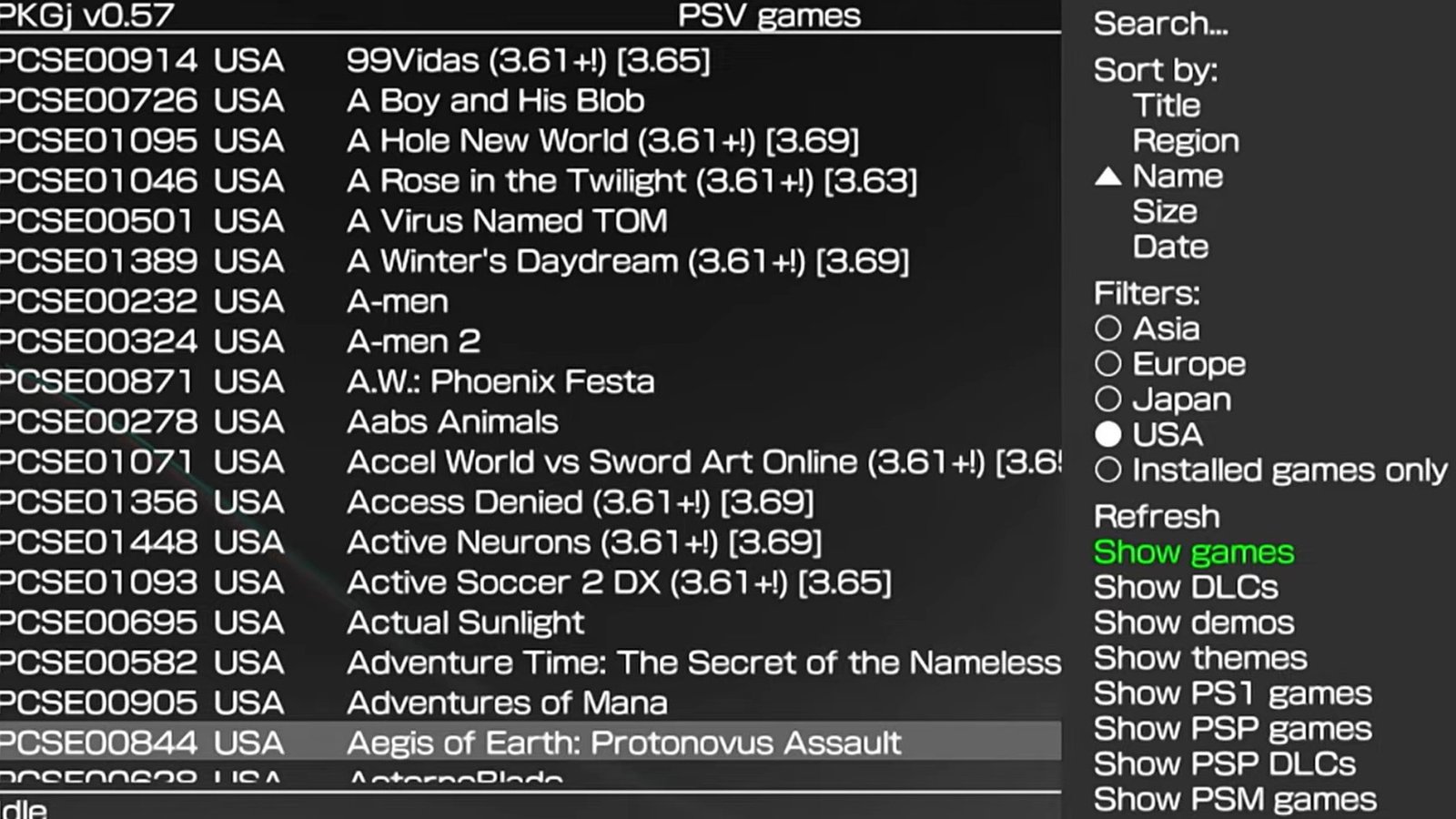
add cover art to games pkgj psvita 3
A must-have for managing your library. It allows you to install games, DLCs, and themes directly on the device. Note: Make sure iTLS-Enzo is installed first to prevent connection errors. Check out my guide on how to add cover to your games here: How to Add Game Covers to PKGJ on PS Vita (Step-by-Step Guide)
11. VitaDB Downloader
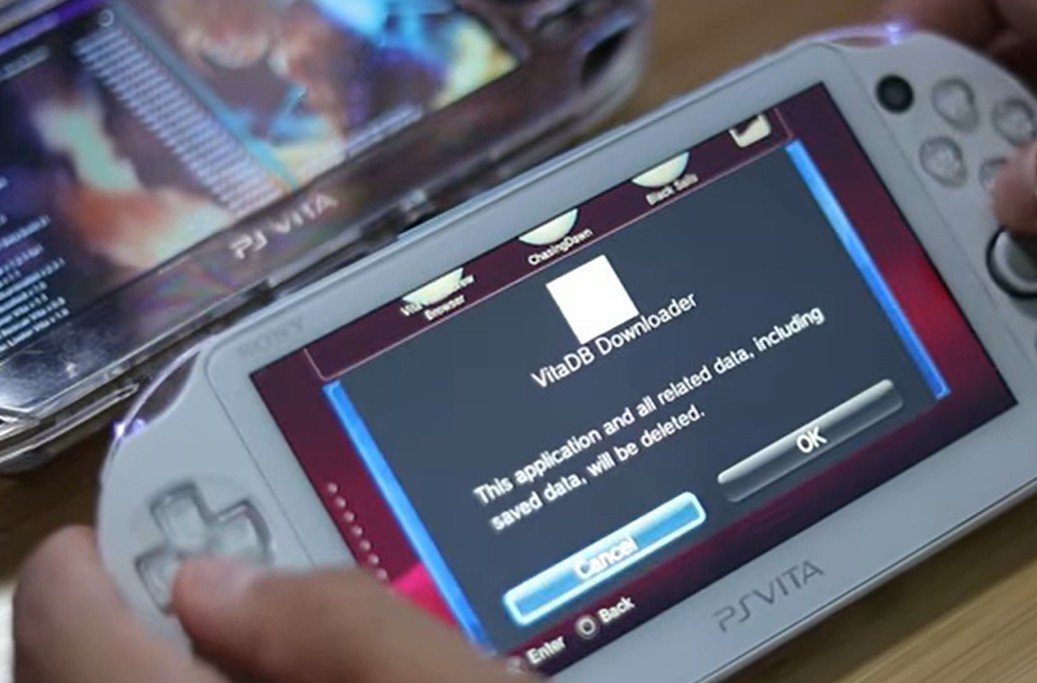 The best way to find and install Homebrew ports. From Spider-Man to custom utilities, it tracks what’s installed and what needs an update. I have written two amazing guides about the vitadb plugin. You can check them out here: Install Homebrew and Android Ports on PS Vita: The Full VitaDB Guide (2026) or if you are having issues check out: (2 Method) How to Fix PS Vita Random Crashes and Freezes: The VitaDB Bug Guide
12. Apollo Save Tool
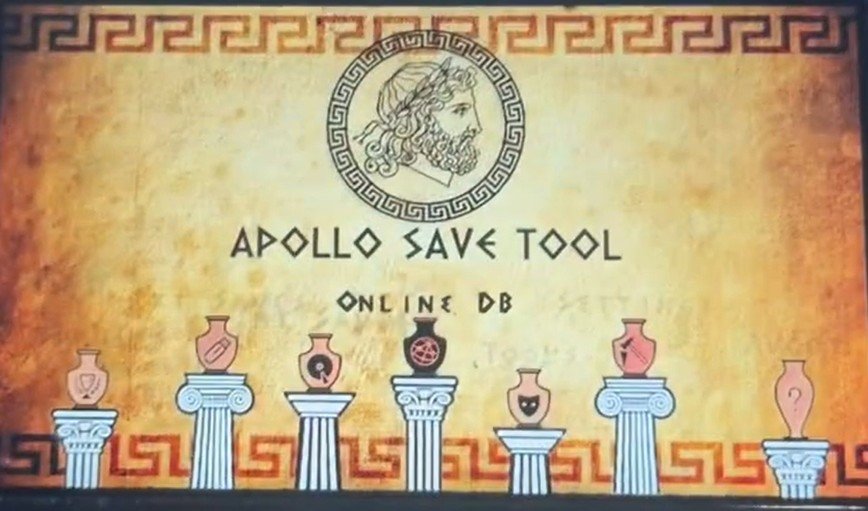
apollo save tool ps vita
This is an application to manage save-game files on the PlayStation Vita. This homebrew app allows you to download, unlock, patch and resign save-game files directly on your Vita. Check out: Apollo Save Tool plugin PS Vita: Troubleshooting Errors and Manual Save Injection
13. RetroArch
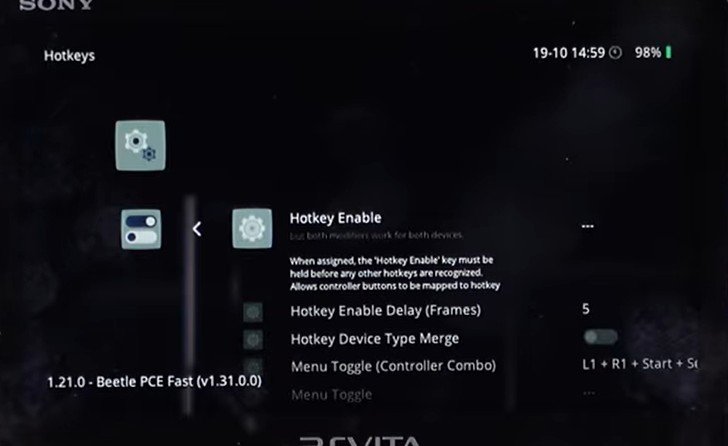
retroarch hotkeys
RetroArch is an all-in-one emulator frontend that handles everything from NES and SNES to Game Boy Advance, Genesis, Game Boy, and PS1. Once it’s configured right, it makes the Vita feel like a portable museum of gaming history. Read more: Install RetroArch on PS Vita: The Complete 2026 Setup & Hotkey Guide
Customization and Aesthetics
14. Custom Wave Backgrounds (PSP2wpp)
If you love the classic animated “waves” but want more variety, this plugin is for you. You can find incredible custom waves on Reddit via creators like Havocking that give your Vita a PS3 or unique abstract vibe.
15. Quick Launch Installer
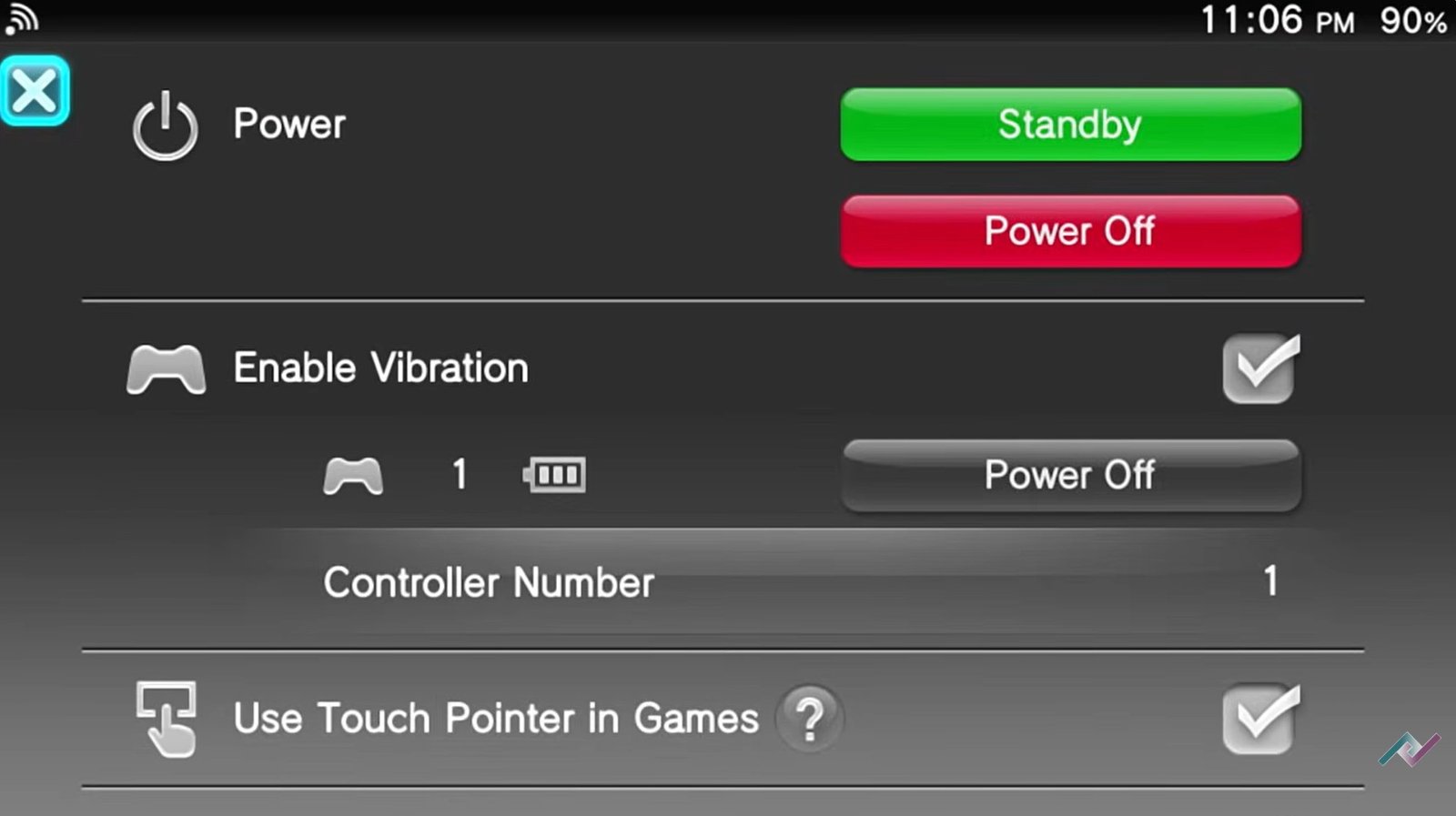
quick menu interface
Customize the three shortcut buttons in the multitasking menu (the ones that appear when you hold the PS button). Instead of PS Store links, you can map them to VitaShell, Adrenaline, or Settings. Check out my guide on: Customize Your PS Vita Quick Menu: Add Restart, Wi-Fi Toggles, and App Launchers
Final Tips for Beginners
While applications like Autoplugin 2 are great for beginners to install these tools easily, remember the Golden Rule of Vita Modding:
The fewer plugins you install, the better. Installing too many can cause “Incompatibility Issues” where the system crashes or gives errors. Only install what you actually use!
What is your “must-have” Vita app? Let me know in the comments!