Table of Contents
Nintendo DS emulation remains incredibly popular on Android, but choosing the right app depends entirely on your hardware. Today, we are comparing the two titans of the scene: MelonDS and DraStic. While one leads in features and compatibility, the other remains the king of raw performance.
To illustrate these differences, I’ve tested both on an older Xiaomi device to show how they handle limited processing power.
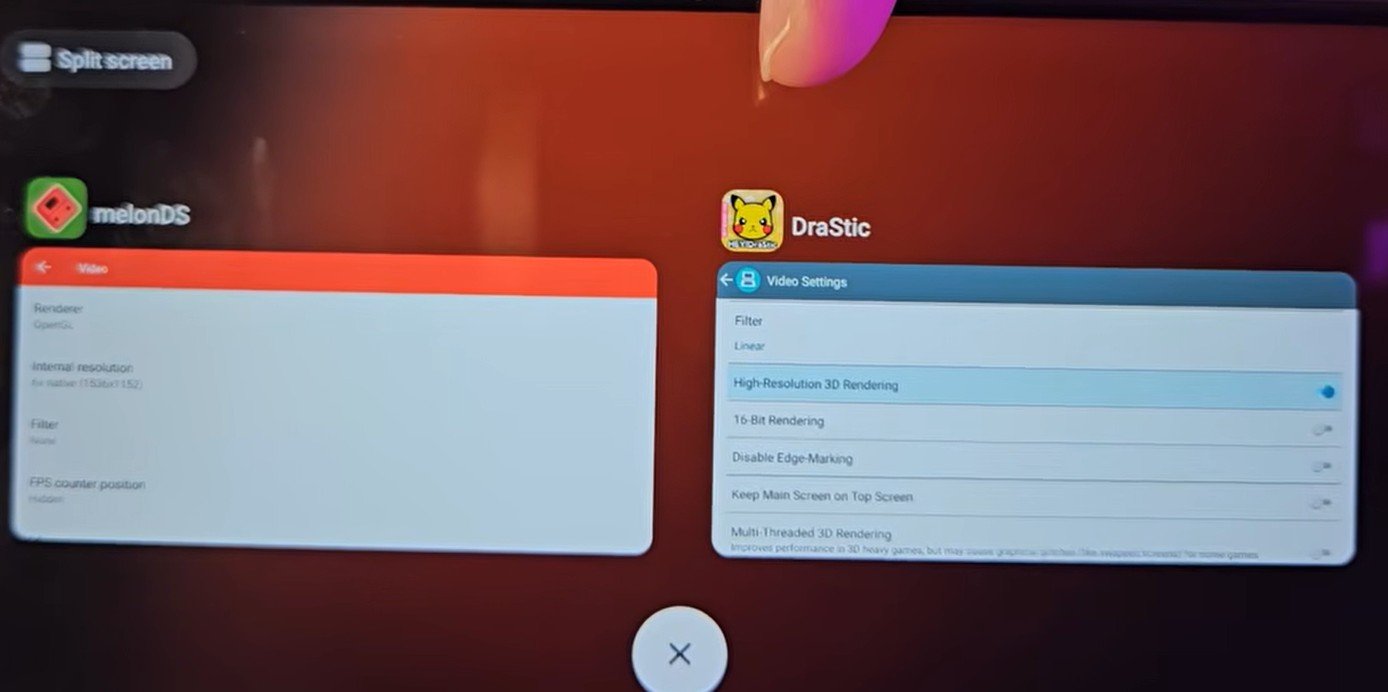
meonds vs drastic nintendo ds emulator
1. Availability and Installation
DraStic
DraStic is no longer under active official development, but a dedicated developer is currently providing “revived” versions (I18N) with reverse-engineered fixes to ensure it works on modern Android versions.
-
How to find it: Follow this Github link to “DraStic Rev i18N“ or search on Google for releases by developer Ryatian.
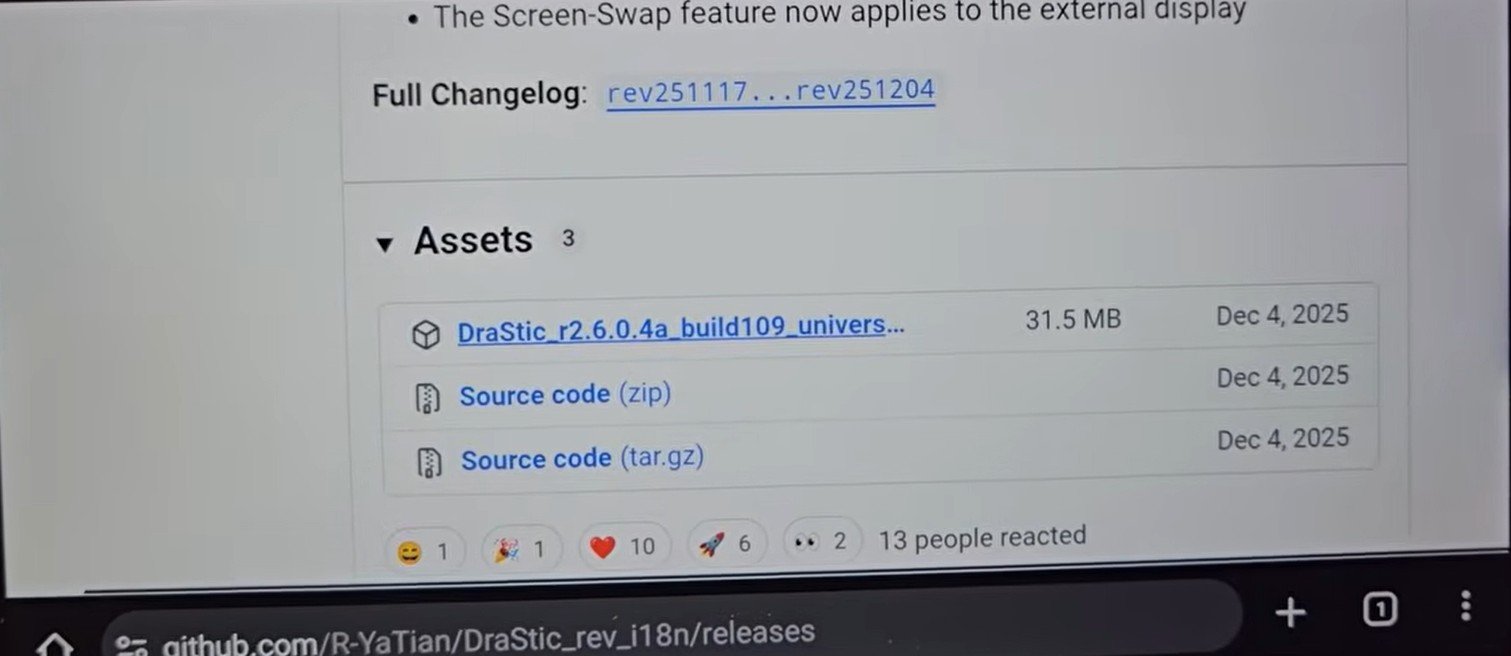
drastic ds emulator Rev i18N Ryatian github
-
Installation: You will need to install the APK manually.
Note: Google Play Protect may try to block the installation. If you trust the source, you can decline the block to proceed.
MelonDS
MelonDS is much more accessible for the average user.
-
How to find it: It is available directly on the Google Play Store.
-
Recommendation: If you have a powerful device and want a secure, “no-fuss” installation, go with MelonDS.
2. Interface and Ease of Use
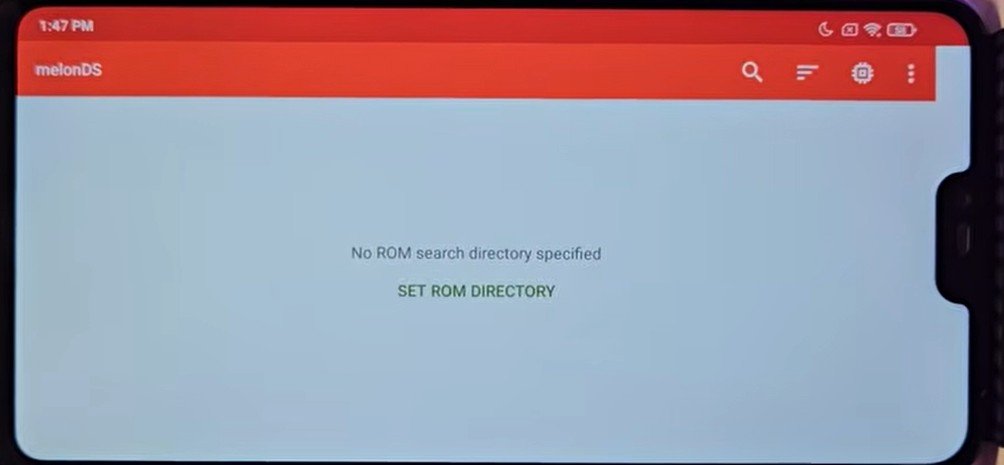
melonds interface
Winner: MelonDS
MelonDS wins easily in this category. Its interface is modern, organized, and “intelligent.”
-
Configuration: In MelonDS, settings are clearly categorized (General, Video, Audio, Input, etc.) with icons and descriptions explaining what each toggle does.
-
RetroAchievements: MelonDS features native support for RetroAchievements, something DraStic lacks.
-
DraStic’s UI: The interface feels dated and disorganized. Settings appear as a plain list without icons, making it difficult for users (especially non-English speakers) to distinguish between options like “Virtual Gamepad” and “External Controller.”
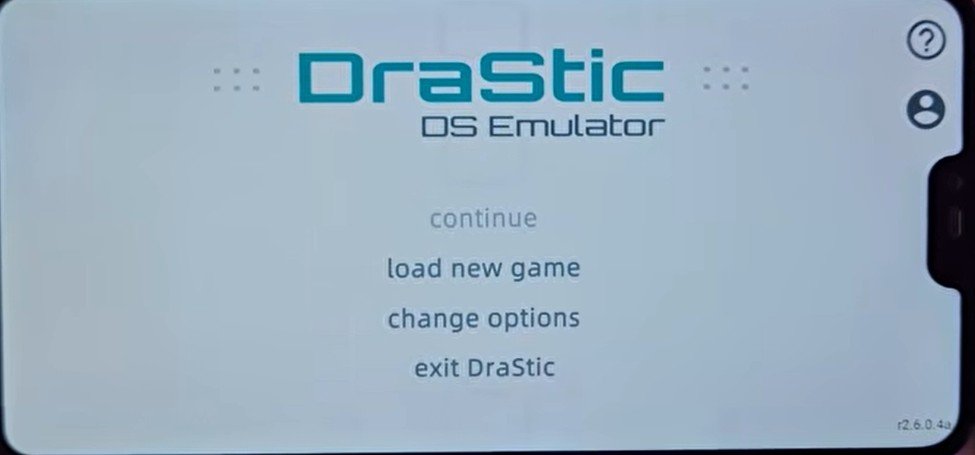
drastic ds emulator interface
3. Video Features and Resolution
Winner: MelonDS
One of the biggest advantages of MelonDS is its detailed video scaling.
-
Internal Resolution: In MelonDS, using the OpenGL renderer allows you to upscale games to 720p (4x native) or even 1080p (6x native). This is crucial for 3D DS games, as it removes the “pixelated” or jagged edges on modern high-res phone screens.
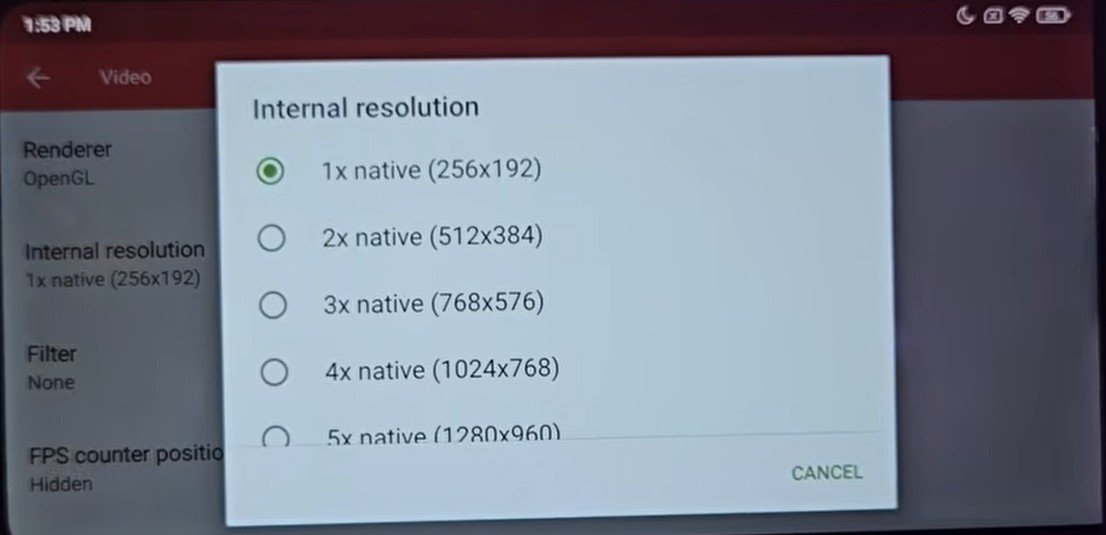
melonds resolution settings
-
DraStic Limitation: DraStic only offers a “High-Resolution 3D Rendering” toggle, which is capped at roughly 2x native resolution. You cannot manually scale it to 720p or 1080p.
Also check out: John GBA Lite Emulator: Play Gameboy games on low end and budget devices
4. Screen Layouts
MelonDS handles the dual-screen nature of the DS better out of the box.
-
MelonDS: Automatically detects your screen resolution and places a large main screen next to a smaller touch screen, maximizing the space perfectly.
-
DraStic: Defaults to a “side-by-side” view where both screens are the same size. While you can change the layout to “Landscape X1,” it often requires manual resizing because the secondary screen starts off too small.
5. The Deciding Factor: Performance
Winner: DraStic
This is the main reason DraStic is still relevant in 2026. In my tests with Bomberman on an older Snapdragon 662 device:
-
MelonDS: The audio was choppy and the game ran at roughly 60% speed.
-
DraStic: The game ran at a perfect 100% speed with smooth audio.
DraStic is highly optimized for low-end hardware. For many users with older phones, DraStic is the only way to get a playable experience.
Summary: Which should you choose?
| Feature | Choose MelonDS if… | Choose DraStic if… |
| Processor | You have a Snapdragon 865, 7+ Gen 2, or better. | You have an older Snapdragon (600 series) or budget chip. |
| Graphics | You want to play in 1080p/720p HD. | You are okay with near-native resolution. |
| Features | You want RetroAchievements and a clean UI. | You just want the game to run at full speed. |
| Ease of Use | You want a Play Store app. | You don’t mind side-loading an APK. |
Final Conclusion
The best way to play DS games is still on a real Nintendo DS Lite or DSi, which can often be found for a good price on sites like AliExpress or OLX. But if you are playing on mobile:
-
More Power? Go MelonDS.
-
Less Power? Go DraStic.