

This post is also available in:
 German
There is a lot of buzz on the internet claiming you can play GTA 4 on your phone in just 600 MB. Today, we are going to dive into the reality behind these claims, show you how to run the game natively on your smartphone, and provide a step-by-step setup guide to get the best performance.
📊 The Truth About the 600MB Version vs. Full Versions
It is impossible to fit the entire GTA 4 experience into 600 MB. Depending on your data plan and storage, you have three main choices from compression (Highly Compressed) projects like Optic Projects:
| Version | Size | Content & Limitations |
| Negligent Version | 689 MB | Reality Check: 95% of the map is removed. No missions, no ambient sounds, no radio, and low-poly visuals. Good only for basic exploration of a tiny area. |
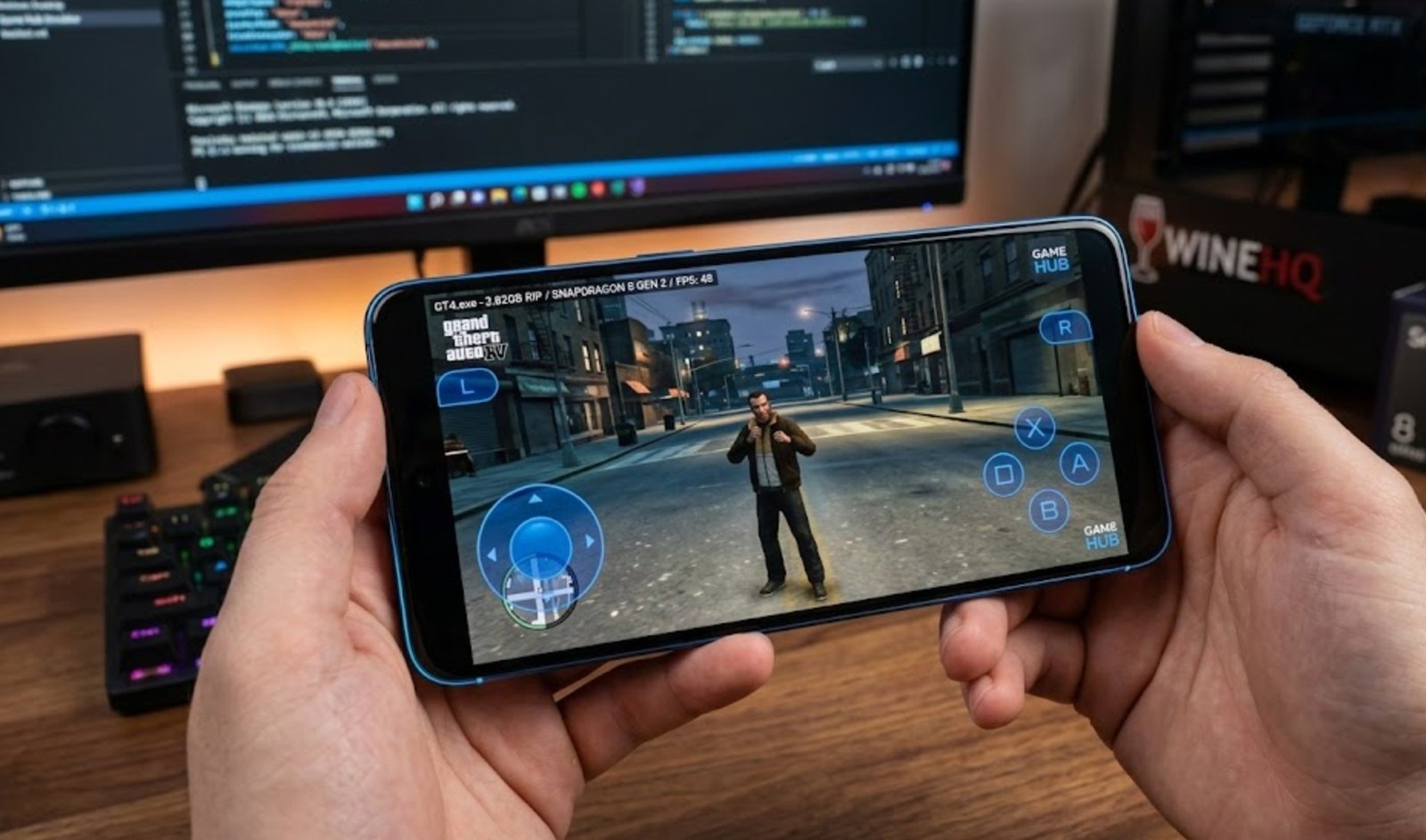
| RIP Version | 3.82 GB | Recommended: Includes the full map and all missions. Textures are compressed for mobile. No cinematic voices or radio, but the core gameplay is 100% there. |
| Lite Version | 7.48 GB | The Full Experience: Includes all sounds, cinematics, and radio stations. This is the closest to the original PC experience. |
🛠️ Step 1: Downloading the Emulator
To run PC files on Android, you need an intermediary. In this guide, we use the Game Hub Emulator.
Important: Do not use the version from the Play Store, as it only supports cloud gaming and Steam linking.
Action: Download the official Game Hub APK from their website to allow local file importing.
📂 Step 2: Importing the Game
Once you have downloaded your preferred GTA 4 version (e.g., the 3.82 GB RIP version) and extracted the files:
Open Game Hub and sign in (via Email or Google).
Go to the “My” section and select “Import Game.”
Choose “PC Game” and navigate to your extracted folder.
Select the GTA4.exe file and click confirm. The game will now appear in your lobby.
⚙️ Step 3: Optimization Settings (Crucial)
Before hitting play, you must optimize the settings to prevent crashes and boost FPS. Click the three dots on the game icon and go to PC Settings:
General Settings
Resolution: If you have an older chip, set it to 800×600. For modern flagship chips (Snapdragon 8 Gen 2 or better), you can run at 1280×720 (720p).
Compatibility & GPU Drivers
Translation Parameters: Set this to Extreme to use the full power of your phone.
TSO Memory: Ensure this is Enabled/Checked.
GPU Driver: * Snapdragon Users: Choose the latest Turnip driver (Adreno).
Mali/MediaTek/Unknown Users: Stick with the System Driver.
DX Version: Select DX 1.10.3 for better Snapdragon stability.
CPU Translator: Scroll to the top and select the latest 2026 version.
🎮 Step 4: Gameplay Experience
When you start the game for the first time, the emulator will download required internal files.
Full Screen Fix: If the window looks small, go to in-game settings and toggle the resolution/aspect ratio, or use the emulator’s “Full Screen” toggle in the back menu.
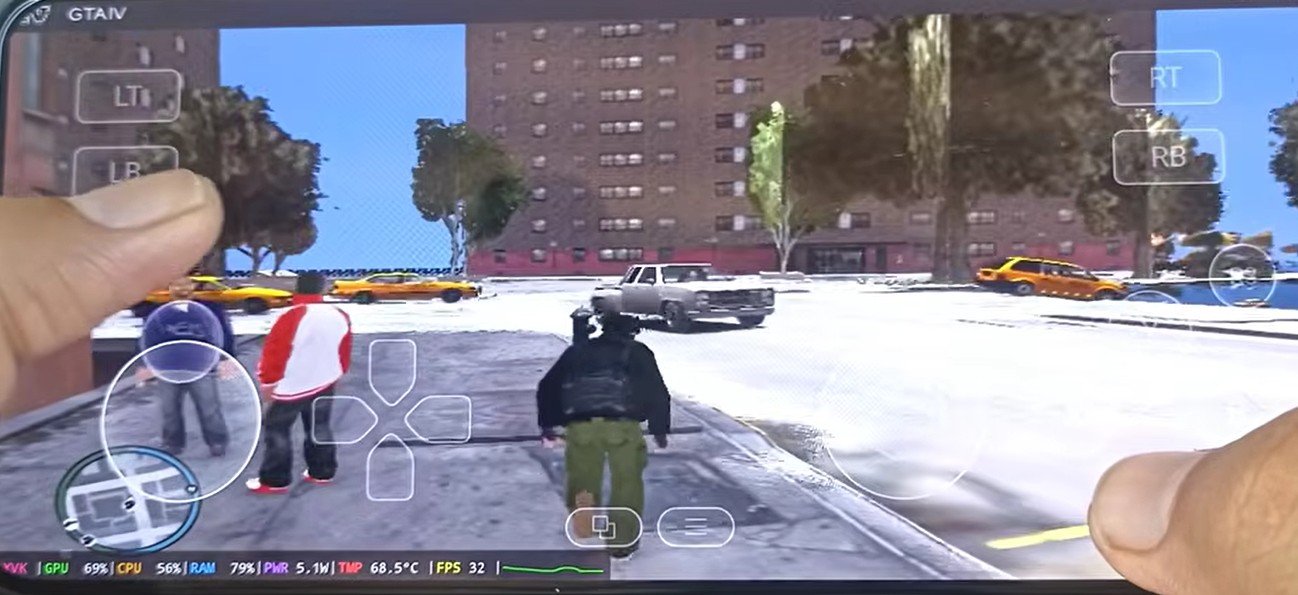
Performance: On a Snapdragon 8 Gen 2, you can expect a smooth 45 to 50 FPS.
Missions: If you are using the RIP or Lite versions, you can start a “New Game” to experience the full story from the beginning.
⚠️ Limitations to Keep in Mind
While playing natively is impressive, remember that these are compressed versions. Unless you download the full 7GB+ version, you will likely miss out on character voices during cutscenes and radio music. However, the physics, driving, and mission structures remain intact.
Useful Links:
WineHQ – To understand the technology behind Windows-on-Android emulation.
Snapdragon Benchmarks – To check if your device chipset is compatible with high-end emulation.
Stay tuned! In the next post, we will be diving deep into the different versions of GTA 5 for Android and how to set them up for the best mobile experience.