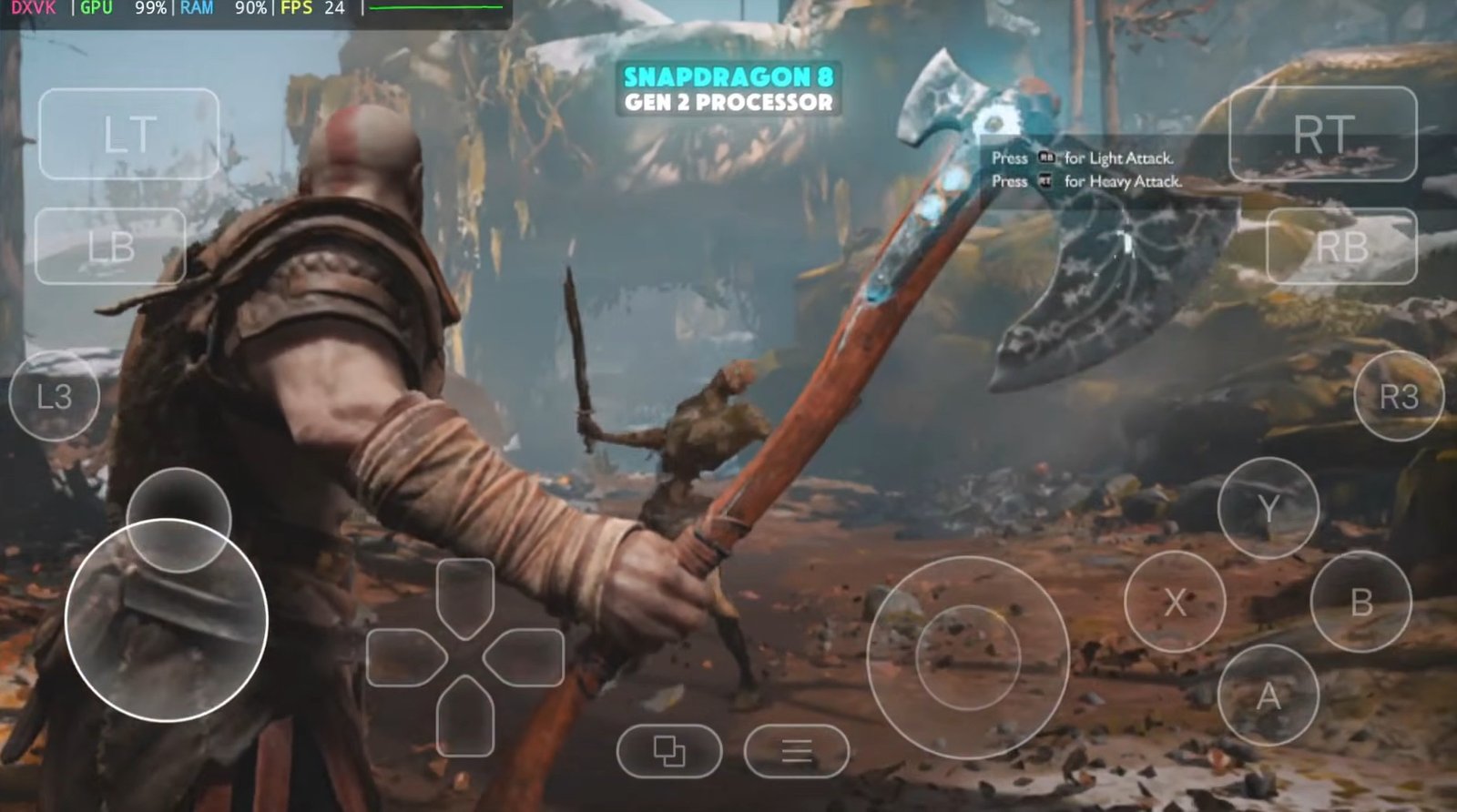

Hey gamers, welcome back to GameHelpTech! If you’ve been waiting to play God of War 2018 (GOW) on your mobile device without dealing with those massive file sizes, today is your lucky day. A brand-new God of War Extremely Light version highly compressed has just arrived, weighing in at only 13GB compared to the original 35GB PC release.
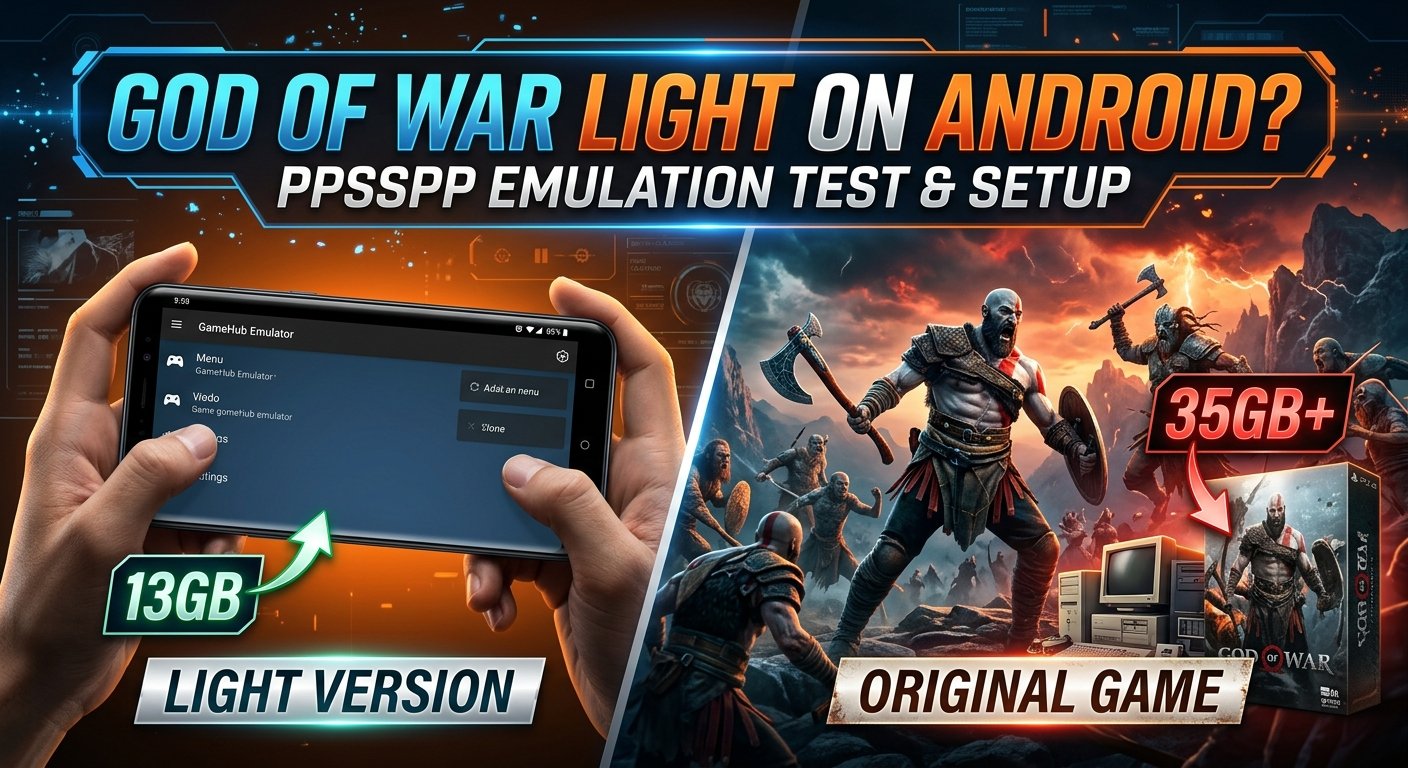
Prerequisites & Device Compatibility
⚠️ Important Hardware Note: This setup only works on Qualcomm Snapdragon processors. Devices running MediaTek (Dimensity), ARM Mali, or Samsung Exynos processors do not support this game setup—it will not run on those chipsets regardless of the settings used.
Hardware Requirements & Recommendations
Processor & RAM: Running PC emulation natively requires a high-end, powerful processor and a minimum of 12 GB RAM to achieve playable frame rates.
Controller Support: Connecting an external gamepad or controller can optimize control response and provide a slight performance boost (10% to 15% better FPS).
Downloading the Game and the Emulator
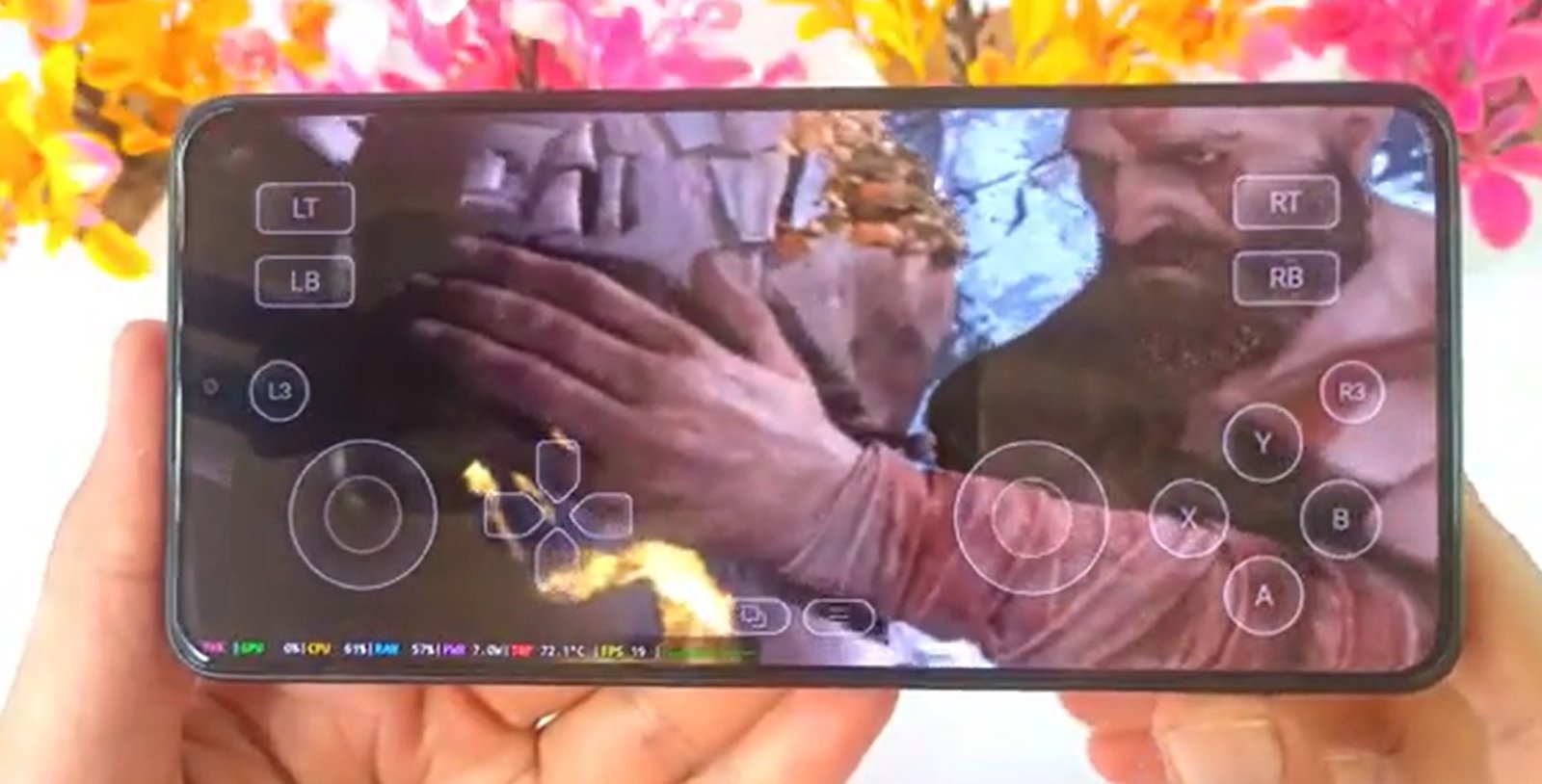
To run PC files on Android, you need an intermediary. In this guide, we use the Game Hub Emulator.
Important: Do not use the version from the Play Store, as it only supports cloud gaming and Steam linking.
Action: Download and setup any of your desired Emulator by checking out any of our guides above to allow local file importing.
- Download the God Of War 2018 (GOW 2018) 13 GB LITE version highly compressed using the blue button:
Step-by-Step Emulator Setup Guide
Step 1: GameHub Emulator Setup & File Import
- Open the latest version of the GameHub emulator on your Android device.
- Go to My Home Screen.
- Tap on the PC Emulator option.
- Select Import PC Game.
- Navigate to the folder on your device storage where your God of War game files are located.
- Select the exact
God of War.exefile.
Step 2: Optimal Emulator Settings
⚙️ General Settings
- Screen Resolution:
960x544(If using a lower-end Snapdragon device, drop this to800x600). - Leave all other options in the General section as default.
⚙️ Compatibility Settings
- Compatibility Layer:
Default - Translation Params:
Extremepreset
⚙️ GPU Driver Selection
- Standard Snapdragon Devices: Select the latest Turnip Driver.
- Snapdragon 8 Elite Devices: Select the latest 8 Elite GPU Driver.
⚙️ System & Translator Settings
- DXVK Version:
2.4.1 async - VKD3D: Set to
None - CPU Translator Version: Select the latest version available.
Step 3: Game Startup & In-Game Configurations
📺 Display Settings
- FPS Limit:
40 FPS - Motion Blur:
6 - Resolution Scale:
60%
🎨 Graphics Settings
- Preset: Change from
OriginaltoLow.
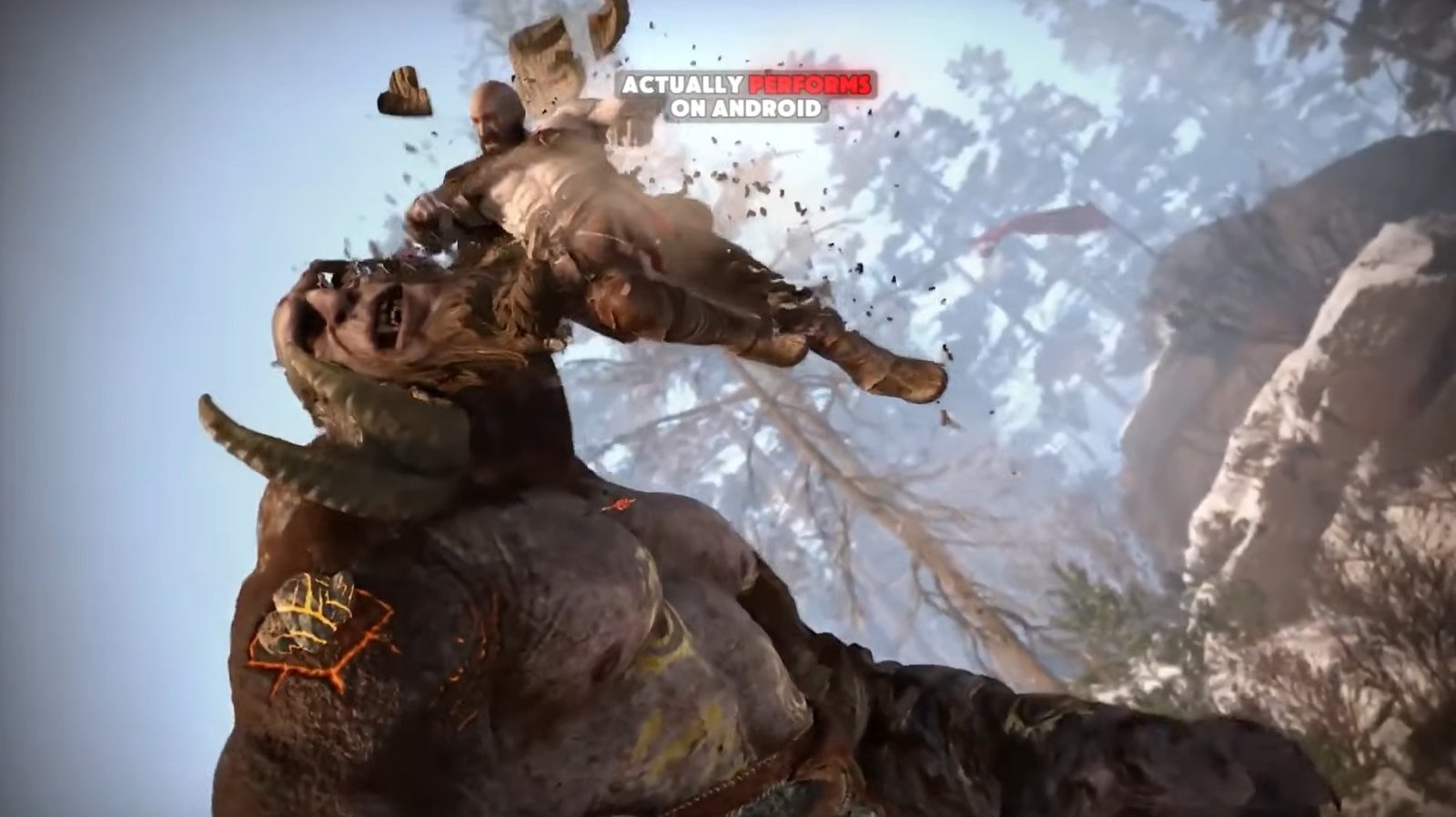
Visual Quality & Compressed Content Review
- Textures: Textures appear muddy, fine details are missing, and overall sharpness is substantially reduced compared to the PC original.
- Lighting & Shadows: Simplified rendering makes environments look flatter.
What about cutscenes and story content?
- Cutscenes are still present.
- Missions and story progression function properly without feeling broken or incomplete.
- Testing shows that the vast majority of major campaign content is accessible and fully playable.
Performance Expectations
- Average Frame Rate: ~25 to 30 FPS.
- Exploration & Light Playgame: Stays fairly stable and smooth enough to be enjoyable. Lowering settings doesn’t give a massive FPS jump, but it prevents severe lag or stuttering.
- Combat & Action Scenes: Noticeable FPS drops and small fluctuations occur when multiple enemies fill the screen.
- Stability: The game remains playable without crashing or freezing throughout heavy encounters.