
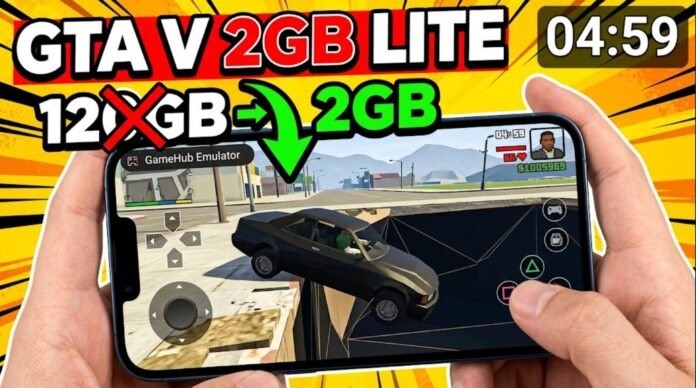

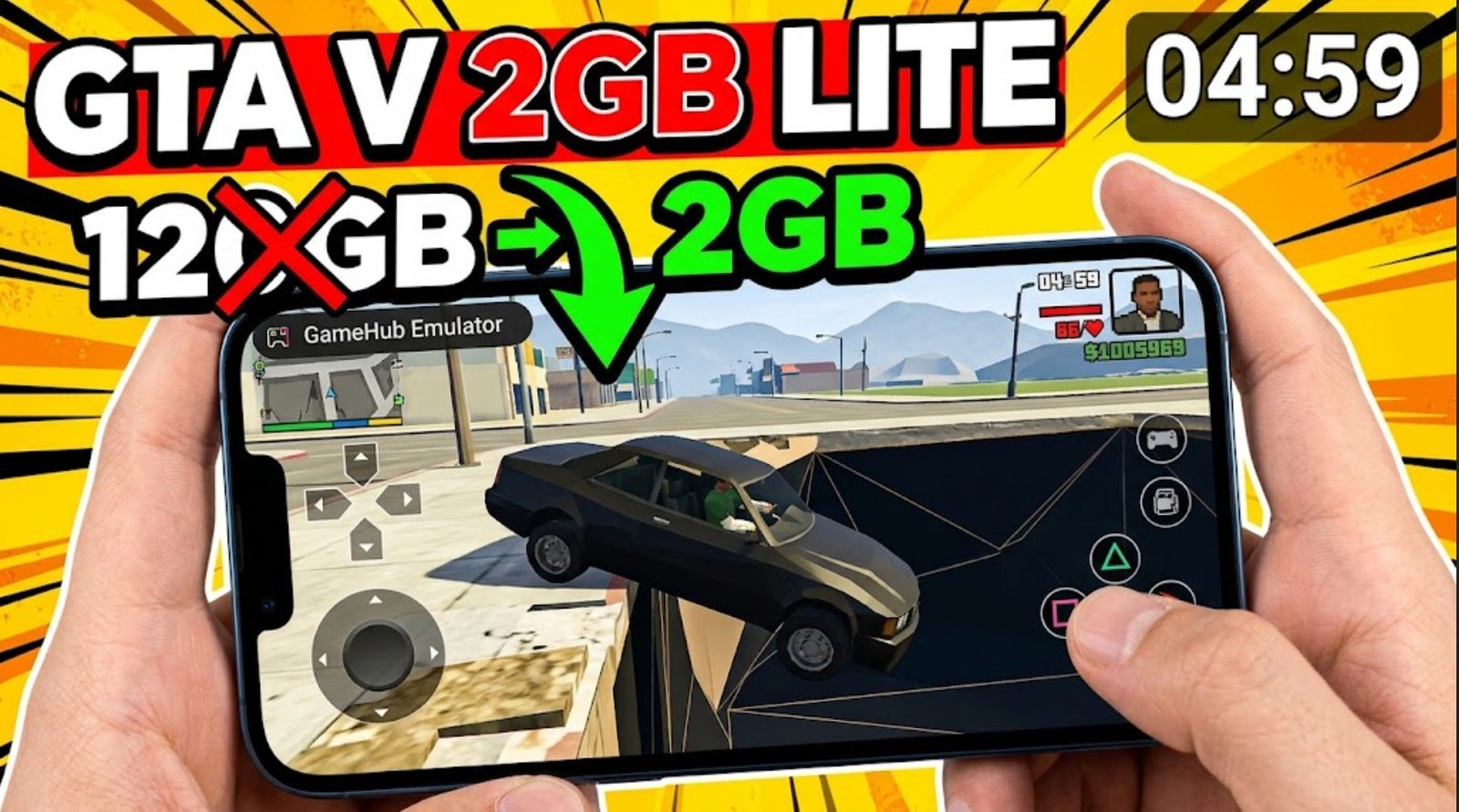
This might sound impossible to you, but modders have managed to compress the massive 120 GB version of Grand Theft Auto V down to just 2 GB. Yes, you heard that right—a massive AAA open-world game reduced to an extremely light version. It sounds crazy and exciting at the same time!
Finally, in today’s post, we’ll be testing out this GTA V Negligent version V3, covering its full setup, best settings, real gameplay, and what you actually get inside this 2 GB build. As usual, for this GTA V Ultra Light/Extremely Lite version, we’ll be using the GameHub Windows emulator for Android. It is one of the best Windows emulators for emulating PC games like the GTA 5 highly compressed version on your mobile devices.
This project was created by Opti Projects, who built the first-ever GTA lite version for mobile devices. It started from 70 GB and has now come all the way down to 2.2 GB—which is really crazy. All the credits for this go to Opti Projects; you can check them out if you want more information about the light version as well as trying it out for yourself.
Pre-Requisites & Setup
- Connection: Ensure your Wi-Fi or mobile data is turned on before starting the initial setup.
- Emulator: This guide utilizes GameHub (the latest stable update). You can also use any other Windows emulator of your choice, i have make a comprehensive Guide on how to use them. Yo can check them out:
Setup Winlator 2.9 for Maximum FPS: Mali & Snapdragon Optimized
WinNative Emulator: Complete Setup & Performance Guide (Pre-Release)
- Storage: Have your highly compressed GTA 5 PC files ready in your internal storage.
Details About the Negligent version V3
- It weighs 2 GB compressed and 2 GB uncompressed
- Based on version 1.29
- The textures are more compressed and of lower quality
- It does not contain the Self Radio
- Does not contain Director Mode
- It does not contain radios or audio from cinematics or missions
- It does not contain missions. Free play mode is the only option.
- Many textures were removed.
- Game code removed.
- 90% OF THE MAP DELETED.
- It’s the most optimized of all
Downloading the Game and the Emulator
To run PC files on Android, you need an intermediary. In this guide, we use the Game Hub Emulator.
- Important: Do not use the version from the Play Store, as it only supports cloud gaming and Steam linking.
- Action: Download and setup any of your desired Emulator by checking out any of our guides above to allow local file importing.
- Download the Grand Theft Auto V (GTA 5) 2.82 GB LITE version using the blue button:
Step-by-Step Emulator Setup Guide
1. Import the Game Executable: Ensure you select the exact launcher file.
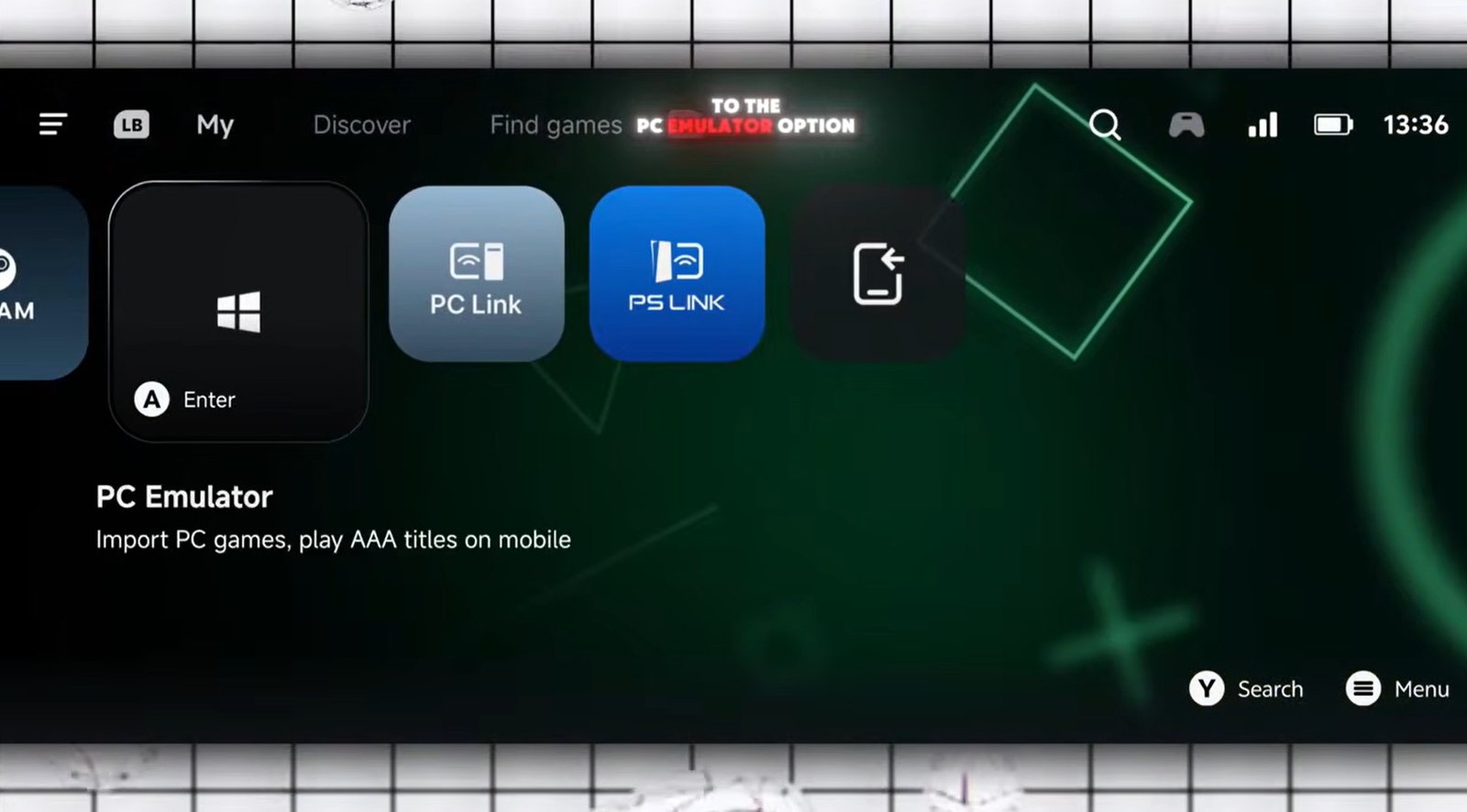
Open the latest version of the Game Hub Emulator. Inside the app, navigate to the PC Emulator option and tap on Import PC Game. Open the game file location from your phone’s storage and carefully select play GTA V.exe. Selecting the correct file is required for the game to appear properly.
2. Configure General Settings: Resolution adjustments for low-end vs. high-end devices.
Before launching, open the game’s settings:
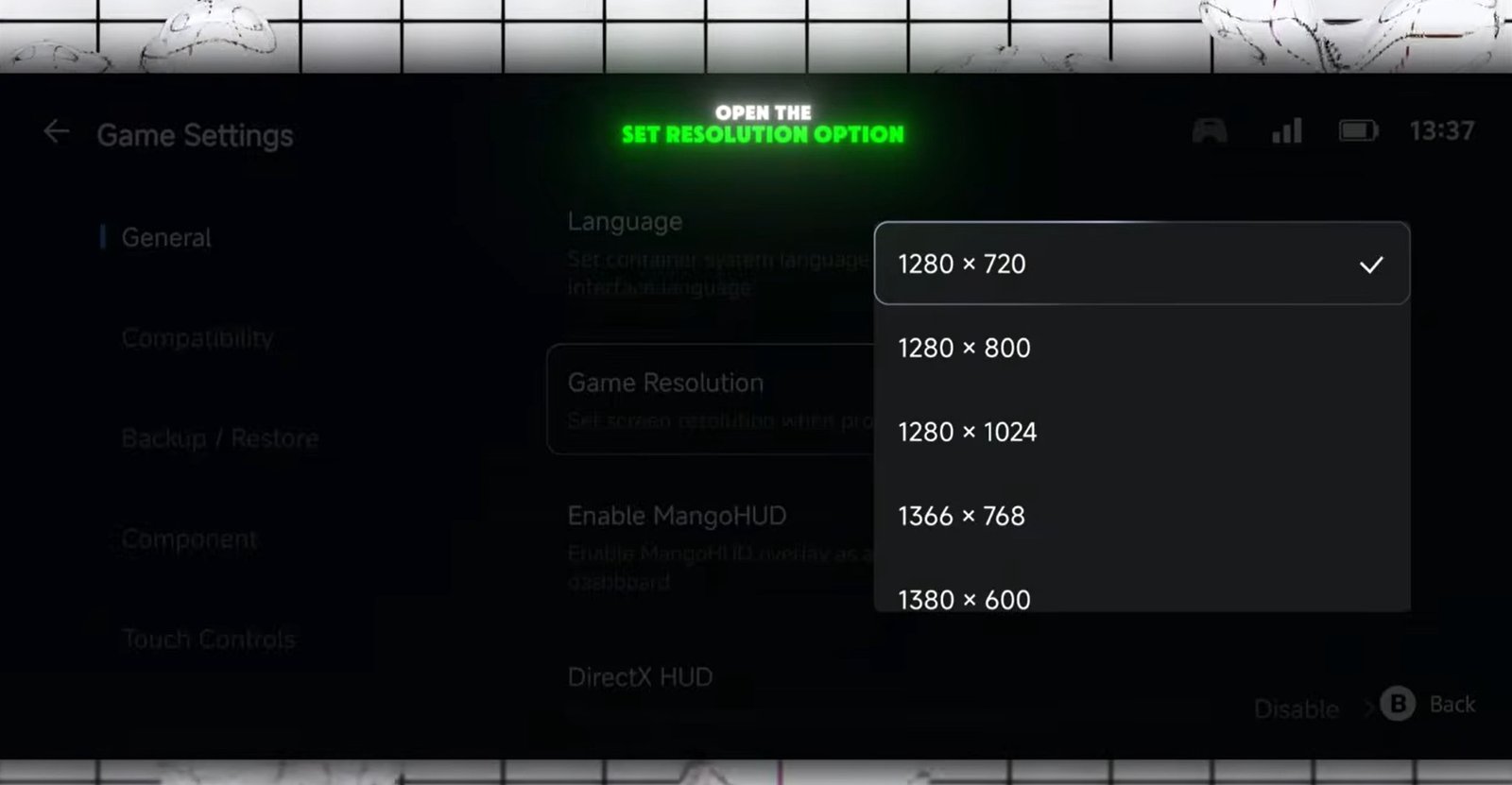
- Low-End Devices: Open General Settings > Set Resolution and lower it to 960×544 (or lower) for stable performance.
- High-End Devices: Keep the resolution on default settings.
3. Adjust Compatibility Settings:
Go to Compatibility Settings. Under Translation Perms, select the Extreme preset and toggle on TSO Memory.
4. Configure GPU Drivers & Translation Engines:
Match your device’s hardware specifications:
- Snapdragon Processors: Choose the latest Turnip GPU Driver (or the latest Qualcomm driver if using Snapdragon 8 Elite). Set DXVK Version to
1.10.3 async. - MediaTek / Exynos Processors: Use the default System Driver. Set DXVK Version to
1.11.1 Mali fix. - CPU Translator: For all devices, select the latest Fix version under CPU Translator settings.
5. Launch & Fix Display Aspect Ratio:
Go back and launch the game. Dismiss the welcome pop-up and wait 4 to 5 minutes for the game to load completely. Even if the screen appears frozen or stuck, do not close the app.
Once loaded, the game may open in a windowed format. To fix this:
- Go to the in-game Settings > Graphics.
- Change Screen Type to Full Screen.
- Adjust the Aspect Ratio to fit your display and save.
Gameplay & Performance Impressions
While running a game like Rockstar Games’ Grand Theft Auto V on a mobile device via emulation is impressive, the extreme compression comes with massive trade-offs:
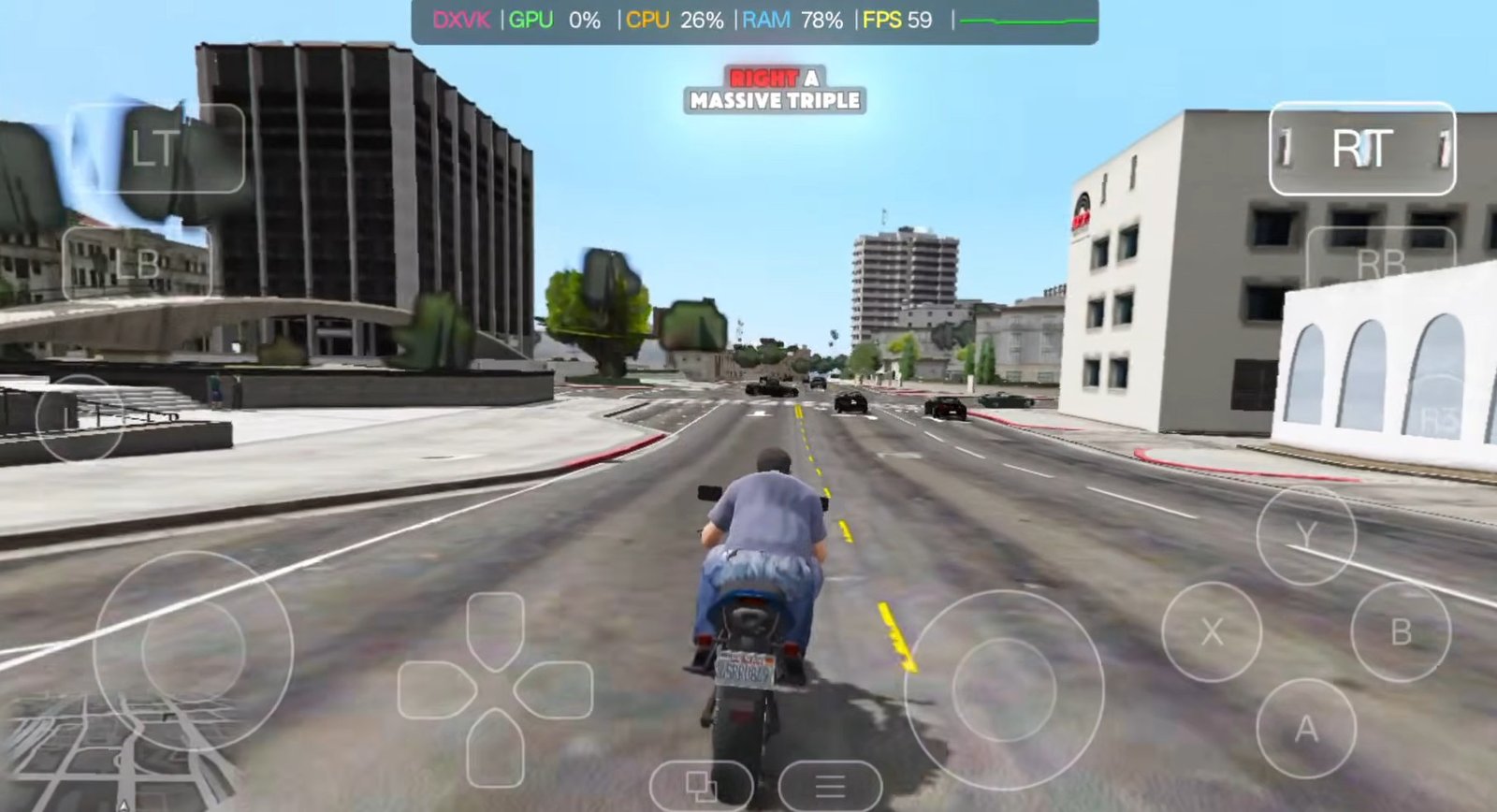
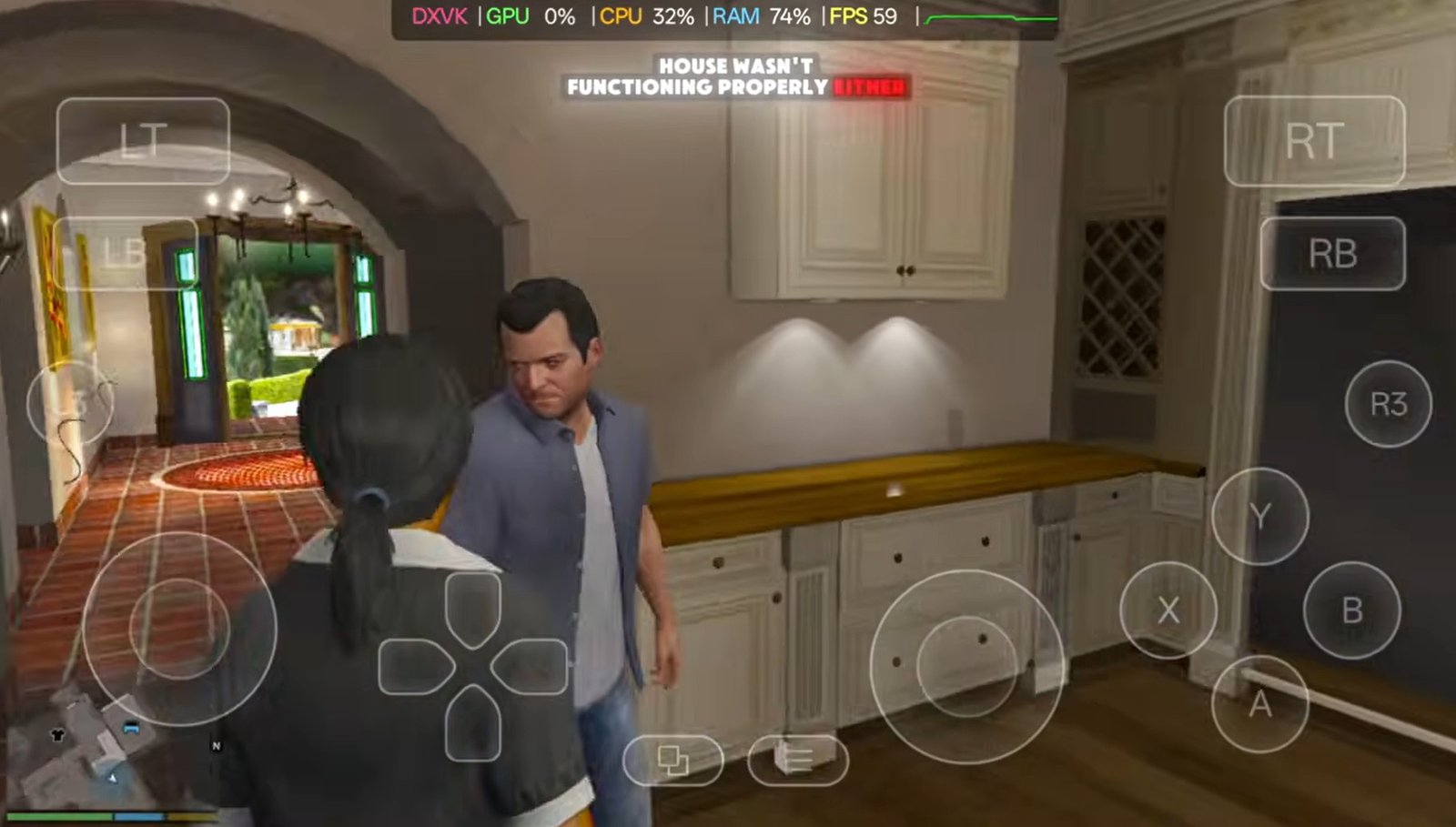
- Indoor Performance & Objects: Inside the initial spawn house, many environment objects are missing or unfinished. Indoor NPCs exhibit delayed reactions and awkward movement. Initial gameplay stutters during movement.
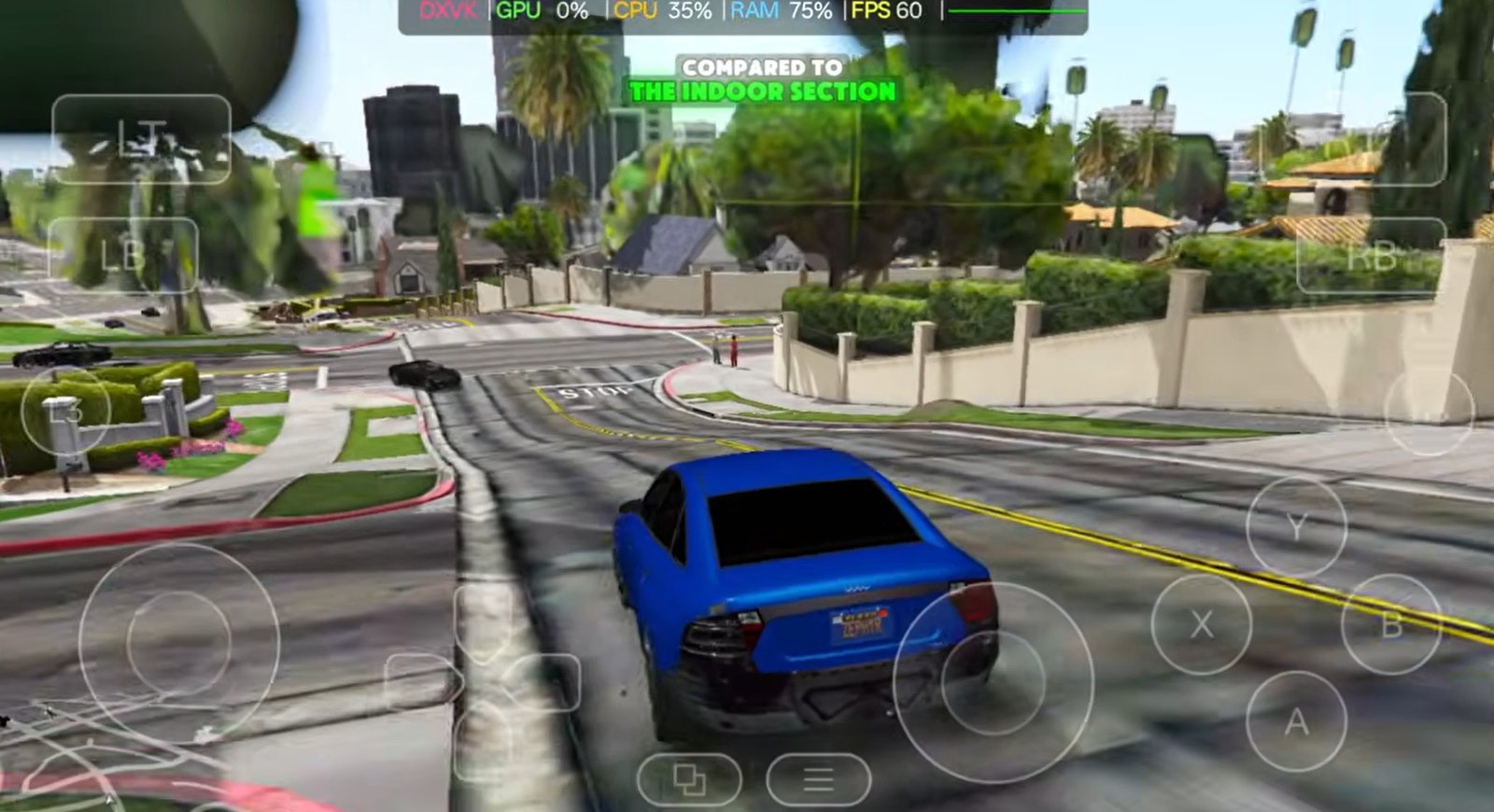
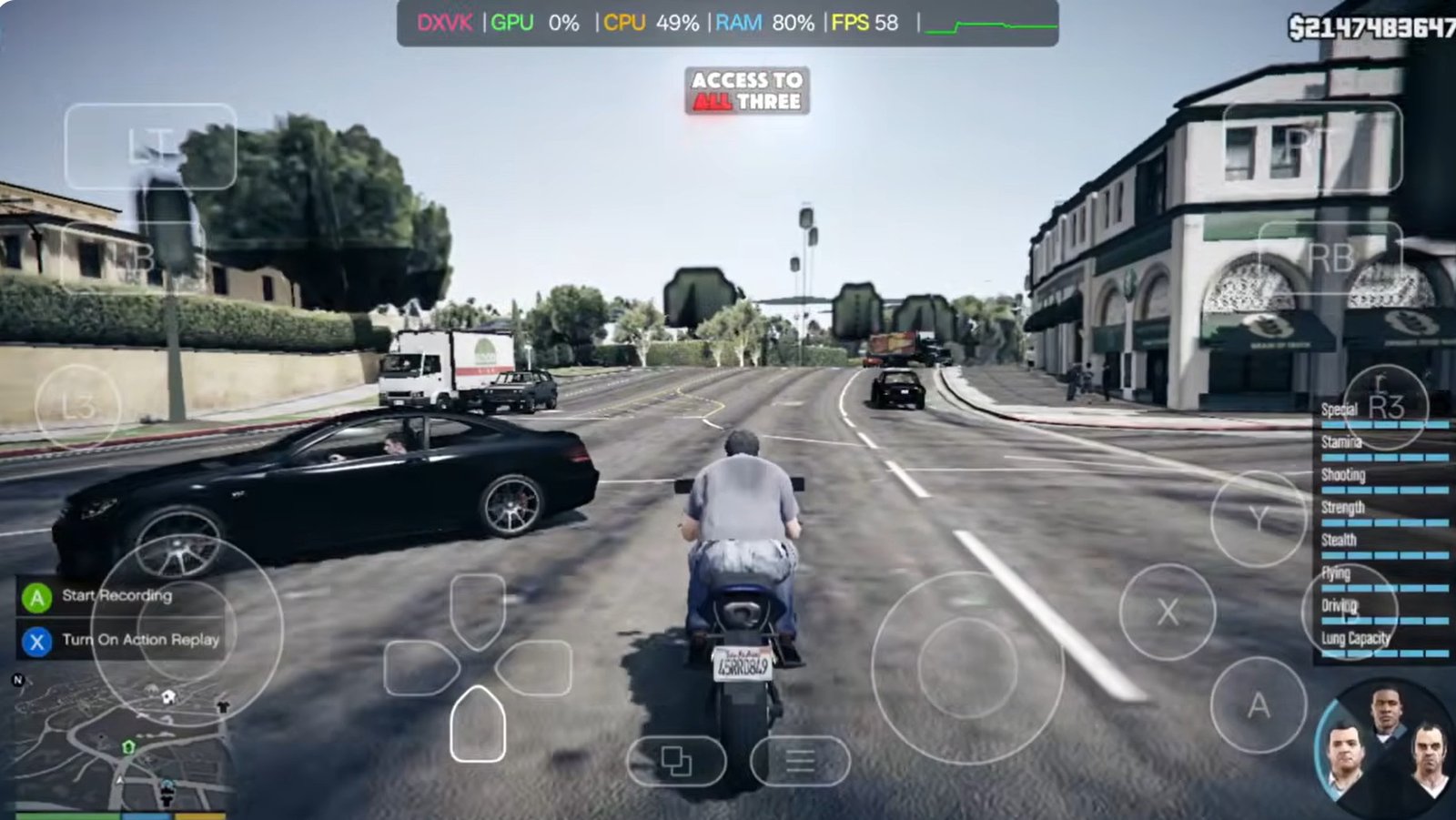
- Open World Stability: Stepping outside into the open world reduces overall lag slightly compared to the indoor areas, but the world feels empty. Environmental details are heavily stripped down, textures are low-quality, and buildings appear simplified.
- Map Boundaries & Bugs: The map is limited to a small portion of the main city. Driving a short distance brings you to the edge of the playable area, where vehicles will fall endlessly into empty space due to missing assets underneath.
- Character Switching: Attempting to switch between the three main protagonists often results in characters falling directly into water or missing void geometry.
Is This 2 GB Version Worth Playing?
The Verdict: If you are expecting a complete, polished GTA V experience, it is not worth it. It functions more like a basic fan-made sandbox demo rather than a proper mobile port or complete game.
However, if you have never played GTA V before and want to test how your low-end device handles heavy emulation setups, it offers an interesting technical experiment. Just set your expectations accordingly—you won’t be getting detailed graphics, a full storyline, or a massive open world.