
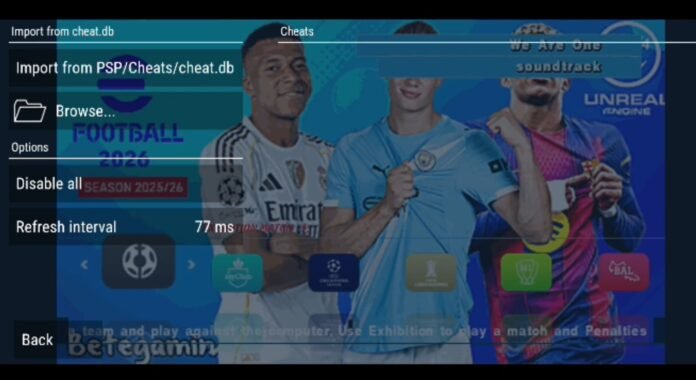

How to Fix Blank Cheats in PPSSPP Emulator (Step-by-Step Guide)
PSP/CHEATS folder, and turned on Enable Cheats in the PPSSPP system settings. Everything seemed perfect—until you launched the game, checked the cheat menu, and found absolutely nothing. Even tapping “Browse” to locate them manually yields zero results.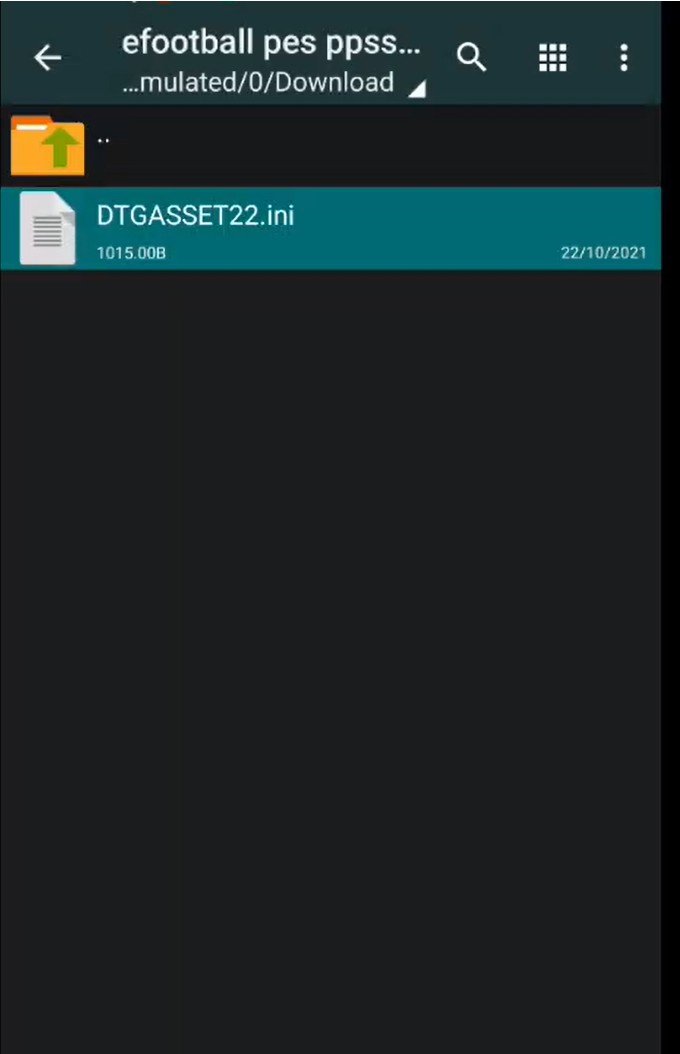
Why Aren’t Your PPSSPP Cheats Database Showing Up?
ULUS-10041.ini).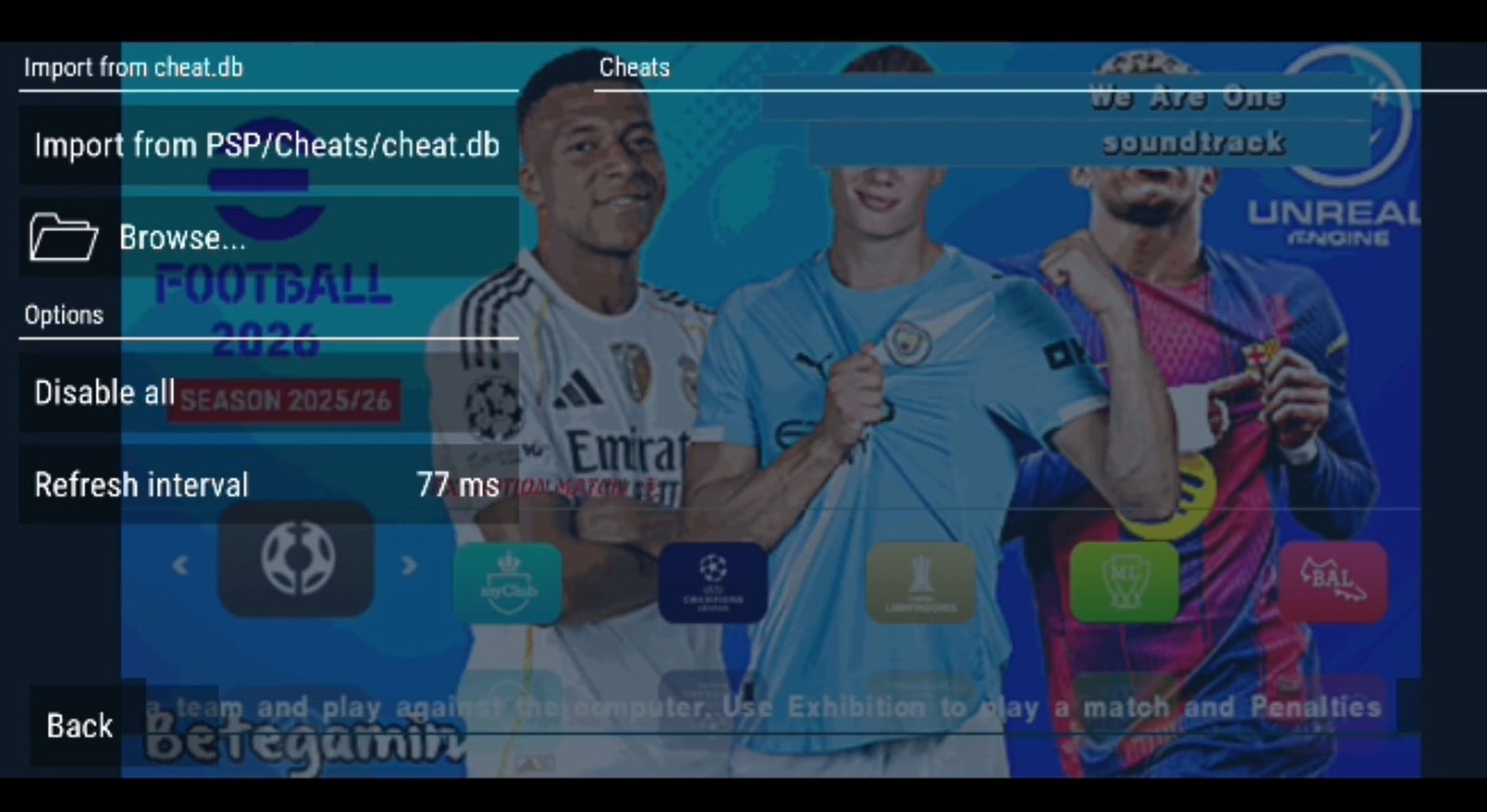
Also check out: How to Use Cheats on PS Vita: A Complete Guide to VitaCheat Plugin (NoNpDRM Supported)
The Fix: How to Transfer Your Cheat.db Data
Prerequisites
- QuickEdit Text Editor: Download QuickEdit from the Google Play Store.
Step-by-Step Instructions
- Open QuickEdit and grant it permission to access your device storage.
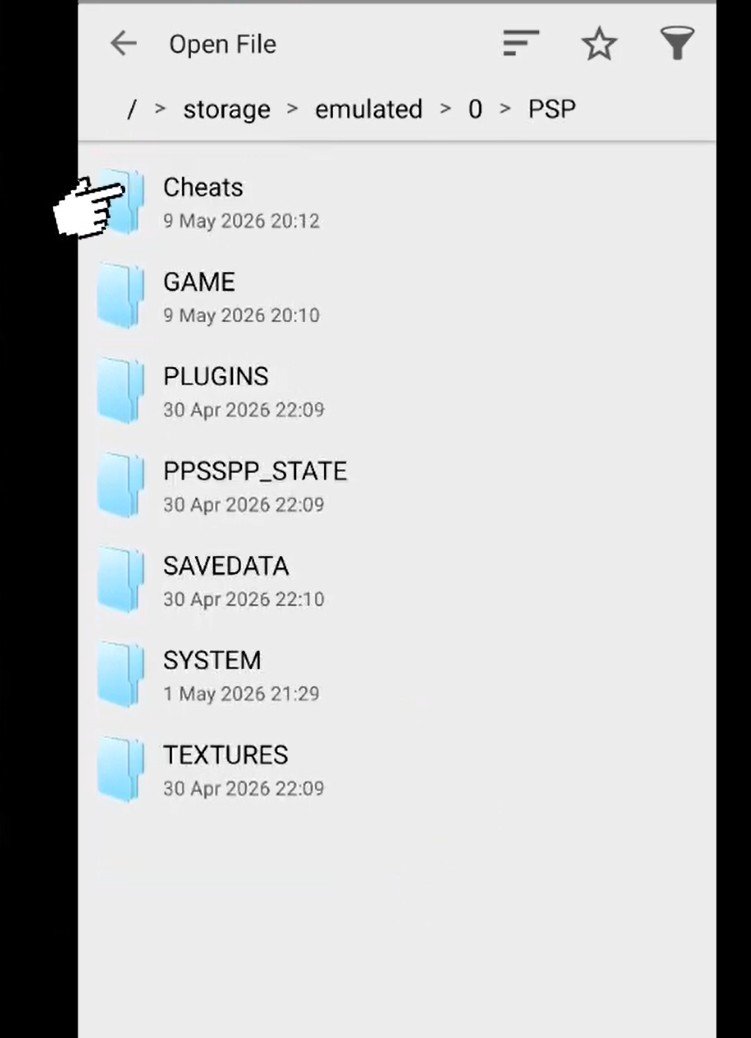
Navigate to your cheats directory by going to
Device Storage>PSP>CHEATS.
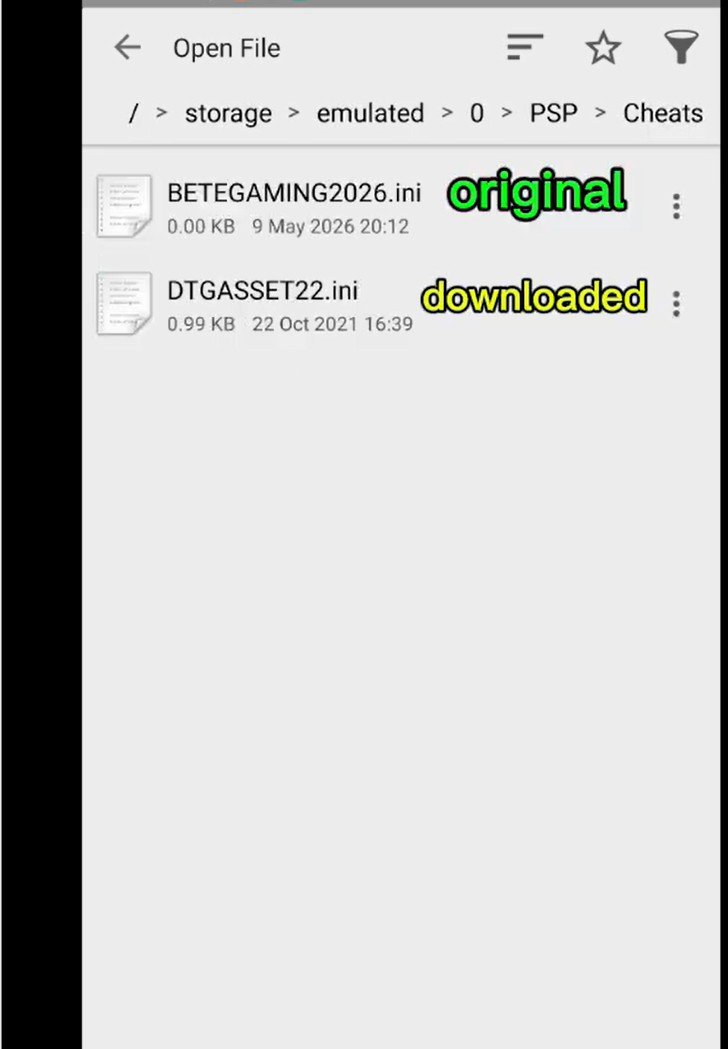
ppsspp cheat directory - Locate your two cheat files:
- The Downloaded File: The
.inifile you manually downloaded and placed in the folder (e.g.,DTG.ini). The Game-Generated File: The original
.inifile created automatically by PPSSPP (e.g.,Beat Gaming Cheats and Saves.ini).
ppsspp cheat downloaded file
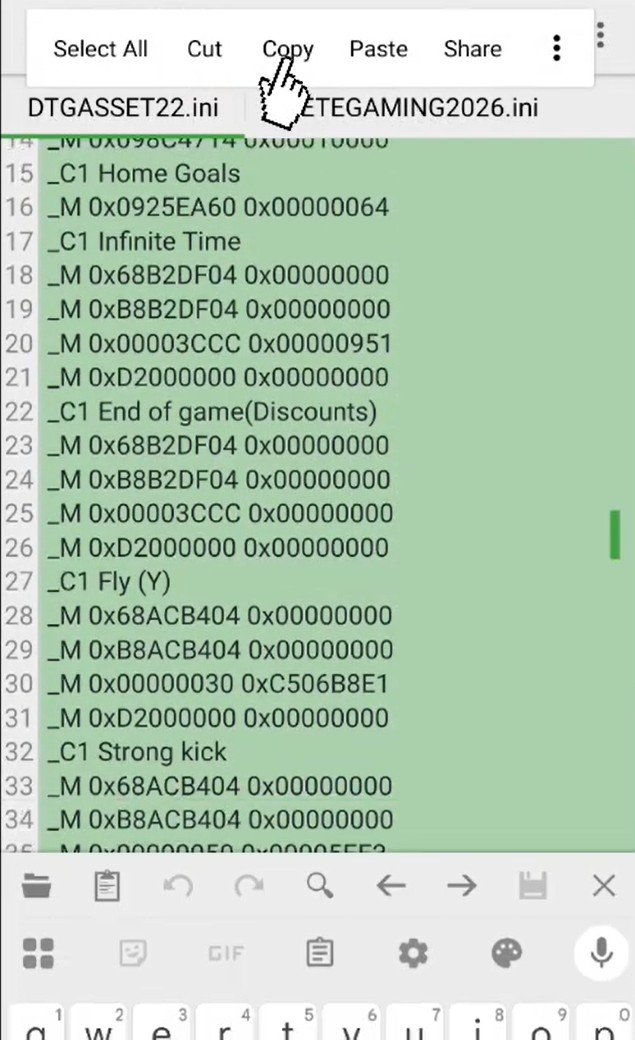
- Copy the cheat code:
- Open your downloaded file.
Select and copy all the text inside.

ppsspp cheat copy and paste
- Paste into the active file:
- Open the game-generated file.
- Paste the copied cheat codes directly into this file and hit Save.
Testing Your Cheats in PPSSPP
- Launch the PPSSPP Emulator.
- Open your game and make sure Enable Cheats is checked under Settings > System.
- Open the in-game pause menu and select Cheats.
Pro Tip: Avoid activating every single cheat at the same time. While it’s great for unlocking specific features or hard-to-get items, running too many active cheat scripts at once can cause lag or destabilize your game. Select only the ones you need for a smooth gameplay experience.
Quick Summary: How to Fix Blank Cheats in PPSSPP
The Problem: Downloaded cheat files don’t show up in the emulator because their filename doesn’t match the specific game ID generated by PPSSPP.
The Fix:
Download QuickEdit from the Play Store.
Open QuickEdit and navigate to
Device Storage>PSP>CHEATS.Open your downloaded cheat file and copy all the text inside.
Open the game-generated cheat file (the blank one created by PPSSPP), paste the text inside, and save.
Result: Reopen PPSSPP with “Enable Cheats” toggled on—your cheats will now load instantly.