

Today, I will be playing and testing out performance optimization for the Grand Theft Auto Liberty City Stories (GTA LCS) using the PPSSPP Emulator directly on my Redmi Note 10 Pro. One of the best aspects of running these PSP classics today is accessibility—you can find highly compressed ISO/CSO ROM versions ranging from 60MB to 250MB depending on the build you choose. Powered by the Qualcomm Snapdragon 732G processor and Adreno 618 GPU, my Redmi Note 10 Pro serves as an ideal mid-range baseline. If we can lock in a smooth gameplay experience here, I can confidently say these settings will work on almost any Android device.
In this guide, I’m sharing my exact PPSSPP configuration to help you squeeze out maximum performance and stability on your machine. On my setup, I hit a constant 30 frames per second (FPS), maintaining smooth gameplay even through busy city intersections and heavy explosions. Keep in mind that the original game engine is locked at 30 FPS by design—if you attempt to uncap the frame rate to 60 FPS, the game engine will run in double speed. You may still experience occasional slight drops because that’s how the original PSP hardware handled the game, but with these settings, you’ll get the absolute best performance possible out of your device. Let’s get right into the configuration!
Also check out: GTA Vice City Stories PPSSPP Emulator 2026 – Download Highly Compressed ISO (60MB) and Best Settings
Testing Every GTA 5 Light Version on GameHub / WinLator Emulator: 43GB vs 24GB vs 7GB vs 2GB
Different versions and sizes available for download (What You Need to Know About Compressed Files)
Before downloading the ISO file, it’s worth noting that there are different versions and sizes available. The size of the file will determine how much space it will take up on your device. Additionally, there may be different versions of the game, such as the standard edition or a special edition with extra features.
When searching for the ISO file, make sure to read the descriptions carefully to ensure you are downloading the version and size that you want. Right now, you might see multiple files available, ranging from 60 MB up to 250 MB. While their download sizes are vastly different, you only need one file to actually play the game.
The 65MB–250MB “Ultra-Compressed” Versions: These files have audio tracks, radio stations, and major cutscenes stripped out or heavily compressed to minimize file size. The core game and missions work, but the atmosphere suffers.
The Full/Standard Versions (400MB–1.2GB): Extracted from the original UMD/PSN image, these offer the complete experience with zero missing audio, crisp cutscenes, and full radio stations.
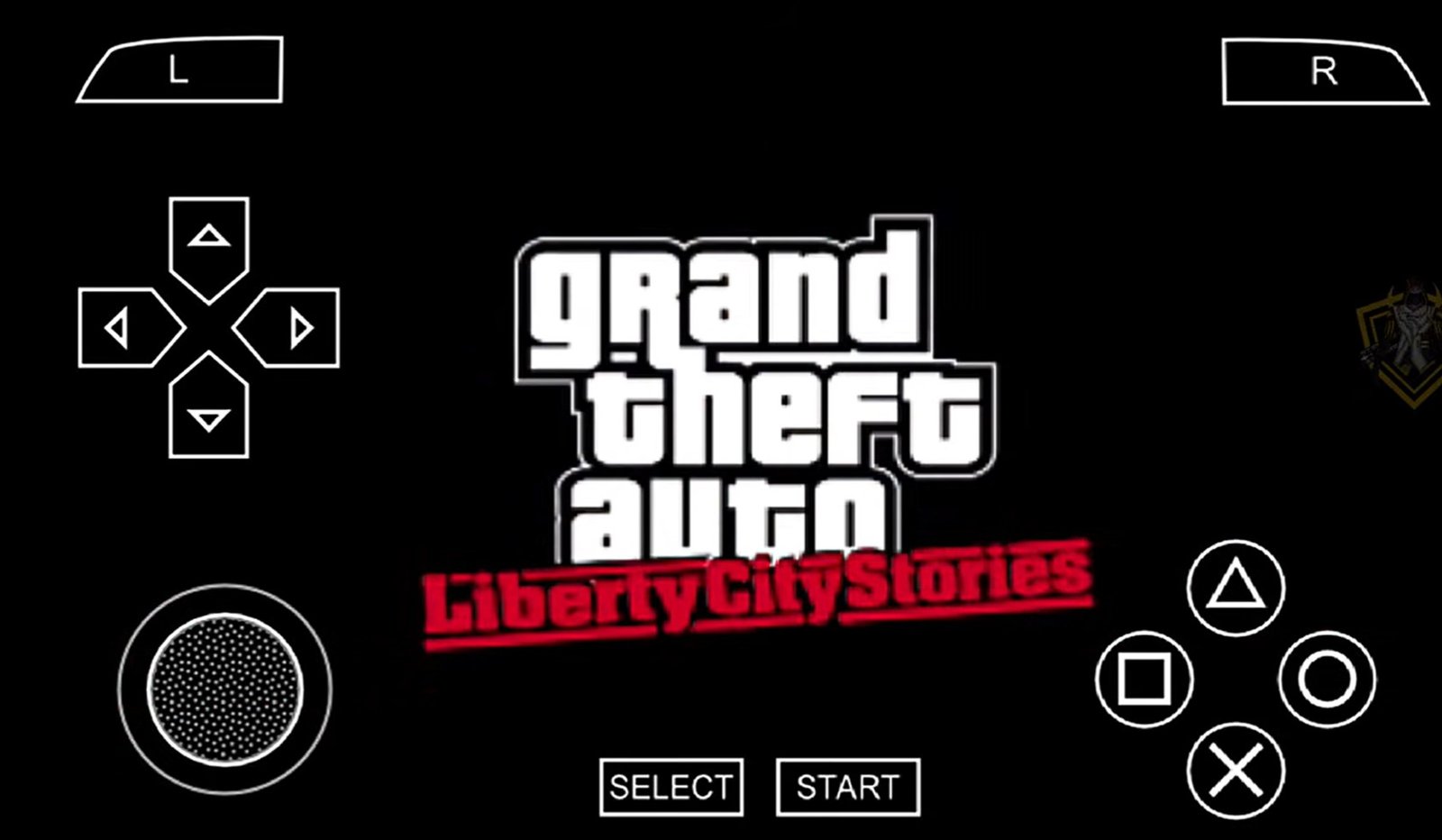
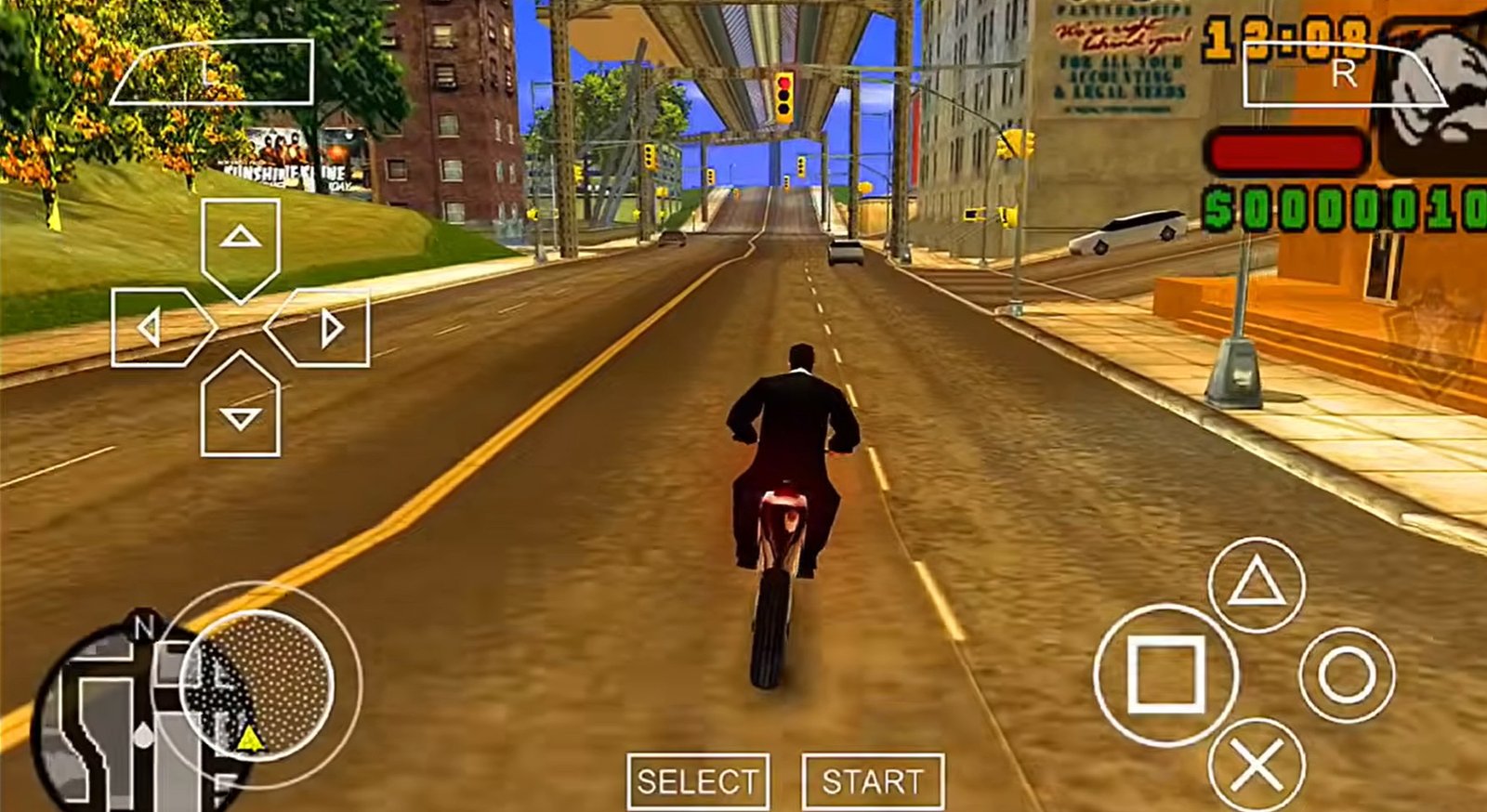
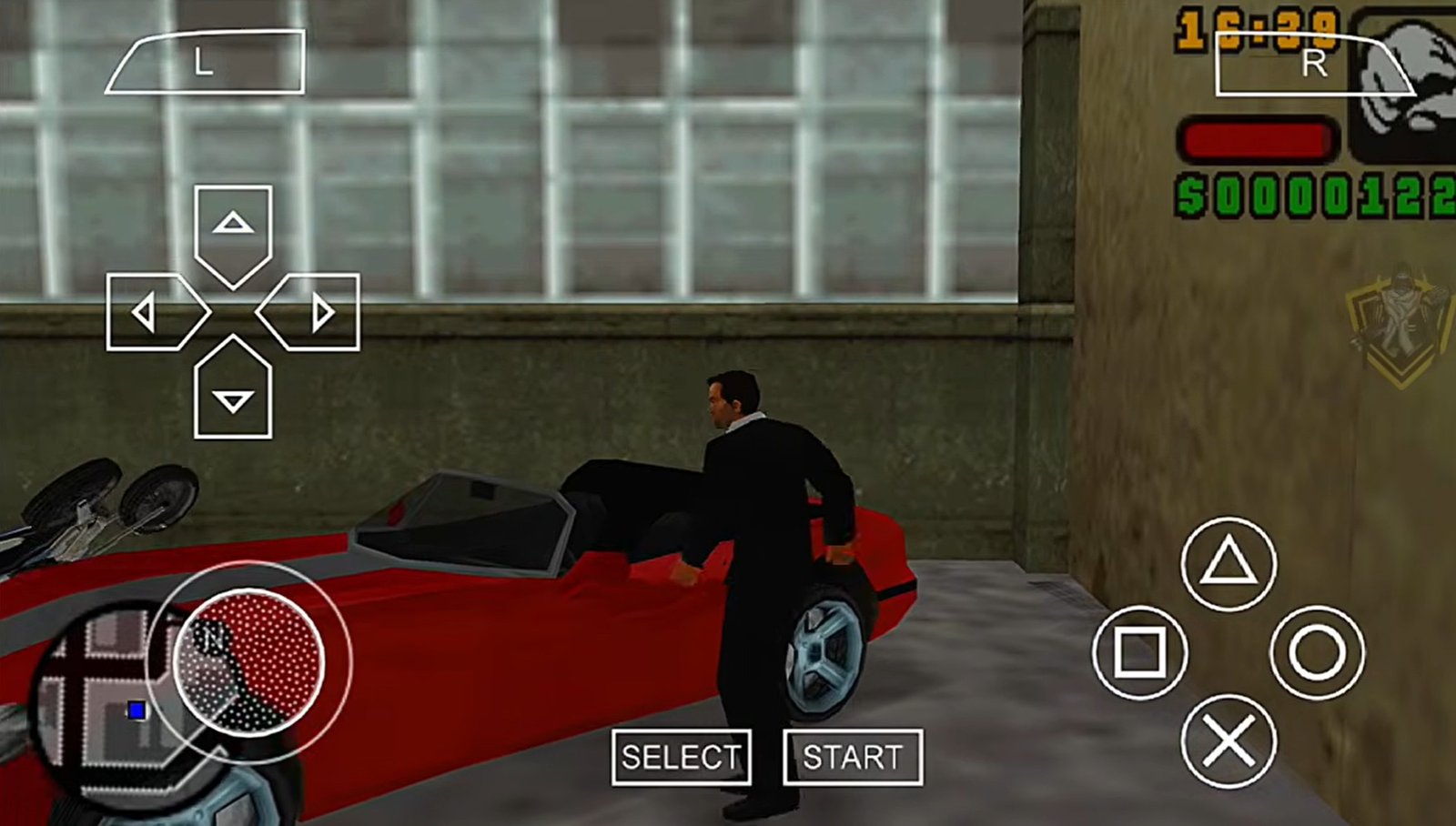
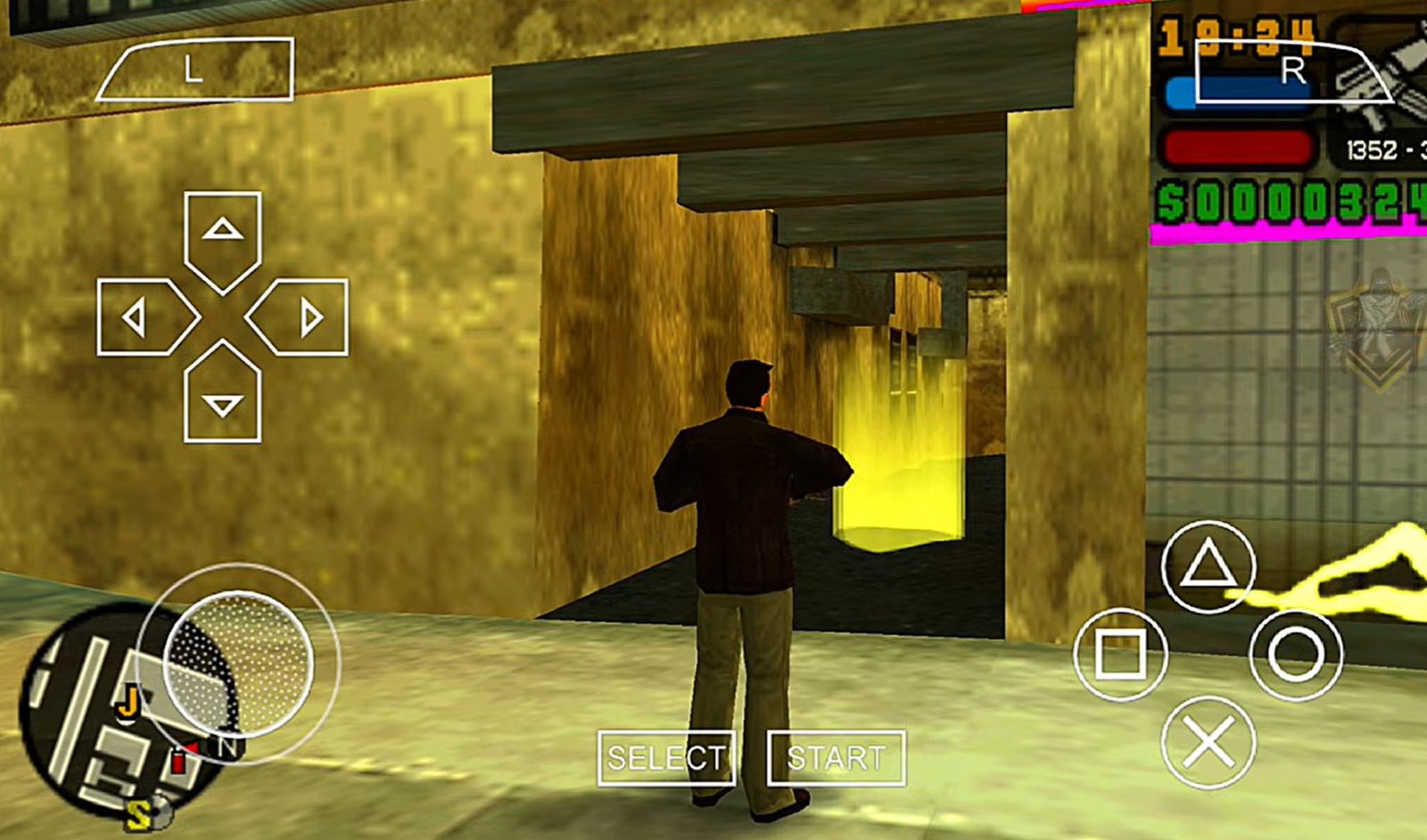
Screenshots and Images from my Redmi Note 10 Pro:
Minimum Hardware Requirements
Modern smartphones can emulate PSP games easily, but to get full speed (30 fps) without overheating your device, aim for these baselines:
| Component | Minimum Requirement | Recommended |
| OS | Android 5.0+ or Windows 10/11 | Android 10.0+ |
| RAM | 2 GB | 4 GB or higher |
| Processor | Quad-Core (1.5GHz) | Octa-Core (Snapdragon / MediaTek) |
| Graphics | Vulkan Backend Support | Vulkan Backend Support |
Download Links:
DOWNLOAD GTA Liberty City PSP PPSSPP ISO COMPRESSED (70MB)
No Password
DOWNLOAD GTA Liberty City PSP PPSSPP ISO COMPRESSED (60MB)
Password: bySKTECHTARGET
DOWNLOAD GTA Liberty City PSP PPSSPP ISO COMPRESSED (250MB)
Password: BY PRIYANSHU
How to Extract the Game Files
When you first download the game onto your phone, it will be in a compressed .7z (7-Zip) format. The PPSSPP emulator cannot run this directly; you must extract it into an .ISO format.
To do this, you will need a file manager on your phone. You can use the EX File Explorer or ES File Explorer/Manager. I highly recommend using ES File Manager because it is incredibly user-friendly, and it’s what I am using for this demonstration.
Step-by-Step Extraction Guide:
Open your File Manager and locate your downloaded
.7zfile.Long-press on the file to select it.
Tap on More (usually three dots) in the bottom corner.
Click on Extract to.
Select Current path and press OK.
Optimized PPSSPP Settings for Low-End & Mid-Range Phones
To eliminate lag, audio crackling, and frame drops, apply these configurations within the PPSSPP settings menu before playing.
So let’s get into the settings. I’ll show you all the important things which I changed and which actually make a difference.
Performance Benchmark & Hardware Context
Target Frame Rate: Locked 30 FPS (even during heavy explosions and busy intersections).
Game Speed: 99% – 100% full speed.
Control Input: Xbox One Controller (works out of the box with standard control mapping).
Core PPSSPP Graphics Settings
| Feature | Recommended Setting | Why It Matters |
| Backend & Mode | Buffered Rendering | Setting this to Skip Buffer Effects causes constant black screen glitches. |
| Frame Skipping | Off | Prevents visible frame drops and maintains smooth motion. |
| Alternative Speed | 600% (or set to 2) | Leaving speed Unlimited causes noticeable performance drops. |
| Postprocessing Shader | Off | FXAA and extra shaders severely degrade performance and look blurry. |
| Rendering Resolution | 3x PSP ($1440 \times 816$) | 1x ($420 \times 272$) and 2x ($960 \times 544$) are too blurry on desktop displays; 4K causes severe lag. |
| Texture Upscaling | Medium | Strikes the right balance between improved textures and frame stability. |
| Anisotropic Filtering | Off | Default 16x filtering plummets game performance. |
| FPS Counter | Both (Speed + FPS) | Useful for monitoring performance spikes during recording or testing. |
System & Audio Configurations
Audio Latency: Set to Low. Leaving this on High causes game sound to desync from the video stream.
Fast Memory: Set to On for faster memory access during open-world streaming.
Emulated PSP Clock: Set to 1000. The default setting (0) causes severe in-game lag; setting it to 1000 restores normal game speed.
Real Gameplay Performance & Trade-Offs
Using these settings balances smooth performance against the limitations of an older game engine:
Pop-In: You will notice vehicle and building pop-in while driving. Attempting to reduce pop-in by tweaking draw distances will significantly hit your frame rate.
Intersections & Explosions: Tested at the busiest intersections and during multi-car explosions, the frame rate stays steady at 30 FPS without noticeable drops.
Recording Impact: These settings leave enough hardware overhead to record gameplay simultaneously without dropping frames.
How to Install Cheat Codes (cheat.db)
Download a compatible
cheat.dbfile matching your game region code (e.g.,ULUS-10041for the US version).Move or copy the downloaded file into your phone storage under
PPSSPP > SYSTEM.Open PPSSPP, load the game, open the Pause Menu, go to Settings > System, and check the box for Enable Cheats.
Access the custom cheat menu mid-game to spawn, change weather, or grant max money.