
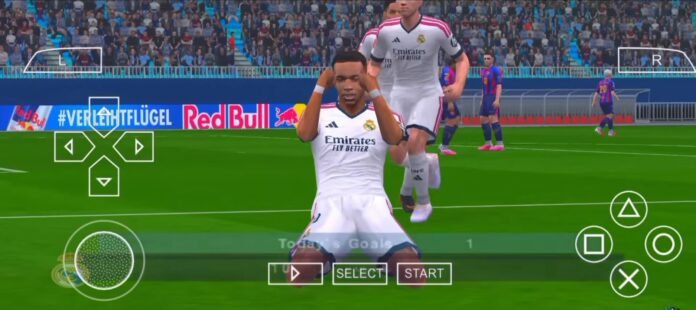

Yo, hello everyone, wherever you are! It’s been quite a long time since I last made content for EFB PSP, but today I’ve finally found a brand new release to share with you guys. Today, we are diving into a comprehensive guide and release featuring eFootball PES 2026 / 2027 running on the PPSSPP emulator. No matter what smartphone you use—whether it’s Android or iOS—this guide is built for you.
Today, I’m also dropping an exclusive update version that has been sitting here finished for about two weeks. It features newly updated Premier League kits—specifically the first kits—following our previous work on La Liga. I didn’t want to keep it hidden away or leave it unposted, so I’ve decided to share it with you all today! Whether you’re a die-hard PES fan or love the classic portable football versions, you can now replay these cult-classic games completely offline, complete with:
Updated 2026/2027 Season Transfers & Jerseys / Kits
Stunning Game Modes: UCL Mode (UEFA Champions League), Career Mode, Beckham Legend Mode, League Cup, and Master League
Realistic Stadiums & Graphics
Multilingual Commentary (French, English, Spanish, and more)
Custom PS4 or PS5 Style Camera Angles (Note: If you play “Become a Legend” mode, make sure to use the normal camera settings so it doesn’t glitch while you play!)
The best part? No PC required, and no internet connection needed after the initial installation—everything runs locally on your mobile device.
To put this build to the test, I’ll be running it on my Redmi Note 10 Pro—a reliable mid-range workhorse powered by the Snapdragon 732G and Adreno 618 GPU. If it runs smoothly here, I can confidently confirm this setup will fly on almost any modern Android device. Grab your controller or prep your touch controls—let’s dive straight into the action!
Important Disclaimer These are modded versions of old PSP games, not official releases of the latest Pro Evolution Soccer (PES) games. That means they are basically updated versions with new graphics, players, and features made by fans. So, don’t expect exact original gameplay like the console versions. But honestly, they still look amazing and are super fun to play on mobile.
Game Modes & Features PES 2027 PPSSPP Mod Pack Highly Compressed:
Let’s take a closer look at everything this powerhouse update has to offer. Whether you are chasing glory in Europe or building your legacy from the ground up, this build brings the classic portable football experience to an entirely new level.
Available Game Modes
This release is packed with all your favorite ways to play, ensuring endless hours of offline entertainment:
UCL Mode (UEFA Champions League): Experience the ultimate European club competition with authentic tournament structures, official branding feel, and smooth performance that runs without any bugs.
Master League: Take complete control of your favorite club. Manage transfers, finances, training, and match tactics as you build a legendary dynasty over multiple seasons.
Career Mode & Beckham Legend Mode: Step into the boots of a single player or manage your own footballing journey. (Note: If you play “Become a Legend” mode, make sure to switch to the normal camera settings to avoid any visual glitches while playing!)
League & Cup Competitions: Dive straight into domestic league battles or knockout cup tournaments across Europe’s top leagues.
Key Features & Visual Upgrades
Full Season Transfer Updates: Keep your squads completely up to date with the latest summer and winter transfer windows for the 2026/2027 season.
Updated Premier League & La Liga Kits: This version features freshly updated first kits for the Premier League, following our comprehensive work on La Liga jerseys.
Real Faces & Stunning Graphics: High-quality player likenesses and enhanced textures that make the pitch look incredible on mobile screens.
62 Immersive Stadiums: Enjoy a massive variety of detailed home grounds that bring every match to life.
Custom Camera Options: Switch up your viewing experience with tailored PS4 and PS5-style camera angles for that modern broadcast feel.
Multilingual Commentary: Choose your preferred commentary language pack—including French, English, Spanish, and more—to match your broadcast style.
100% Offline Play: No internet connection is required after the initial file setup, letting you play anytime, anywhere on your Android or iOS device.
Screenshots and Images from my Redmi Note 10 Pro:

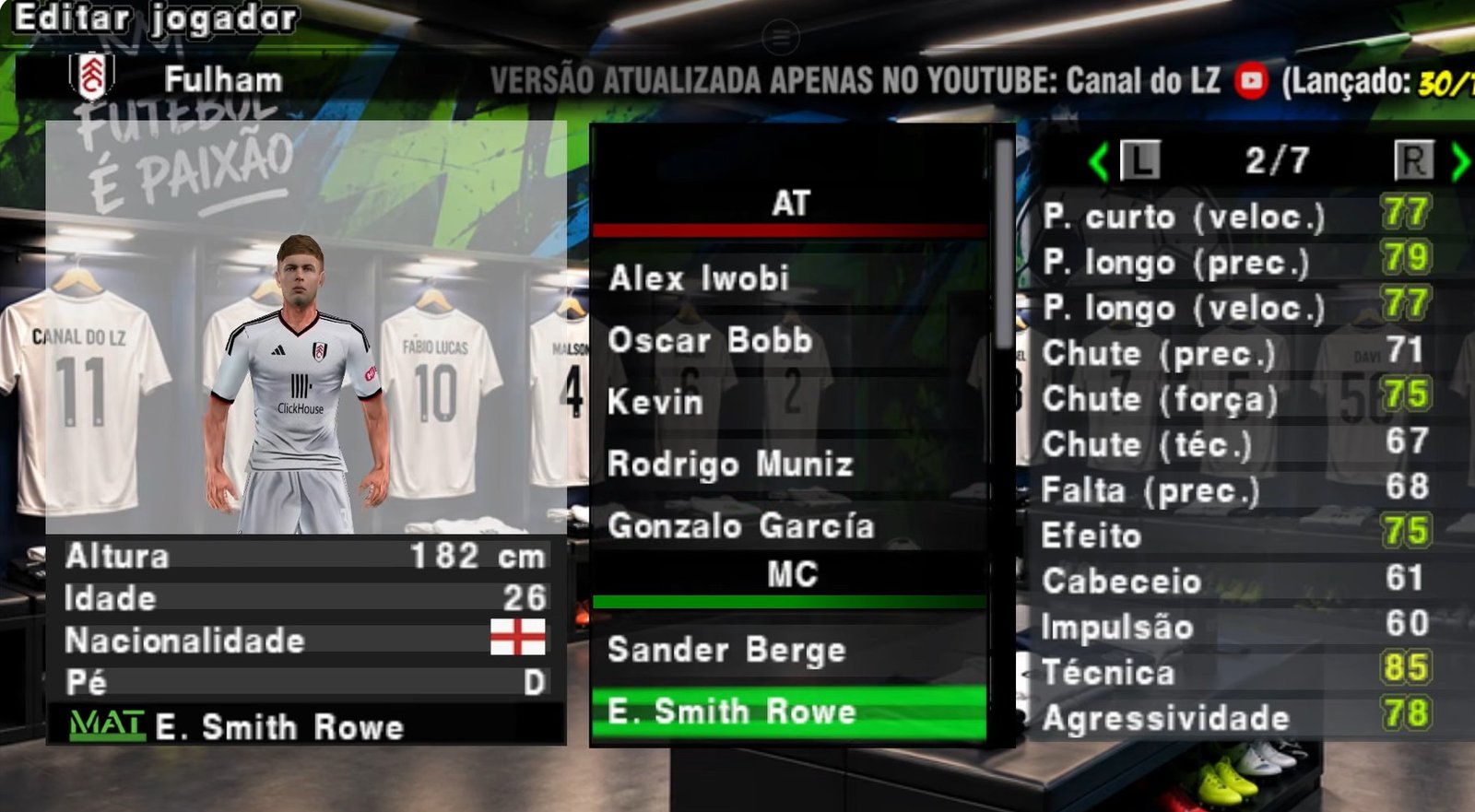
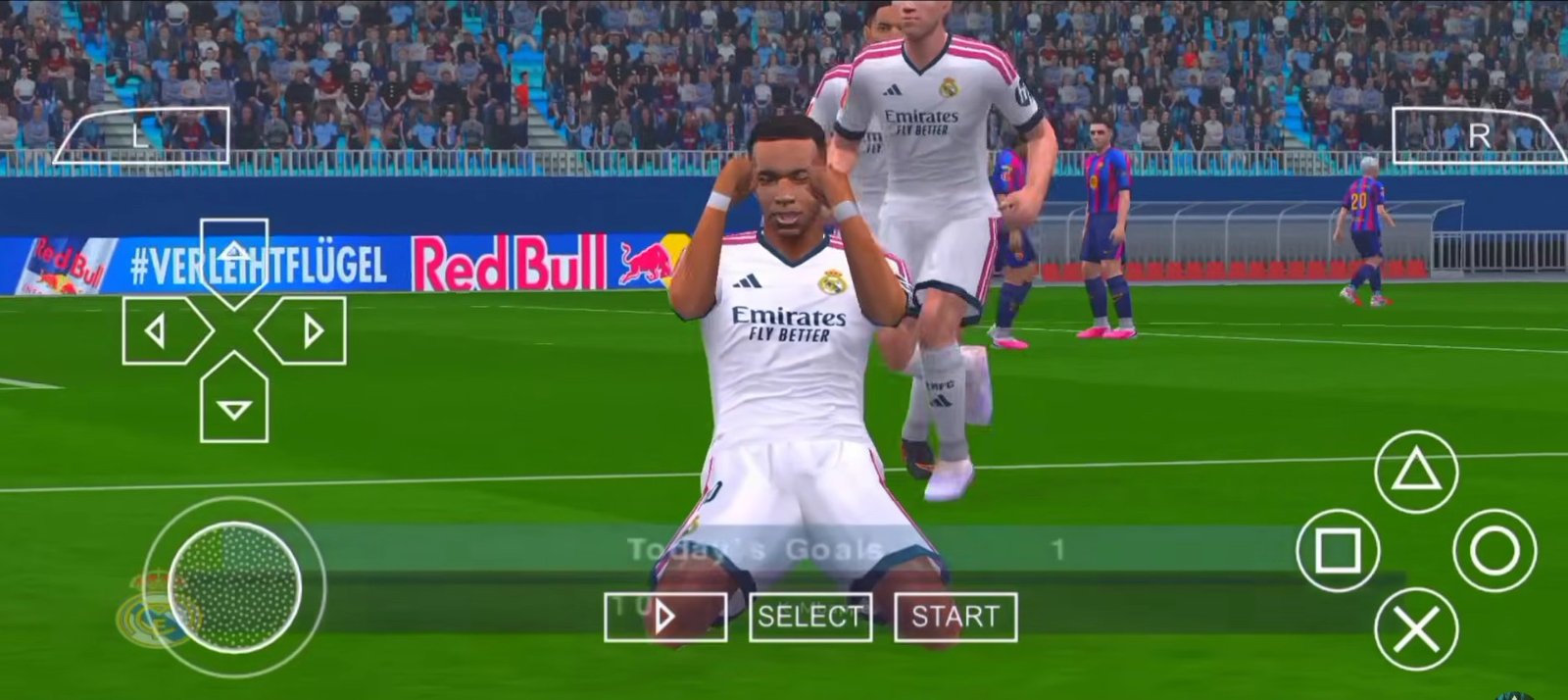
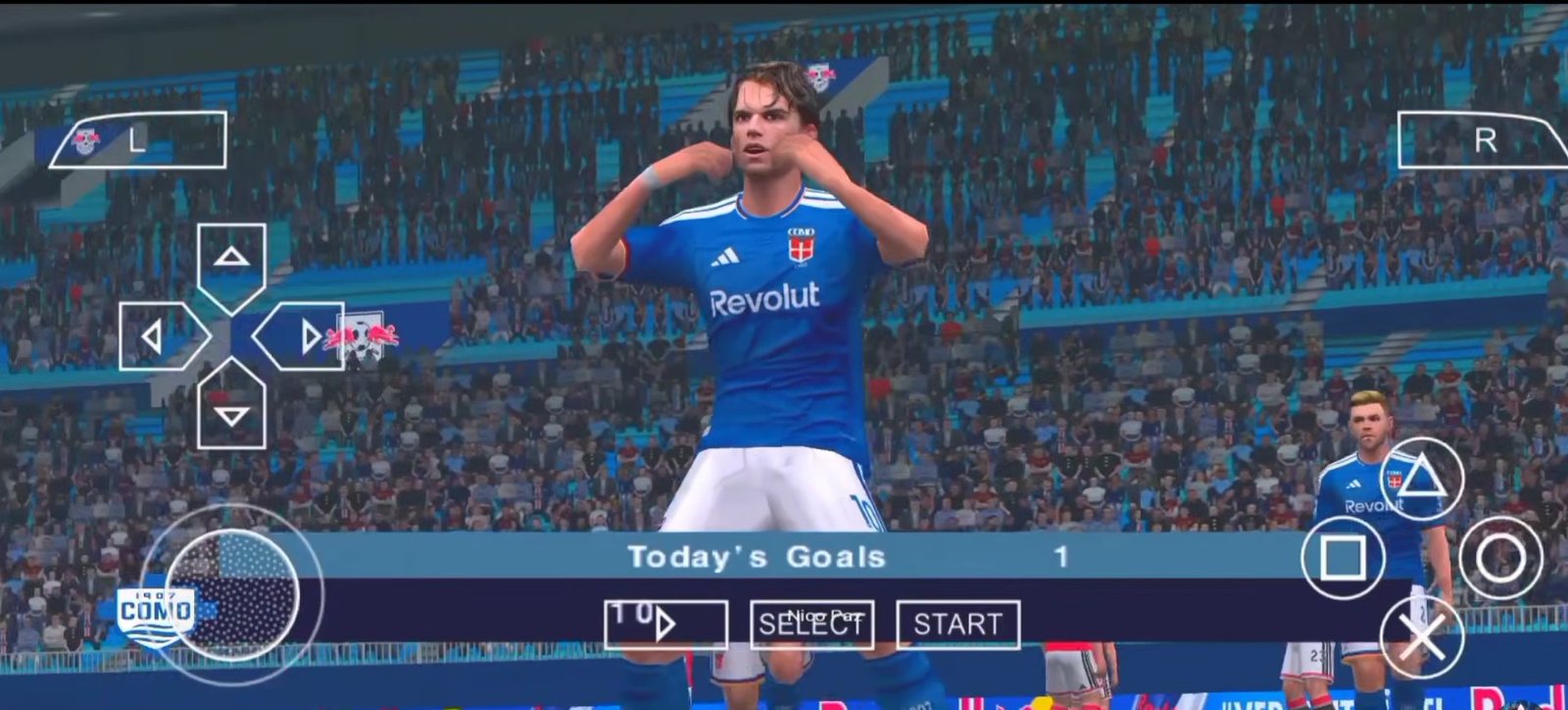
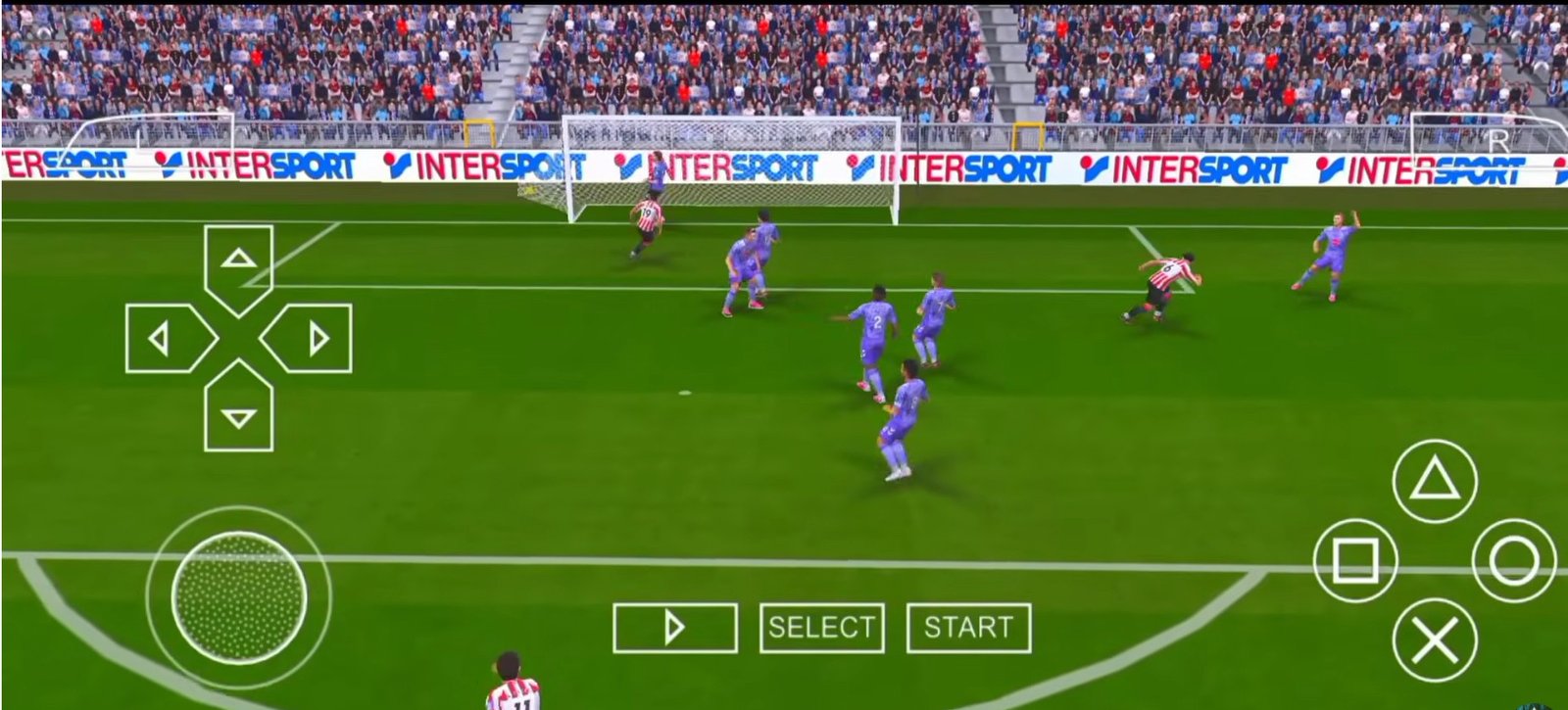
Gameplay Review & Performance on the Redmi Note 10
To give you an honest look at how this build performs in real-world conditions, I put it through its paces on my Redmi Note 10 (powered by the Snapdragon 678 and Adreno 612 GPU). As a reliable mid-range device, it’s a great benchmark for how well optimized this version really is.
Here is how the game holds up on the pitch:
Performance & Frame Rates
Smooth 60 FPS Action: Right from the menu navigation to full match play, the game runs remarkably smooth. Even with the heavy texture packs and custom stadiums loaded, the PPSSPP emulator handles everything without severe stutters.
No Lag in Heavy Modes: Whether you’re playing a high-intensity UEFA Champions League (UCL) knockout match or grinding through Master League, performance remains stable. Menus load quickly, and transitions are seamless.
On-The-Pitch Dynamics & Mechanics
Responsive Controls: Passing, shooting, and dribbling feel crisp. Link-up play—like executing quick one-twos through the midfield or finding wingers making deep runs—feels responsive and true to the classic PES engine.
Visuals & Stadium Atmosphere: The combination of real player faces, updated kits (including the fresh Premier League first kits), and the custom PS4/PS5 camera angles completely transforms the PSP experience. It genuinely feels like playing a modern console game on a mobile screen.
Audio & Commentary: Hearing the multilingual commentary packs paired with the crowd noise adds incredible immersion. Just remember: if you dive into Become a Legend mode, switch back to the standard camera angle to avoid minor tracking glitches!
Overall, if this build runs this smoothly on a standard Redmi Note 10, it will effortlessly fly on almost any modern smartphone you throw it at.
Requirements:
The 3 Apps You Need
Getting started is simple. Just make sure you install these three apps first:
- PPSSPP Emulator: The core emulator that actually runs the game on your Android phone or PC.
- ZArchiver: A file manager utility used to extract the downloaded game archives.
- The Game ISO, Savedata, and Texture Pack Download them below:
Download Links
Download eFOOTBALL PES 2027 PPSSPP (PSP) ISO Game File + SaveData from wapzola (600MB)
Download eFOOTBALL PES 2027 PPSSPP (PSP) ISO Game File + SaveData Mediafire (Wapzola) (700MB)
How to Install and Play
Download: Make sure you have download all the required files. Grab the ISO file, textures/savedata and the PPSSPP Emulator from the links above.
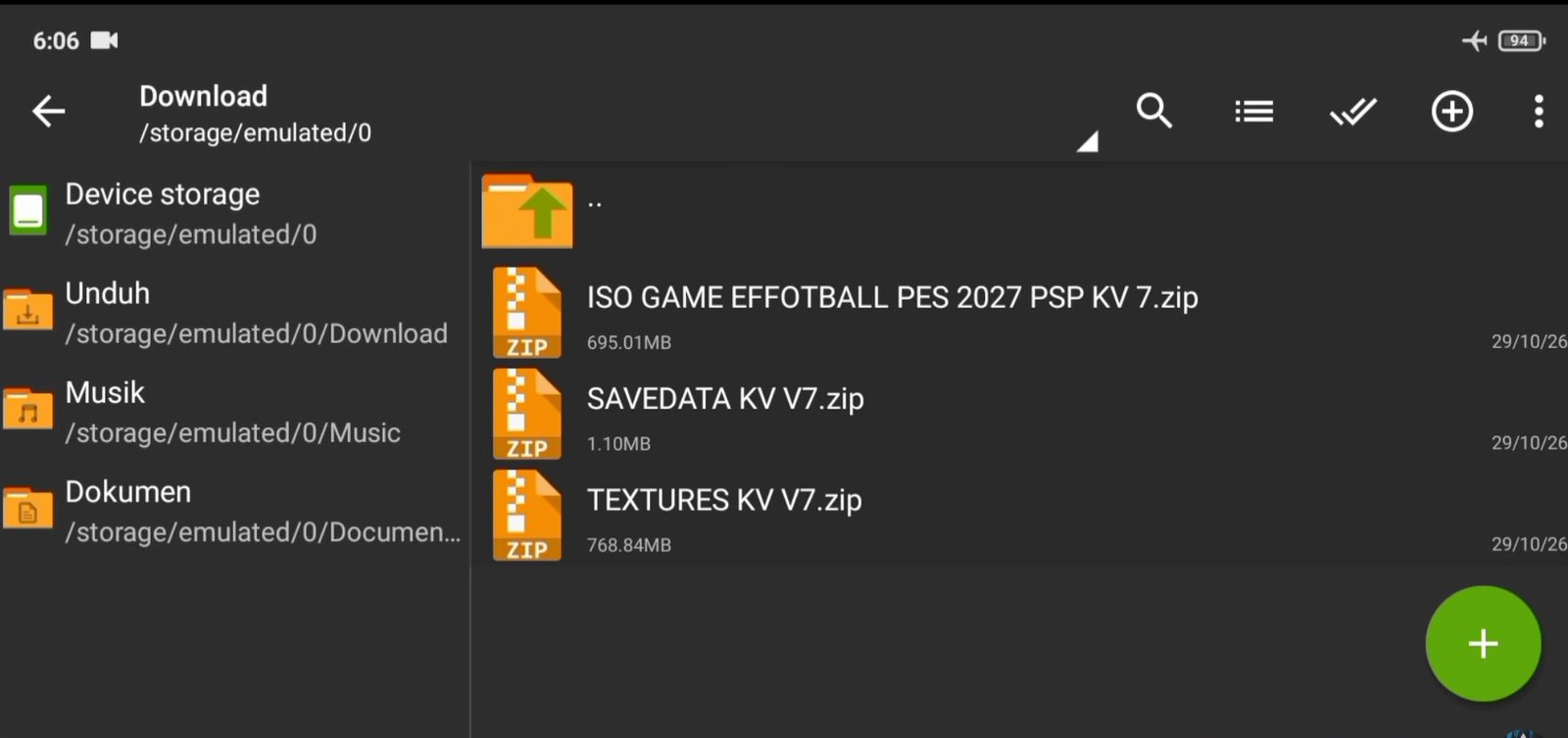
Using a file manager copy your main game iso file from where you have downloaded it and paste it int the PPSSPP game folder on your device. The root path, should be like this: /storage/emulated/0/PSP
Extract: You will need to Extract the main game file because it is in ZIP Format to ISO. You also need to extract the Pes savedata/texture pack because the file is in .zip format. Open Ex File explorer, locate the downloaded file, and extract it to a folder (e.g., Internal Storage/PSP/GAME). You will need to paste the extracted folder to the /storage/emulated/0/PSP all the extracted files like Textures, cheats, and Savedata will automatically go into the appropriate folders.
If you check inside your Internal Storage/PSP/TEXTURES/, you should see the PES 26/27 folder, and the PES in the savedata folder respectively.
Booting up PES 2026 / 2027 in PPSSPP
- Launch the PPSSPP Emulator on your device.
- Navigate to the Games tab, select Browse, locate your designated PSP folder, and tap Use This Folder to grant storage permissions.
- The custom Pes icon will appear on your dashboard. Tap it to start the game.
- Important Check: Make sure you see the “Texture replacement pack activated” notification pop up on the screen during startup. This confirms that the PES 2026 or 2027 textures are loaded properly instead of the default base game.
PPSSPP Emulator Settings & Setup
Using a proper PPSSPP build (such as the Play Store version or a custom PS4-button layout edition) requires specific tweaks to avoid crashes, lagging, or a black screen:
- Graphics Backend: Change the Backend option to OpenGL. This mod pack does not support Vulkan.
- Frame Skipping: If you experience choppy audio or lagging during entrances or gameplay, adjust Frame Skipping. Enabling Auto Frame Skipping is recommended so the emulator automatically balances frame drops based on your phone’s processor.
- System Settings: Uncheck Fast Memory (unstable) under System settings. Keeping this checked will cause crashes, severe lag, black screen issues, and screen flickering.
- Texture Settings: Ensure Lazy Texture Speedup is unchecked, which is the primary fix for screen-flickering bugs during entrances.
- Touch Controls: If touch buttons are invisible, go to Button Opacity and set it to around 64%–65%. You can also adjust button positions via the Edit Touch Control Layout option.