
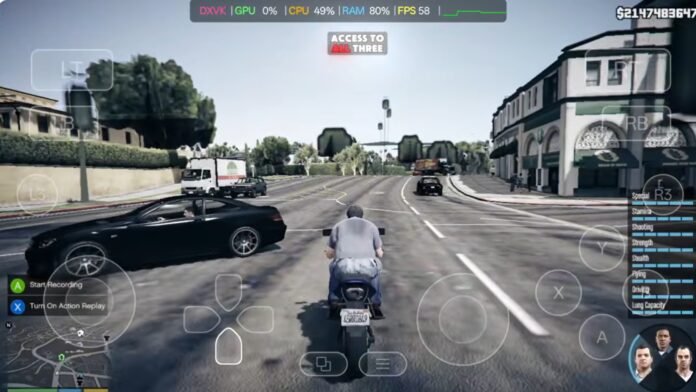

Hey gamers, welcome back to another Grand Theft Auto post! Today, we are playing GTA 5 on a mid-range Android device using a PC game emulator. Unlike the 2 GB or 7 GB compressed builds where you can only free-roam in a tiny unlocked map area, this is a 24 GB lite and the 43 GB full version that includes all playable missions! The textures are compressed to keep the file size manageable, but you get the complete game experience—free roam, story missions, and the entire map—running directly on your phone. We’ll be using the GameHub Windows emulator for Android. It is one of the best Windows emulators for emulating PC games like the GTA 5 highly compressed version on your mobile devices.
Pre-Requisites & Setup
- Connection: Ensure your Wi-Fi or mobile data is turned on before starting the initial setup.
- Emulator: This guide utilizes GameHub (the latest stable update). You can also use any other Windows PC emulator of your choice, i have make a comprehensive Guide on how to use them. Yo can check them out:
Setup Winlator 2.9 for Maximum FPS: Mali & Snapdragon Optimized
WinNative Emulator: Complete Setup & Performance Guide (Pre-Release)
- Storage: Have your highly compressed GTA 5 PC files ready in your internal storage.
Details About the 43 GB Lite version
- It weighs 43 GB compressed and 45 GB uncompressed
- Based on version 1.66
- Contains the Self Radio
- Contains Director Mode
- Higher audio quality
- Contains all missions and audio files
- It tends to have lower performance because it is more complete
Details About the 24 GB Lighter version:
- It weighs 22 GB compressed and 24 GB uncompressed
- Based on version 1.29
- The textures are more compressed and of lower quality
- It does not contain the Self Radio
- Does not contain Director Mode
- Lower audio quality
- Contains all missions and audio files
- It’s more optimized due to its cuts
Downloading the Game and the Emulator
To run PC files on Android, you need an intermediary. In this guide, we use the Game Hub Emulator.
- Important: Do not use the version from the Play Store, as it only supports cloud gaming and Steam linking.
- Action: Download and setup any of your desired Emulator by checking out any of our guides above to allow local file importing.
- Download the Grand Theft Auto V (GTA 5) 43 GB Full LITE version using the blue button:
- Download the Grand Theft Auto V (GTA 5) 43 GB Full LITE version using the blue button:
📊 Performance & Hardware Expectations
GTA V is a demanding PC game that struggles on many laptops, but mobile emulators handle this 24 GB light build surprisingly well when configured properly:
| Device Category | Target Processors | Performance Expectation |
| Mid-Range Devices | Standard octa-core chipsets | Averages 20+ FPS (playable experience) |
| High-End Devices | Snapdragon 8 Gen 3 (or 80+ series), Dimensity 8000+ | Up to 60 FPS |
Thermal Management Tips
- Device Heating: Emulating PC architecture on Android generates heavy thermal output.
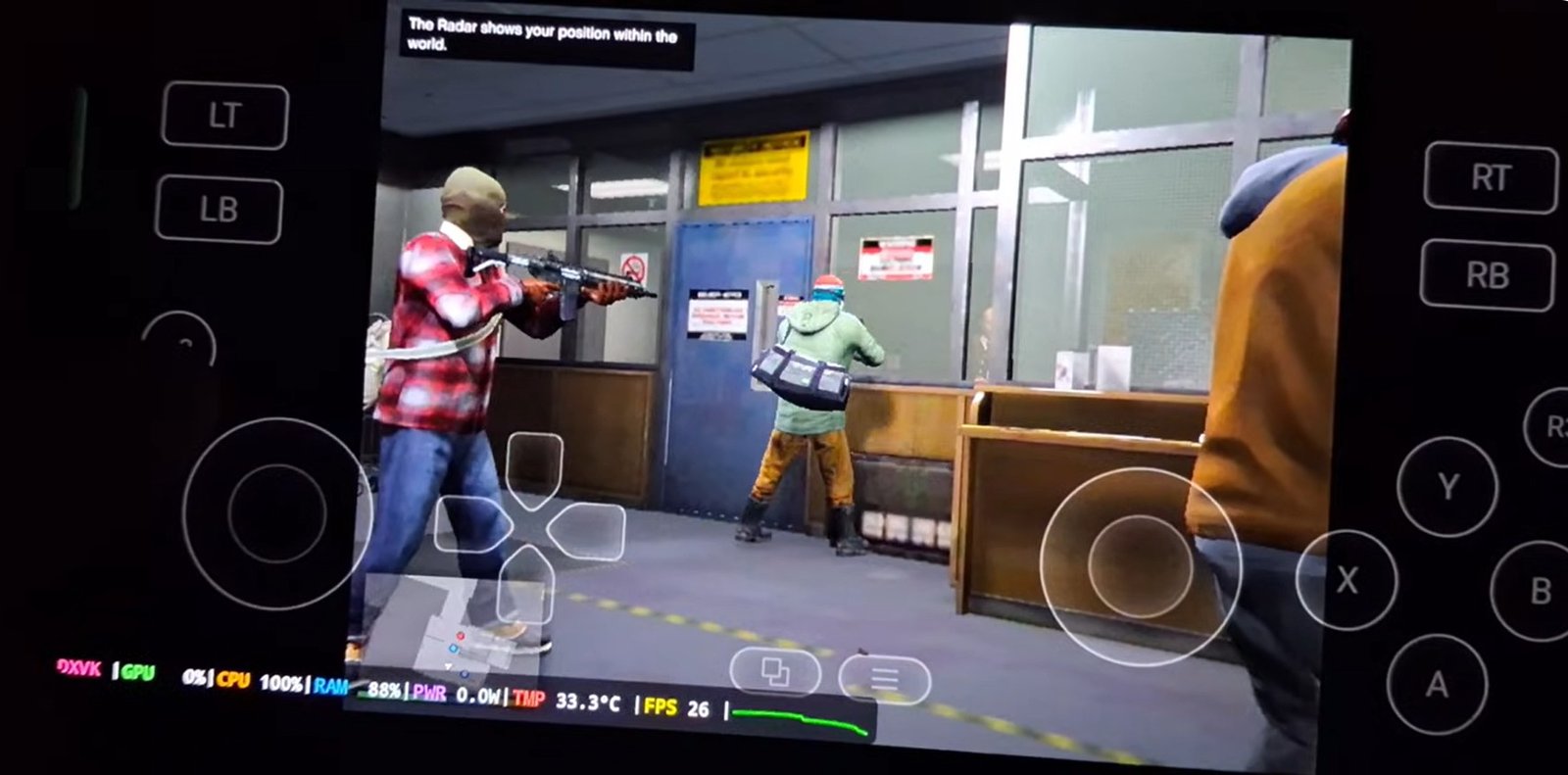
- Temperature Impact: At around 34°C, the game runs smoothly. As temperatures climb, thermal throttling kicks in and causes heavy lag.
- Cooling Fan & Controller: Using an external phone cooling fan prevents thermal throttling, while a Bluetooth gaming controller significantly enhances overall gameplay.
🛠️ Installation & File Setup Guide
Make sure to download any of the file you want either the 24gb or the 43gb file depending on the one you want, from the blue download button above, then extract the archive files on your storage.
1. Applying the Key & Loading Fix
- Open the extracted GTA 5 Fix Loading and Key folder.
- Select all files inside and tap Cut.
- Navigate to your main extracted GTA 5 directory.
- Open the
gta.datafolder, paste the copied files, select Apply to All Files, and tap Replace.
2. Importing the Game into the Emulator
- Open your Android PC emulator (such as GameHub).
- Navigate to Import Games > PC Games.
- Browse to your GTA 5 folder, enter
game data, and select theGTA5.exefile to add it to your home screen.
⚙️ Best Emulator Settings for GTA 5
Adjust these PC game settings inside the emulator before launching to maximize stability and frame rates:
- Resolution: Set to the lowest option, 800 x 600, for optimal performance.
- Translation Params: Keep set to Game Presets.
- DXVK Version: Select
DXVK 1.10.3 Async(for context on graphics translation layers, see DXVK on GitHub). - CPU Translator: Set to the latest available translator version.
- VRAM Limit: Set to 2 GB.
Once these settings are saved, step back to the home screen and launch the game. GTA 5 will boot up smoothly, allowing you to enjoy story missions and open-world gameplay on Android.
If this guide helped you out, leave a like, subscribe to our youtube channel here, and drop any questions in the comment section below.