
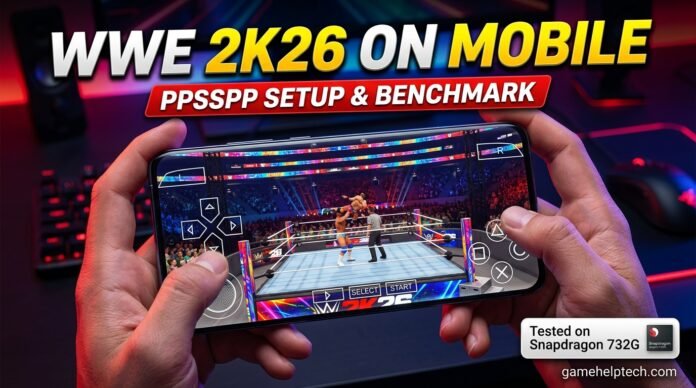

Welcome back to GameHelpTech! Today, we’re bringing WWE 2K26 to your mobile phone. What if you could step into the virtual squared circle with full console-style action right in the palm of your hand? Yes, you heard that right—using just the PPSSPP emulator, it’s totally possible. A brand-new WWE 2K26 PPSSPP Mod Pack has just dropped from the modding community, and we are diving deep. In this guide, I’ll cover the fastest, easiest step-by-step way to download and play, alongside optimal emulator settings, feature breakdowns, match setups, and game modes.
I’ll be testing this build on my Redmi Note 10 Pro—a reliable mid-range workhorse powered by the Snapdragon 732G and Adreno 618 GPU. If it runs smoothly here, I can confidently confirm this setup will fly on almost any modern Android device. Grab your controller or prep your touch controls—let’s hit the ring!
Important Disclaimer These are modded versions of old PSP games, not official releases of the latest WWE games. That means they are basically updated versions with new graphics, players, and features made by fans. So, don’t expect exact original gameplay like the console versions. But honestly, they still look amazing and are super fun to play on mobile.
Game Modes & Features WWE 2K26 PPSSPP Mod Pack Highly Compressed:
Once configured, the game boots into a modified main menu featuring Play, 2K Central, My Career, Creation, My WWE, and Wireless multiplayer options:
Roster & Arenas Breakdown
Launching the game brings up the WWE 2K26 main menu. The roster and arena selections offer several new updates:
- Roster Selection: Navigating the character list requires using the Left/Right arrows rather than Up/Down. The roster features updated superstars like Cody Rhodes, Randy Orton, Rey Fenix, Rey Mysterio, Roman Reigns, Seth Rollins, Sami Zayn, Shawn Michaels, Sheamus, Brock Lesnar, and Jacob Fatu.
Note: Superstars include custom Titantrons, entrance music, and special moves, though character render (PAG) loading may experience minor delays.
- Arenas: Over 20 arenas are available, including Money in the Bank, WrestleMania 41, alongside classic and updated versions of Raw and SmackDown.
- Visuals & Audio: Entrances feature custom themes, Titantron videos, commentary tables, and background commentary. While functional, character textures and gear show slight blurriness rather than top-notch graphical sharpness.
Game Modes & Compatibility
- Universe Mode: Fully functional with active storylines (such as SmackDown booking featuring Triple Threat matches, Tag Team bouts, and Cody Rhodes vs. Tama Tonga).
- MyRise / Road to WrestleMania: Features classic SVR 11-style WrestleMania storylines playable with superstars like Randy Orton, Cody Rhodes, Drew McIntyre, or Undertaker. The GM office interactions and cutscenes run smoothly without crashes.
- Creation Mode: Lets you customize storylines, superstar attributes, rivalries, entrance moves, and finishers.
- Online / Multiplayer: The online option is non-functional in this mod due to heavily modified save data. Local play requires ad-hoc hotspot setups using standard SVR ROMs.
- MyGM Mode: Functions as an advanced roster management tool. You can adjust superstar rankings, brand assignments (Raw, SmackDown, NXT), rivalries, and allies, though actual matches must be launched separately through the main Play menu.
Overall, the WWE 2K26 PPSSPP mod pack delivers a feature-packed experience for mobile wrestling fans despite minor visual texture limitations.
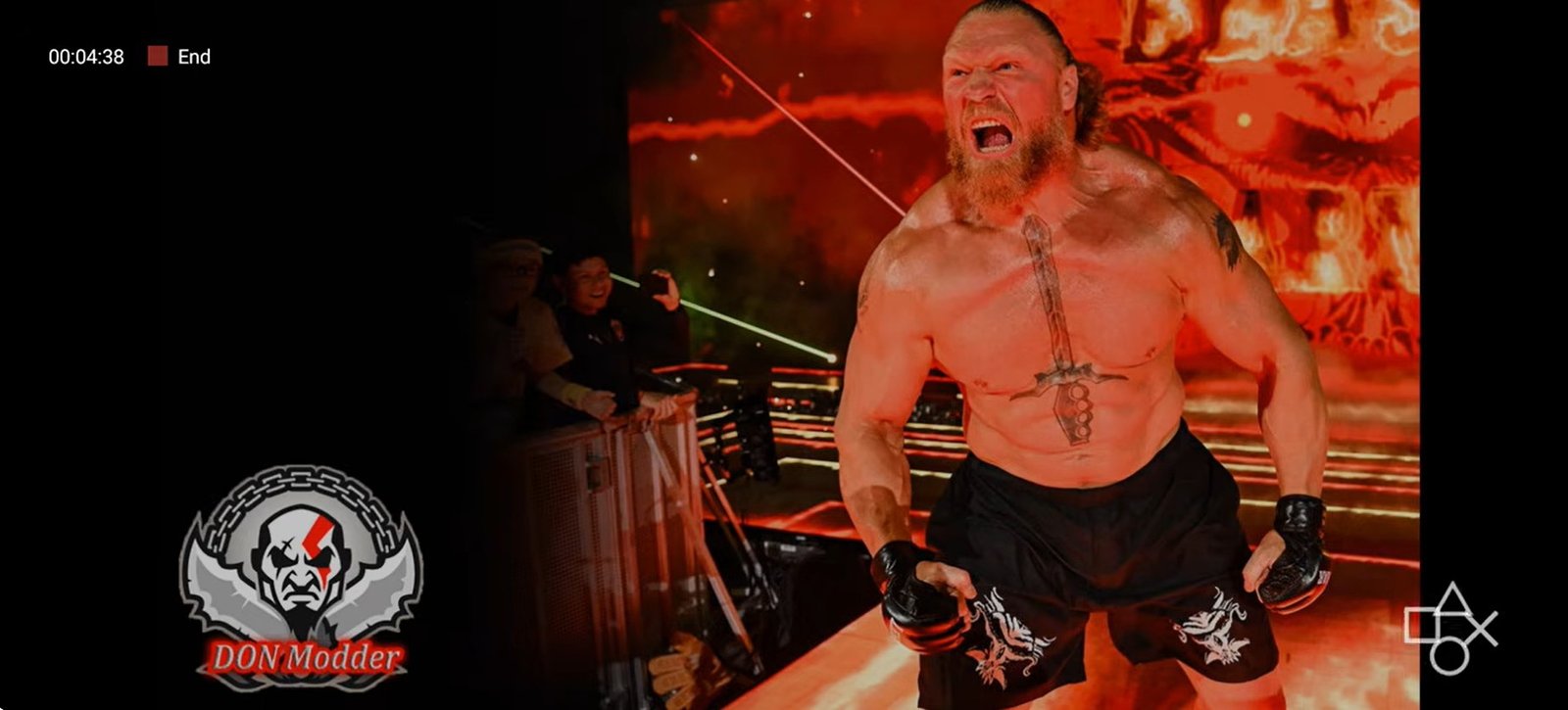
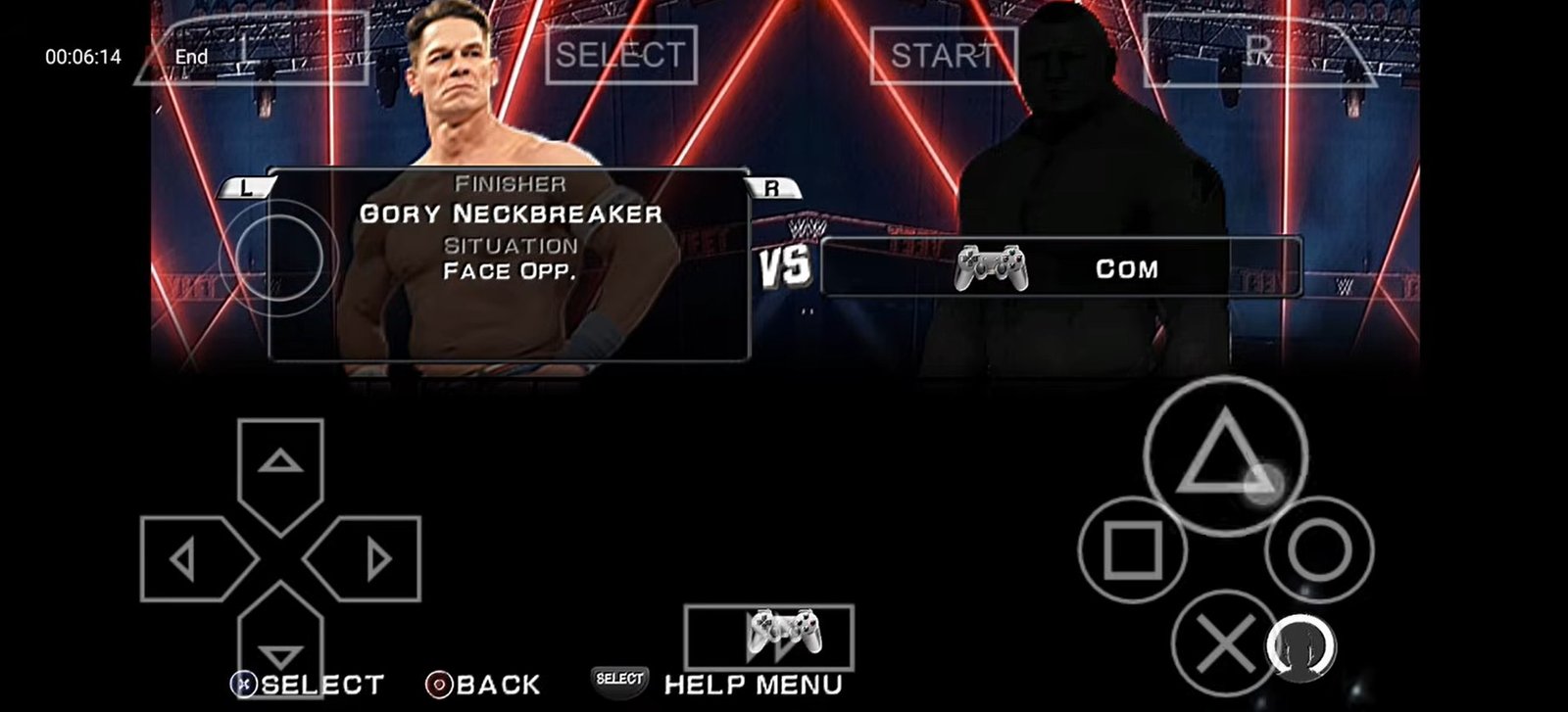
Screenshots and Images from my Redmi Note 10 Pro:
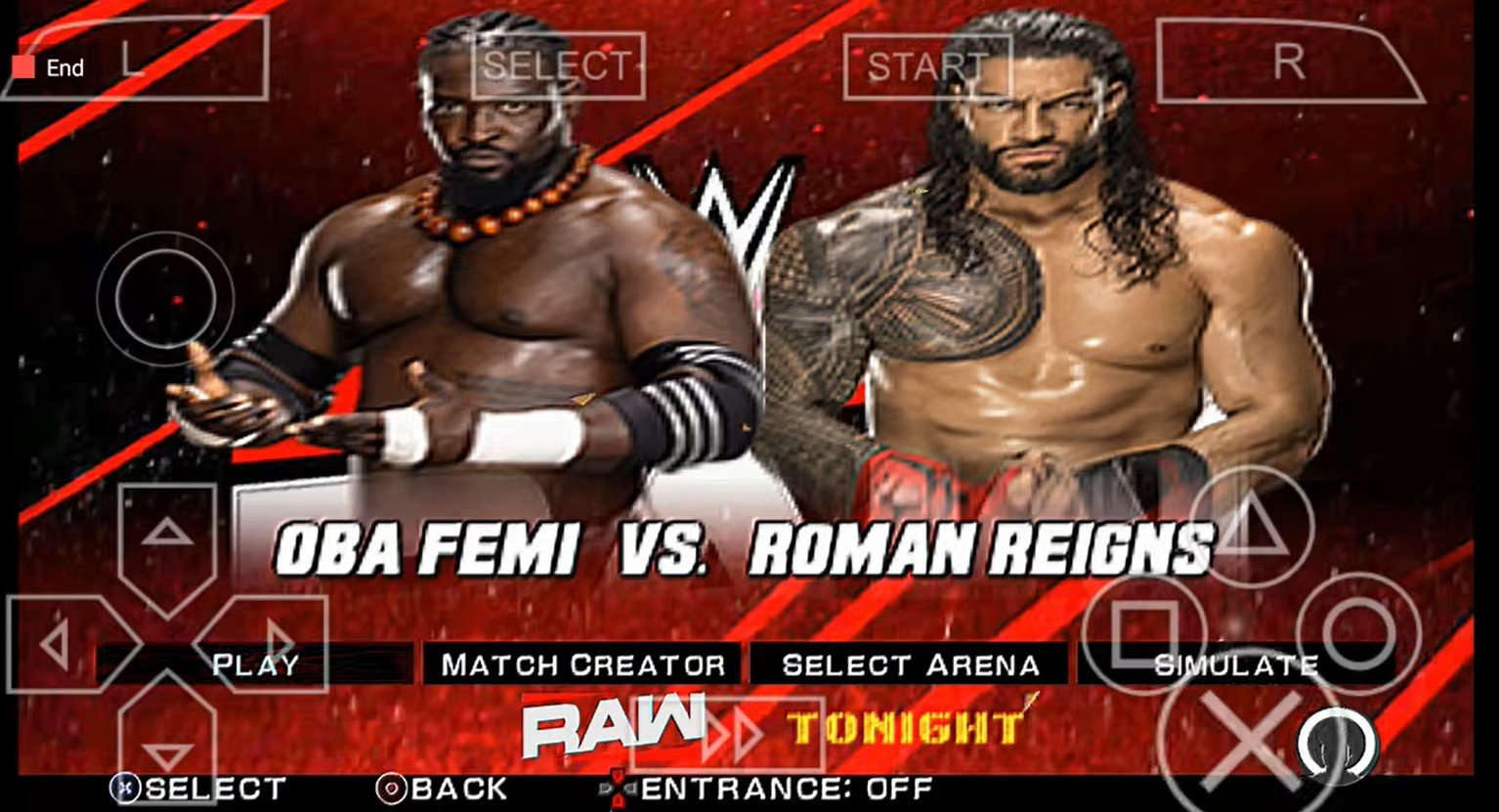
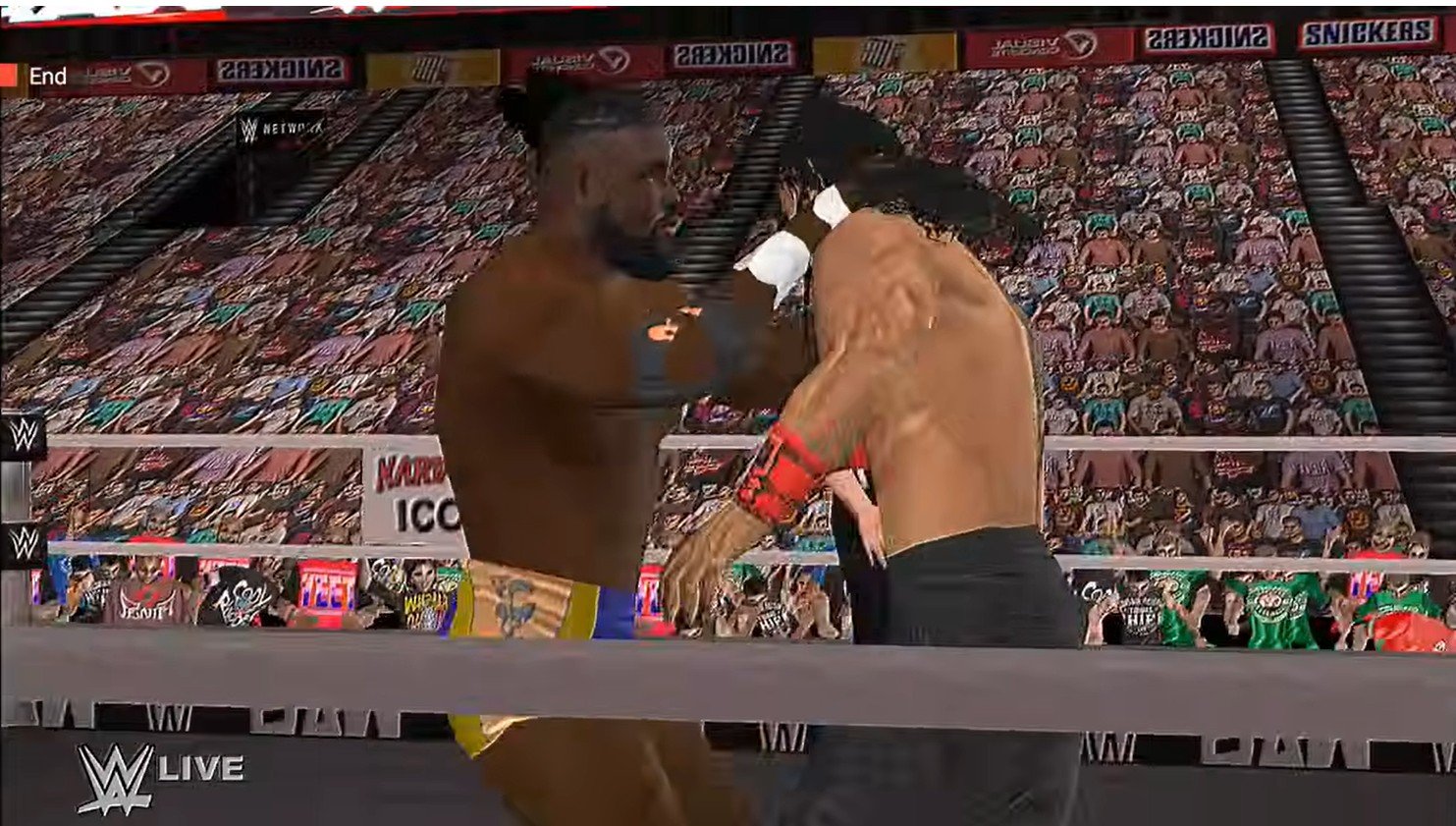
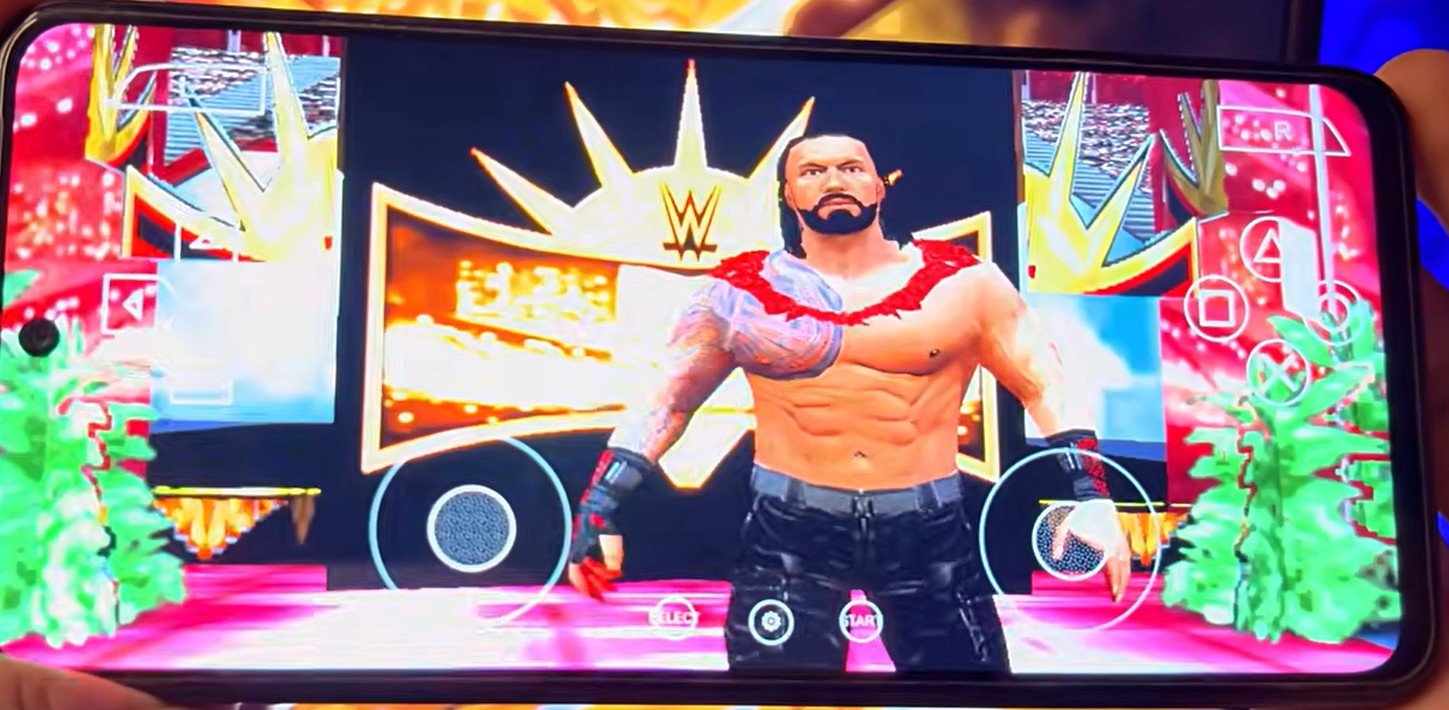
Requirements for 2026:
The 3 Apps You Need
Getting started is simple. Just make sure you install these three apps first:
- PPSSPP Emulator: The core emulator that actually runs the game on your Android phone or PC.
- ZArchiver: A file manager utility used to extract the downloaded game archives.
- The Game ISO, Savedata, and Texture Pack Download them below:
Download Links
DOWNLOAD WWE 2K26 SaveData and Texture Pack COMPRESSED Mediafire (1GB)(FULL VERSION)
DOWNLOAD WWE 2K26 ISO COMPRESSED (Only 2.7GB in Size)
How to Install and Play
Download: Make sure you have download all the required files. Grab the ISO file, textures/savedata and the PPSSPP Emulator from the links above.
Using a file manager copy your main game iso file from where you have downloaded it and paste it int the PPSSPP game folder on your device. The root path, should be like this: /storage/emulated/0/PSP
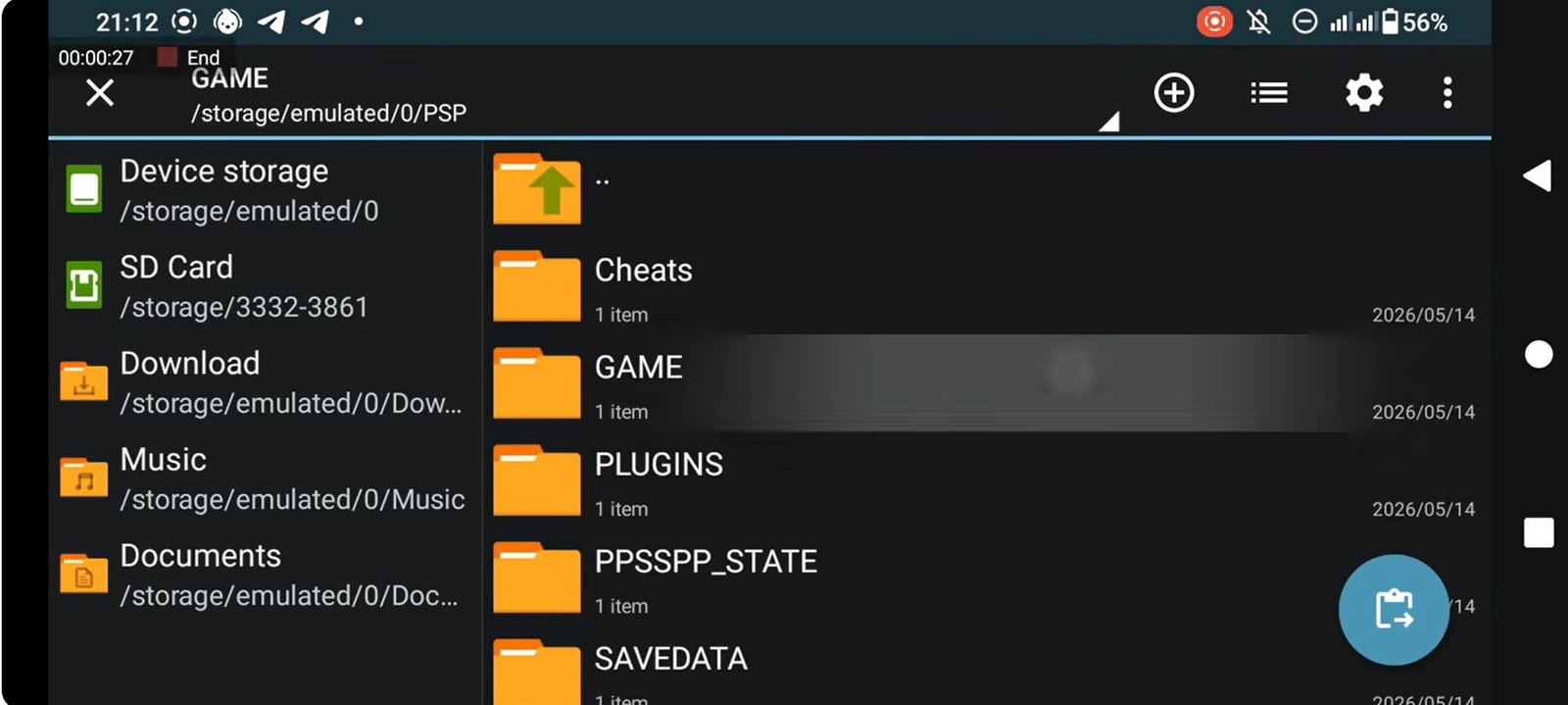
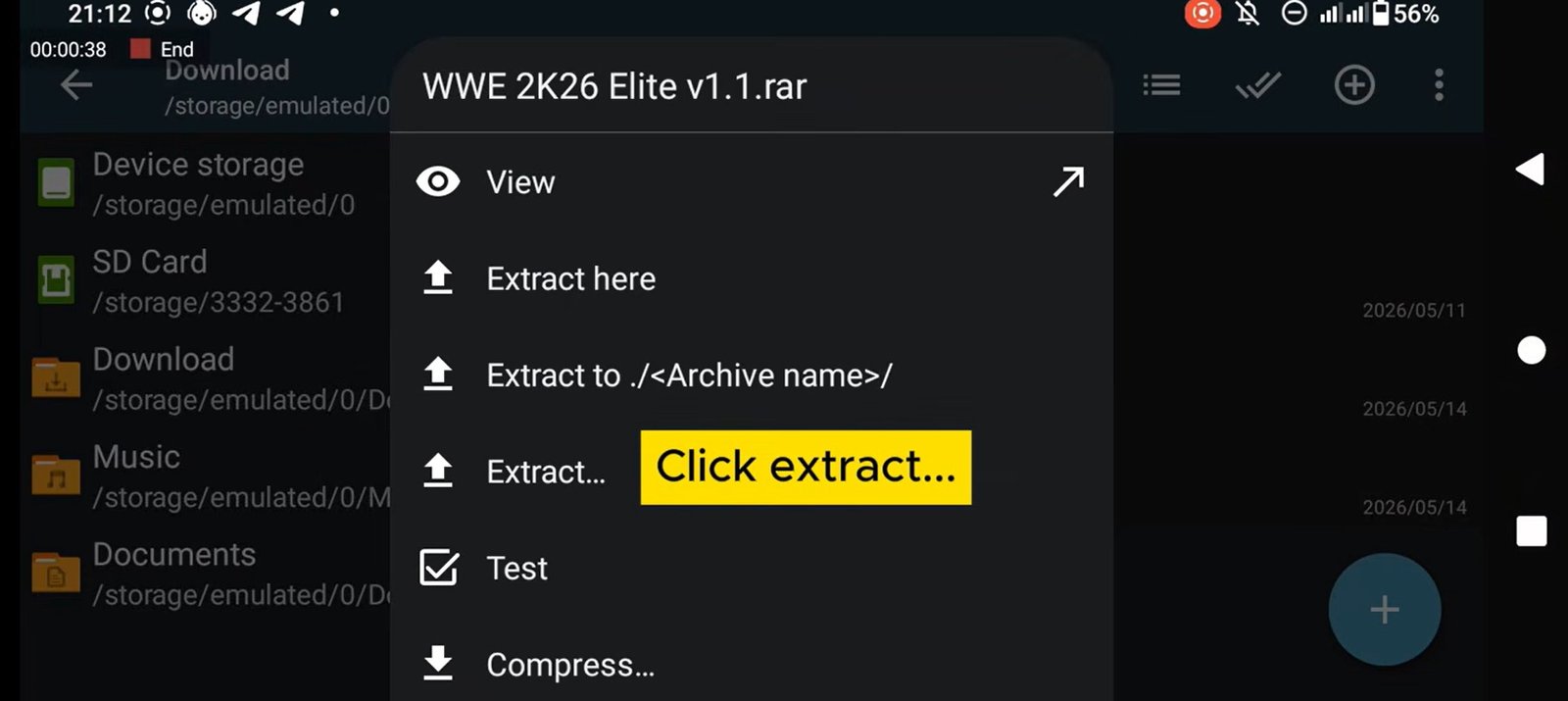
Extract: There is no need for you to Extract the main game file because it is already in ISO Format. You only need to extract the wwe 2k26 savedata/texture pack because the file is in .rar format. Open Ex File explorer, locate the downloaded file, and extract it to a folder (e.g., Internal Storage/PSP/GAME). You will need to paste the extracted folder to the /storage/emulated/0/PSP all the extracted files like Textures, cheats, and Savedata will automatically go into the appropriate folders.
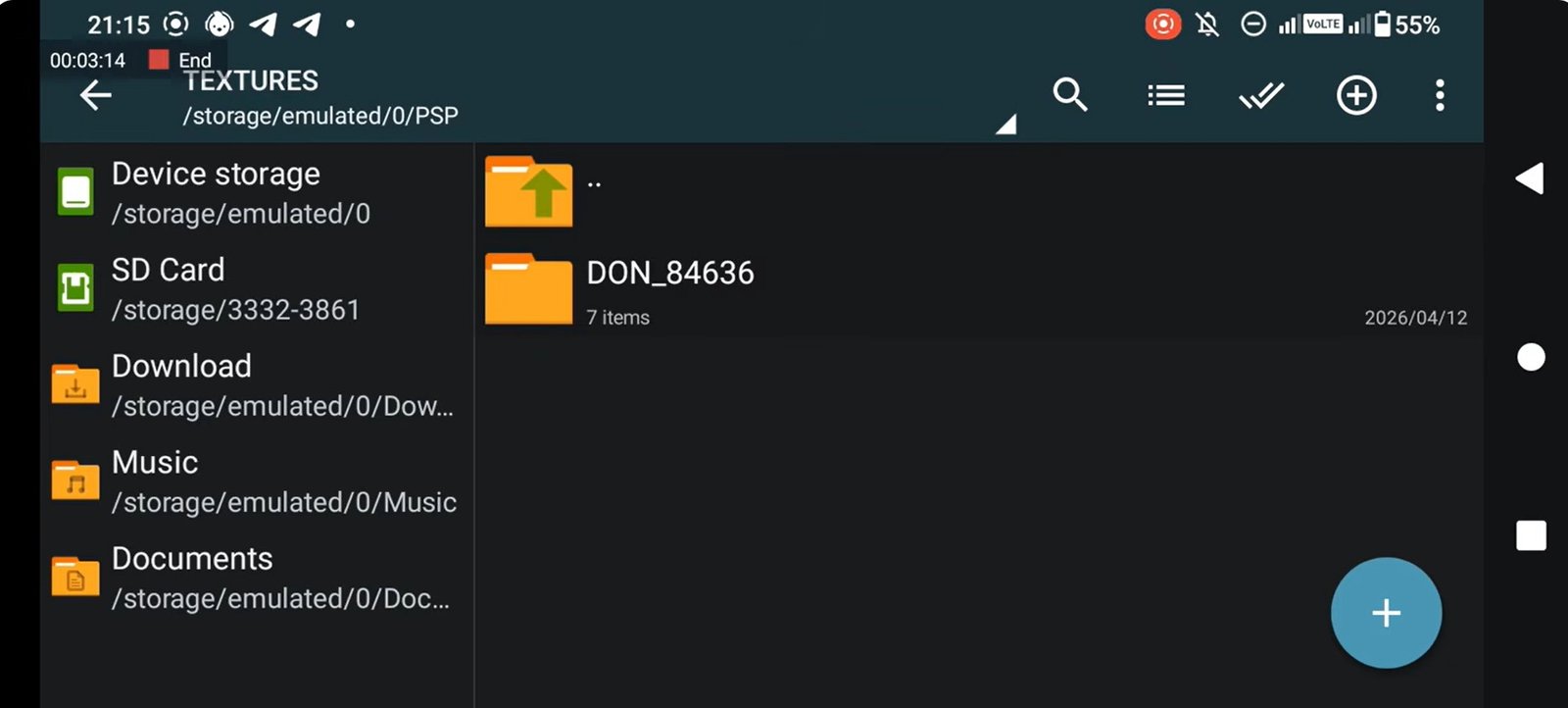
If you check inside your Internal Storage/PSP/TEXTURES/, you should see the DON_84636 folder, and the DON_846360000 in the savedata folder respectively.
Booting up WWE 2K26 in PPSSPP
- Launch the PPSSPP Emulator on your device.
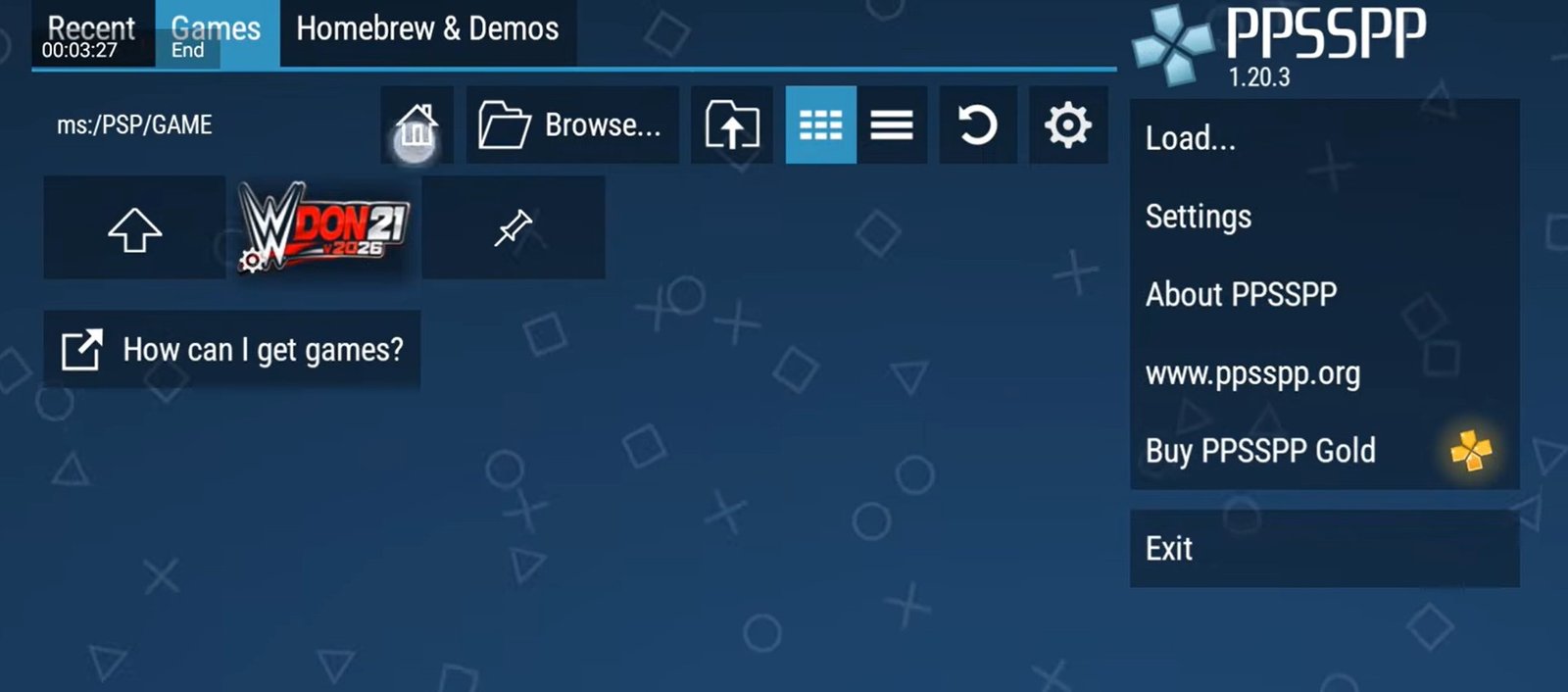
- Navigate to the Games tab, select Browse, locate your designated PSP folder, and tap Use This Folder to grant storage permissions.
- The custom WWE 2K26 icon will appear on your dashboard. Tap it to start the game.
- Important Check: Make sure you see the “Texture replacement pack activated” notification pop up on the screen during startup. This confirms that the WWE 2K26 textures are loaded properly instead of the default base game.
PPSSPP Emulator Settings & Setup
Using a proper PPSSPP build (such as the Play Store version or a custom PS4-button layout edition) requires specific tweaks to avoid crashes, lagging, or a black screen:
- Graphics Backend: Change the Backend option to OpenGL. This mod pack does not support Vulkan.
- Frame Skipping: If you experience choppy audio or lagging during entrances or gameplay, adjust Frame Skipping. Enabling Auto Frame Skipping is recommended so the emulator automatically balances frame drops based on your phone’s processor.
- System Settings: Uncheck Fast Memory (unstable) under System settings. Keeping this checked will cause crashes, severe lag, black screen issues, and screen flickering.
- Texture Settings: Ensure Lazy Texture Speedup is unchecked, which is the primary fix for screen-flickering bugs during entrances.
- Touch Controls: If touch buttons are invisible, go to Button Opacity and set it to around 64%–65%. You can also adjust button positions via the Edit Touch Control Layout option.